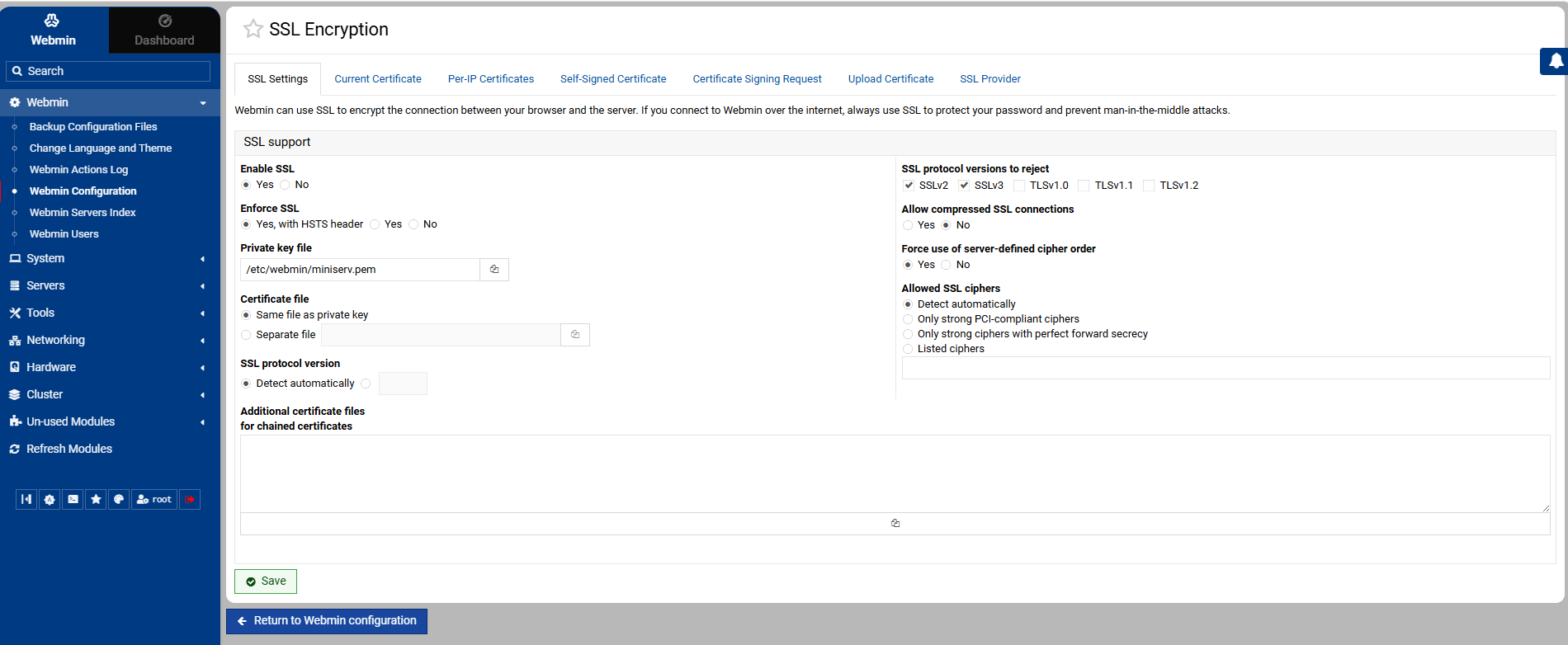
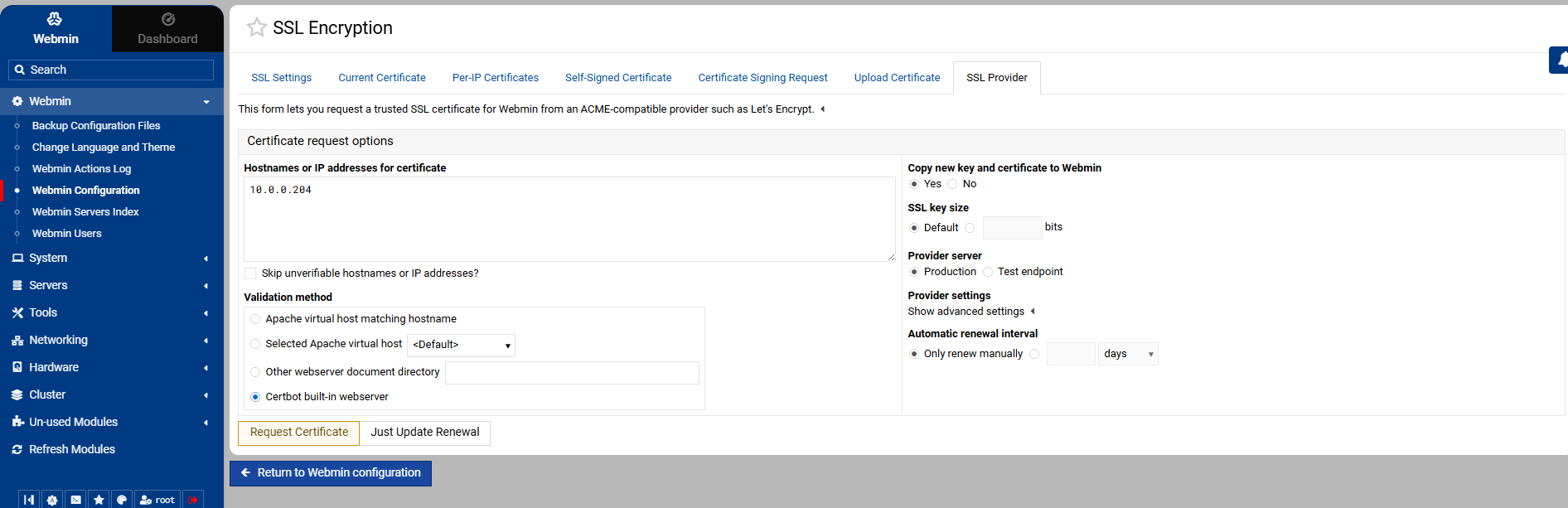
The Let’s Encrypt option in SSL Encryption is missing. I’m not sure if it’s due to my install being Webmin ONLY (no Virtualmin) or some other factor. I’ve installed Certbot manually via the terminal and verified and changed the path in the ACME provider configuration.
Could somebody point me in the right direction please?
I appreciate your help! All the info I managed to look up told me I was looking for “Let’s Encrypt”. I actually attempted to generate a SSL certificate from there earlier in the day but got an error.
is that IP address in the box the IP address you’re trying to get a let’s encrypt for ? 10.0.0.204 is a reserved IP address I would try to request a certificate using your public IP address