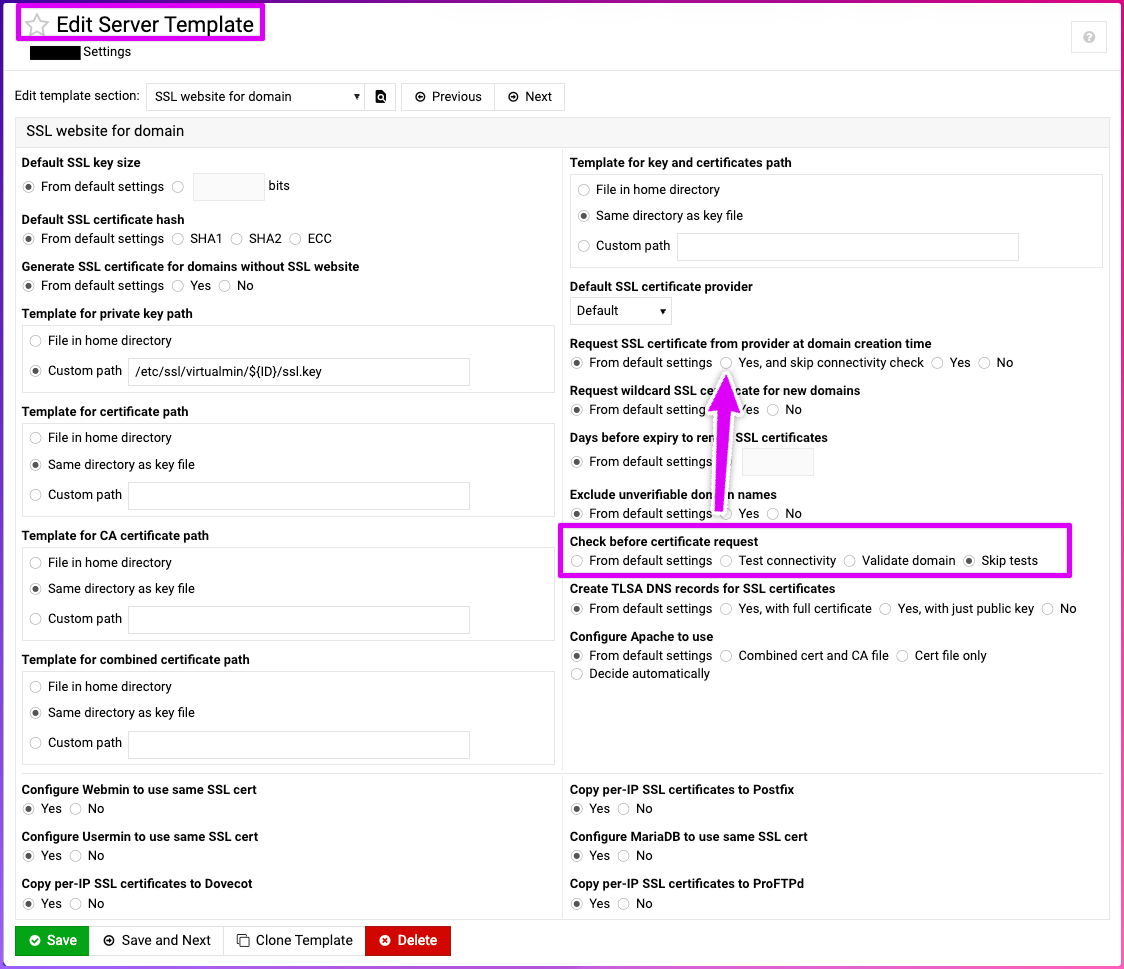
| SYSTEM INFORMATION | |
|---|---|
| OS type and version | Ubuntu Linux 24.04.3 |
| Webmin version | 2.610 |
| Virtualmin version | 7.50.2 Professional |
| Webserver version | Apache/2.4.58 (Ubuntu) |
| Related packages | SUGGESTED |
Let’s Encrypt used to be fully automated during Virtualmin domain creation. Now it’s failing with at least three errors during domain creation. The three errors are shown in bold below but summarised here:
connectivity check failed:
- Nameserver mismatch
- Website request failed
- Failed to ping IPv6 address
The curious thing is:
- This used to work.
- After creation, if you then immediately go to the Let’s Encrypt provisioning menu it always works.
So Manage Virtual Server → Setup SSL Certificate → Request Certificate always works even though during creation this always fails.
Here is typical output of domain creation. We do around 10 a day and it’s all the same behavior:
Setting Up Virtual Server
In domain example.com
Saving server details ..
.. done
Creating administration group example ..
.. done
Creating administration user example ..
.. done
Creating aliases for administration user ..
.. done
Adding administration user to groups ..
.. done
Creating home directory ..
.. done
Creating mailbox for administration user ..
.. done
Adding new DNS zone ..
.. done
Adding secondary zone on ns2.example.host ns3.example.host ns1.example.host ns4.example.host ..
.. done
...
Setting up initial SSL certificate ..
.. **connectivity check failed** : **Nameserver mismatch**, **Website request failed**, **Failed to ping IPv6 address**
Creating initial website index page ..
.. done
Re-loading Webmin ..
.. done
Applying webserver configuration ..
.. done
If we focus out attention on “Nameserver mismatch” for a moment, this is strange because WHOIS for the domain is 100% correct. These are .COMs are they are registered before Virtual server creation.
To the best of my knowledge the “strictness” of kicking of the Let’s Encrypt process is controlled by at least two configuration screens:
System Settings → Virtualmin Configuration → SSL Settings:
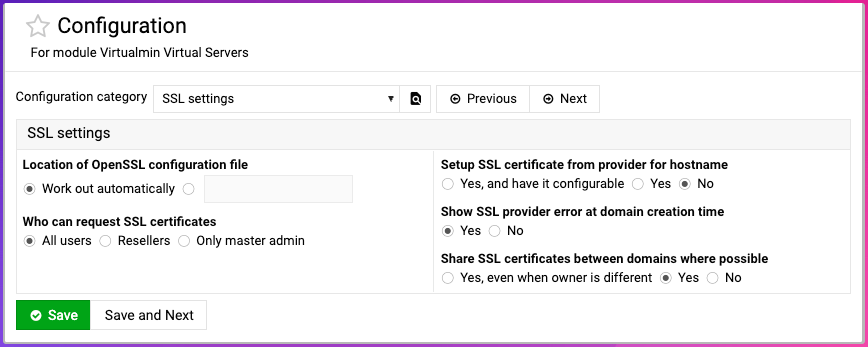
On that screen I don’t really see anything that can help me.
The other strictness configuration screen is controlled by manual creation menu:
Setup SSL Certificate → Request Certificate
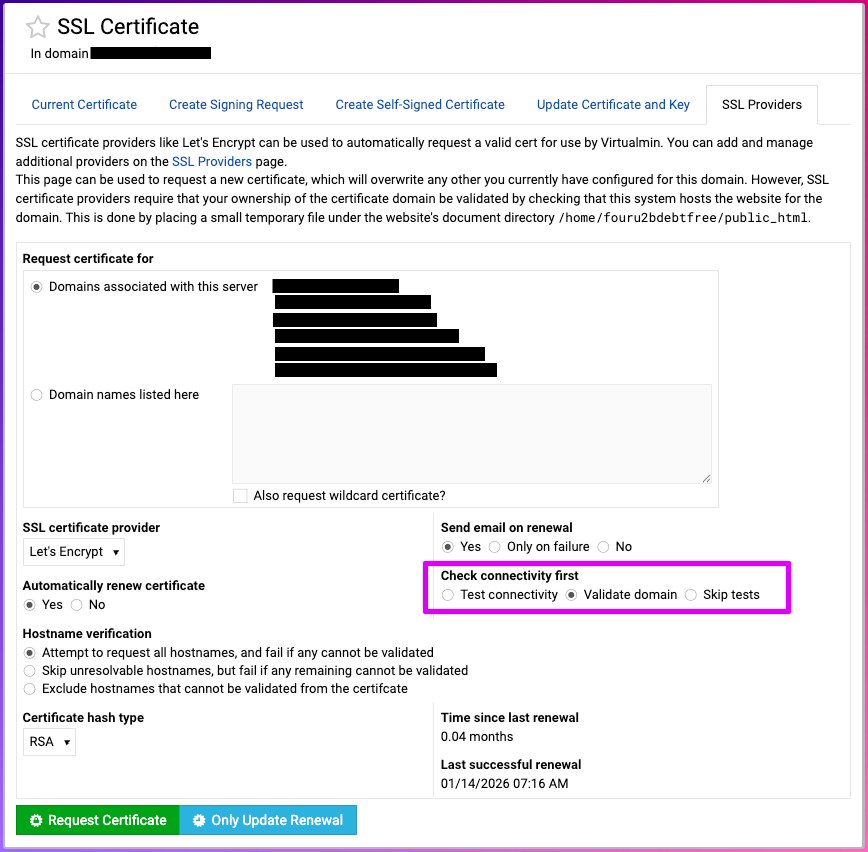
In my opinion there is some kind of connectivity check now happening that didn’t take place before and I would expect to be able to switch this off somewhere.
@staff please assist