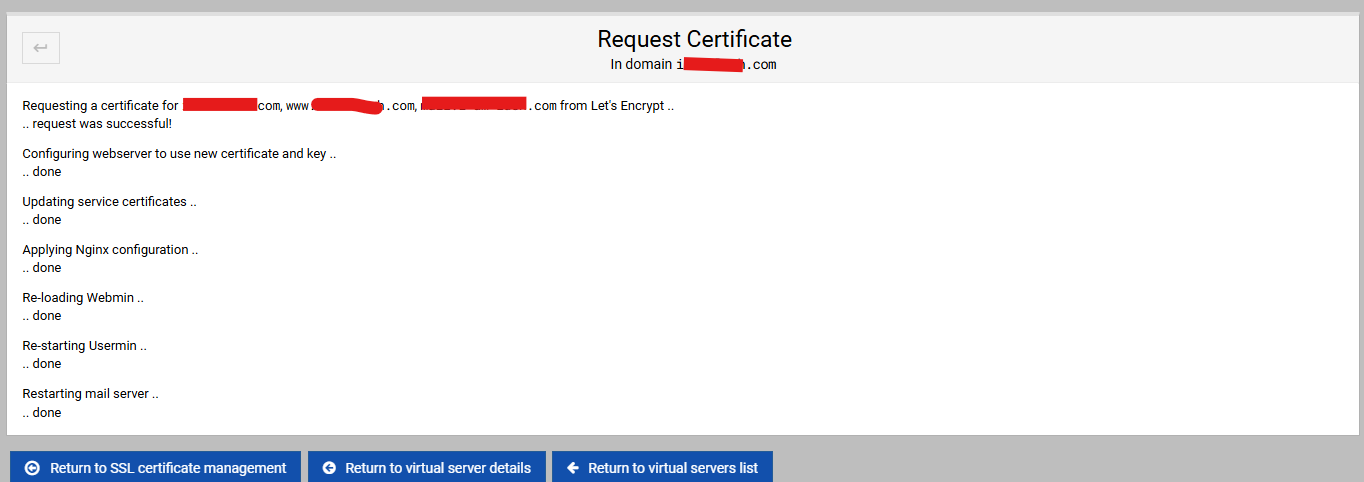
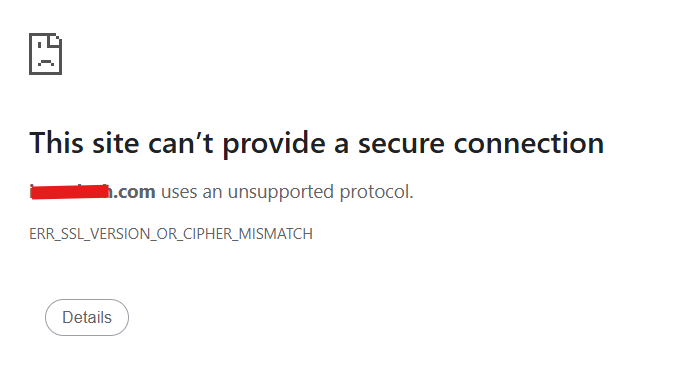
It’s never propagation. Even when it could be propagation, it probably isn’t because DNS servers rarely cache for very long and even the root servers update quite frequently, so even if you’re updating glue records it’s probably not going to be propagating for more than a few minutes.
You’ll want to look at the log. You’ll also want to look at the connection and certificate details in your browser.
I saw the same behaviour the other day while adding a domain to my rather old server on which I have not seen this before.
All the correct DNS records were added on both IPv4 and IPv6, but in the Apache2 config file for the domain, the IPv6 address was not added under the block containing the configuration for port 443.
I see you’re running Nginx, but might be worth it to check the sites-enabled config for said domain?
Edit: to clarify, it ended up being a variation of wrong site showing up which has not occured on said VPS before.
same here, with a new virtual server, [ip6_address]:443 was missing from apache vhost.
note, ip4:80, [ip6]:80 was there for http. https had just ip4:443.
had to add ip6:443 manually to make it work.
some of which was my own (stupidity) combined with a few other more likely (misunderstanding)
original fault was a simple typo
I had named the VS incorrectly - I had left the . off the .com domain name (really stupid) so that had stuffed the .conf full of garbage.
I had also created a sub server (a .net domain which as was more important to the client, I had concentrated on testing and was OK)
When the error was spotted I attempted to correct it using the rename function. As I thought that would work by changing the .confbut no. when using theWeb Configuration → Preview Website it opens a ip6 address (www.domain.com` I had never seen that before) which still had the wrong cert.
The solution (possibly not the best) but certainly the easiest.
delete the VS - check everything had gone and then start again.
It now works along with the sub server