Stegan
February 9, 2026, 4:18pm
1
SYSTEM INFORMATION
OS type and version
Ubuntu Linux 24.04.4
Webmin version
2.621
Usermin version
2.521
Virtualmin version
8.0.1 GPL
Theme version
26.22
Nginx version
1.24.0
Package updates
All installed packages are up to date
been getting this warning for a while and cannot ignore it any more
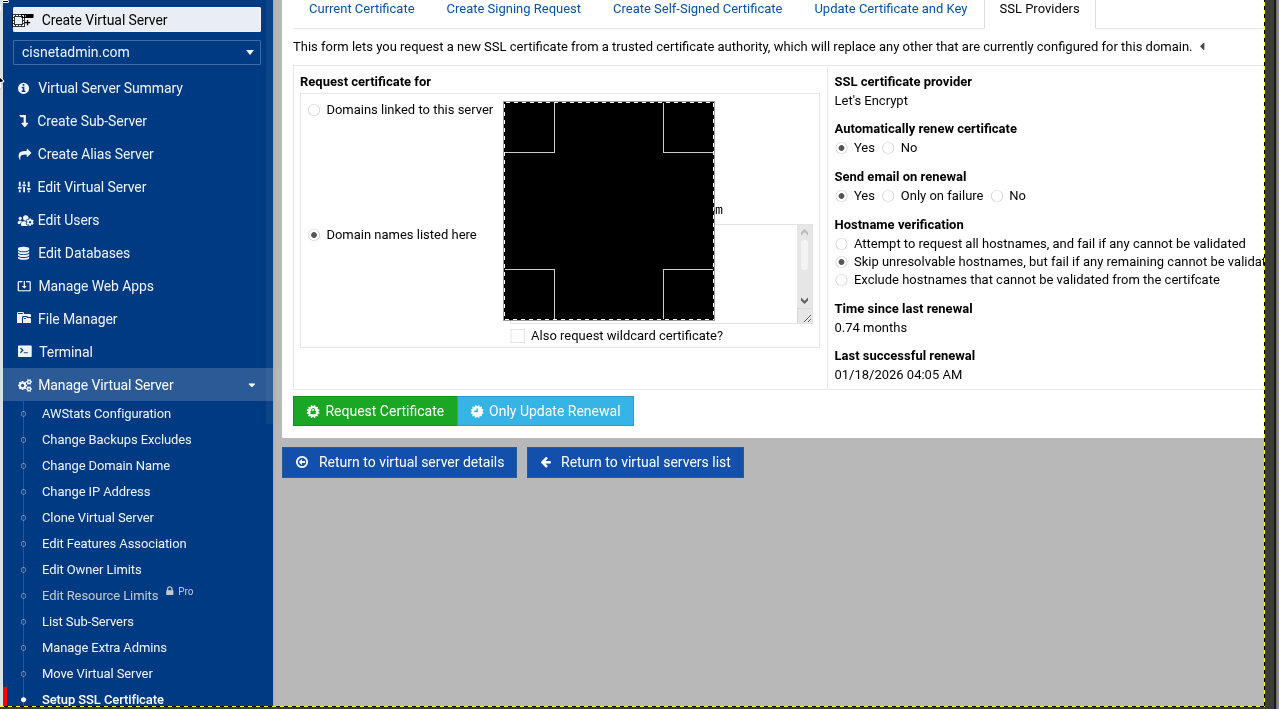
the named VS simply does not exist on this VMexample.domain.tld so of course it does not exist. the VS that are on this VM all have valid SSL so the question:
CTS
February 9, 2026, 4:23pm
2
Maybe that is the _default that is created during Virtualmin install?
Not sure how to manage renewing the cert, I’m sure someone knowledgeable about it will respond soon
Stegan
February 9, 2026, 4:31pm
3
that is a concern. the VM has been operational since 01/2025 without any serious hitch. i think this may have popped up since v8 - though uncertain
ID10T
February 9, 2026, 4:34pm
4
Stegan:
example.domain.tld
Is domain.tld on the server or just not example.domain.tld ?example.domain.tld listed here?
CTS
February 9, 2026, 4:35pm
5
Stegan
February 9, 2026, 4:37pm
6
just tried a change to the hostname and a reboot - no joy - still lists the original example.domain.tld
Stegan
February 9, 2026, 4:46pm
7
no it is listed nowhere other than the warning message and is/was the hostname so i think @CTS is correct it is this _default thing again.
the warning is very hard to ignore as it implies an actual VS has a missing SSL.
So it is not in your Apache config?
Stegan
February 10, 2026, 9:30am
9
it is Nginx - so there should be no Apache\etc\nginx\example.domain.tld.conf
must have been created by Webmin/Virtualmin - certainly not by me.
however deleting this .conf and restarting nginx does not solve that horrible message!
Grep all configs for the domain and also the etc folder and see where else it is hiding
Ilia
February 10, 2026, 11:59am
11
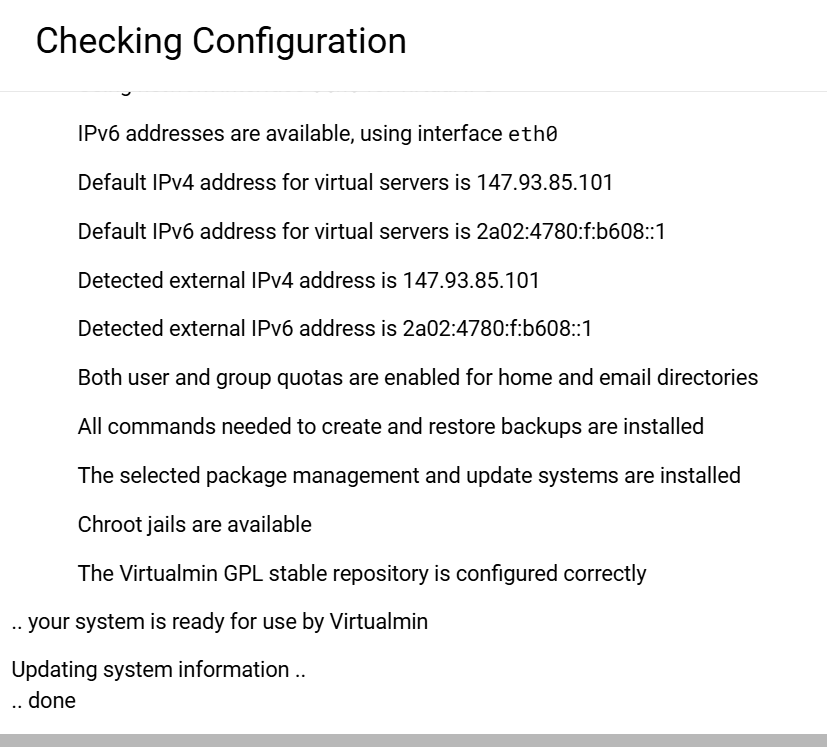
Re-running config check should fix it.
Stegan
February 10, 2026, 1:50pm
12
no it is still there.
and grep did not reveal anything. the system still seems to want a ssl that has no actual VS
Ilia
February 10, 2026, 1:51pm
13
Stegan:
no it is still there.
If you run virtualmin list-domains, does it show that unexpected domain?
Stegan
February 10, 2026, 1:59pm
14
Virtualmin Virtual Servers only lists those i would expect. not the hostname masquerading as a VS
Ilia
February 10, 2026, 2:01pm
15
Then if you click the force-refresh button in the top-right corner of the Dashboard and wait a few moments, does the message disappear?
Stegan
February 10, 2026, 2:42pm
16
no change,
Stegan
February 10, 2026, 4:16pm
17
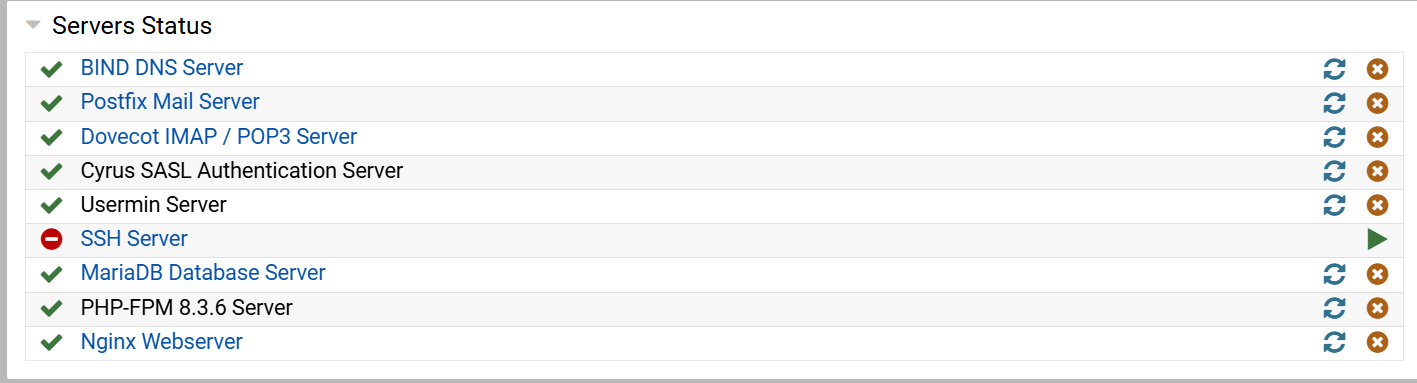
ok a lot of digging trying to find why SSH server would not stat revealed the cause/remedy Dovecot also had an errant reference to the certificate.
Joe
February 10, 2026, 7:25pm
18
I should note that Virtualmin doesn’t touch ssh, so if there’s a problem starting ssh, it’s not related to Virtualmin.
Stegan
February 11, 2026, 9:20am
19
thanks, still investigating - it points to something i did as part of fixing the initial problem. i’m trying to wind the clock back (hopefully without reintroducing the original problem)
Ilia
February 11, 2026, 11:51am
20
I think I found the bug that caused it. Try applying the following patch to see if it fixes the issue for you:
webmin patch https://github.com/virtualmin/virtualmin-gpl/commit/2fab9c5



 (will need more work)