Operating system | Rocky Linux 9.8
Webmin version 2.641
Usermin version 2.540
Virtualmin version 8.1.0 Professional
Authentic theme version 26.41.1
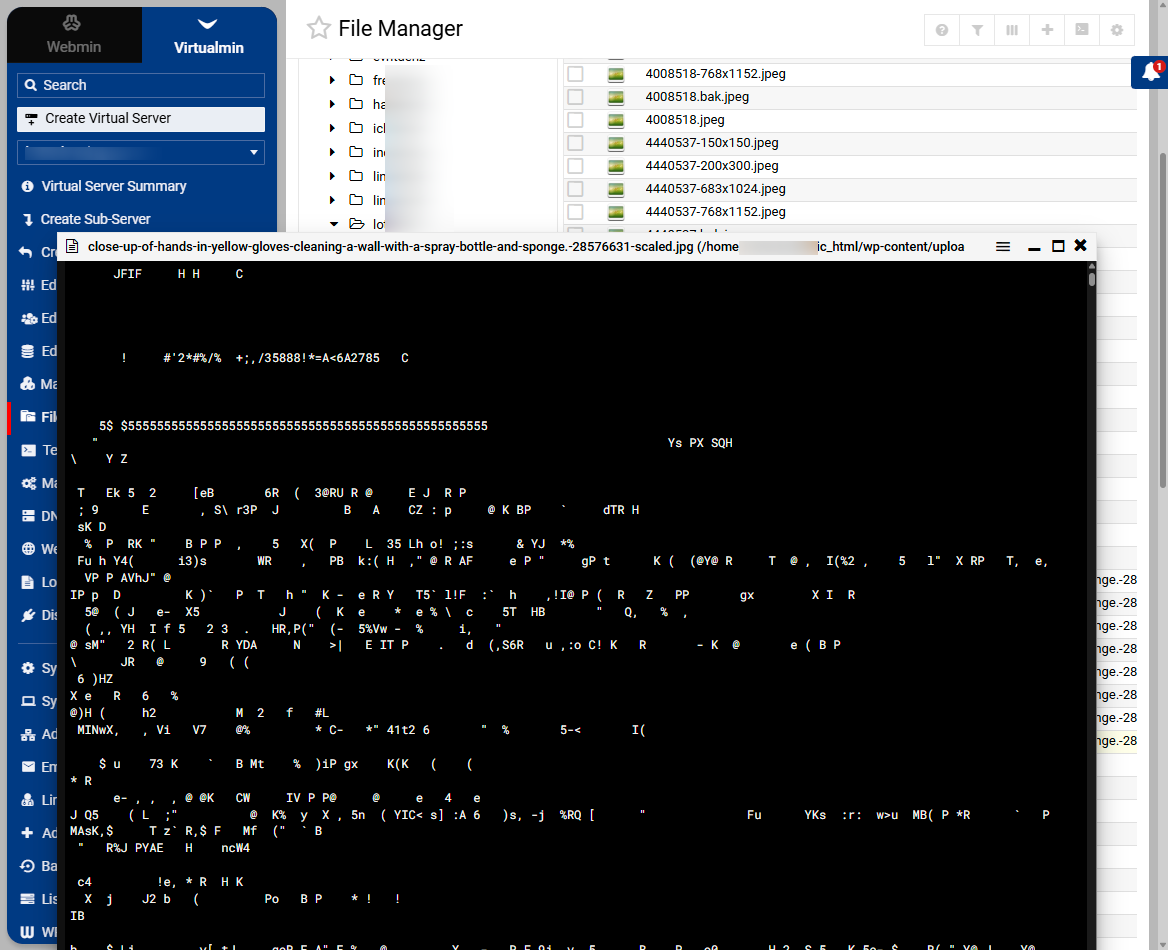
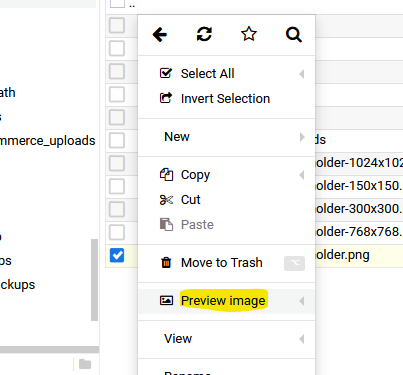
In Virtualmin > virtualserver > File manager I was hoping to be able to see a preview of an image so i know which one to delete. When i go to the correct place > wordpress folder wp-content/uploads/2026/06 I can see a list of images, but there does not seem to be an easy way to preview any of them. When I right click and “view” it come up with a corrupt view of whatever is in the attached below screenshot.
Is this function broken for viewing images? Is there a better way to be able to see images - even a thumbnail grid view could be sufficient.