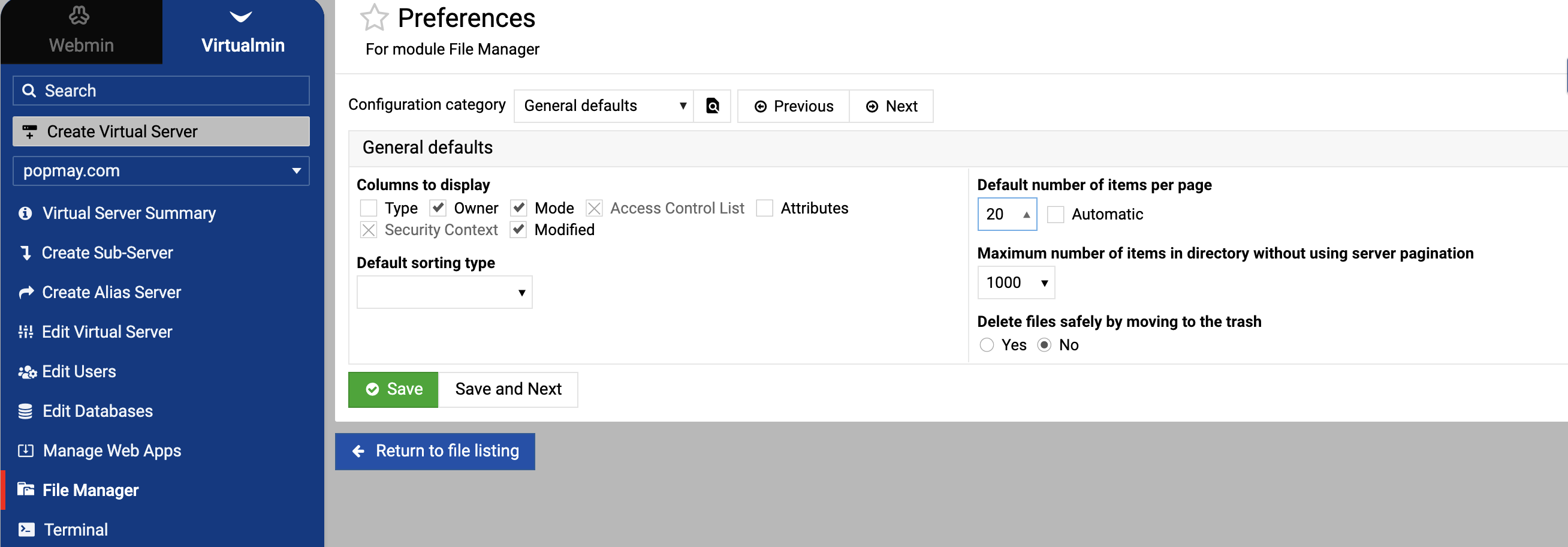
Maybe I should do a new post but with regards to the File Manager can we have the option to chose to have all contents of the current directory on the main page rather than having to select the next page etc. I find that so boring.
Hello,
Thanks for reaching out!
This should already be possible by clicking the check button or using Shift +.

I use winscp … you should try and copy them with your file manager.
I ran into the same issue. In Webmin File Manager you can already select everything in the directory, not just the current page. Click the main checkbox at the top of the file list or use Shift + click to select all items across pages. It applies to the whole directory, even if the files are split into multiple pages.

Thank you. Happy Xmas everyone.
