| SYSTEM INFORMATION | |
|---|---|
| OS type and version | Ubuntu 24.04.5 LTS (GNU/Linux 6.8.0-139-generic x86_64) |
| Usermin version | 2.570 |
| Webmin version | 2.670 |
| Virtualmin version | 8.2.0 GPL |
| Webserver version | nginx/1.24.0 (Ubuntu) |
| Related packages | awstats 7.9 (build 20230108) |
Hi there,
First, thank you for great software!
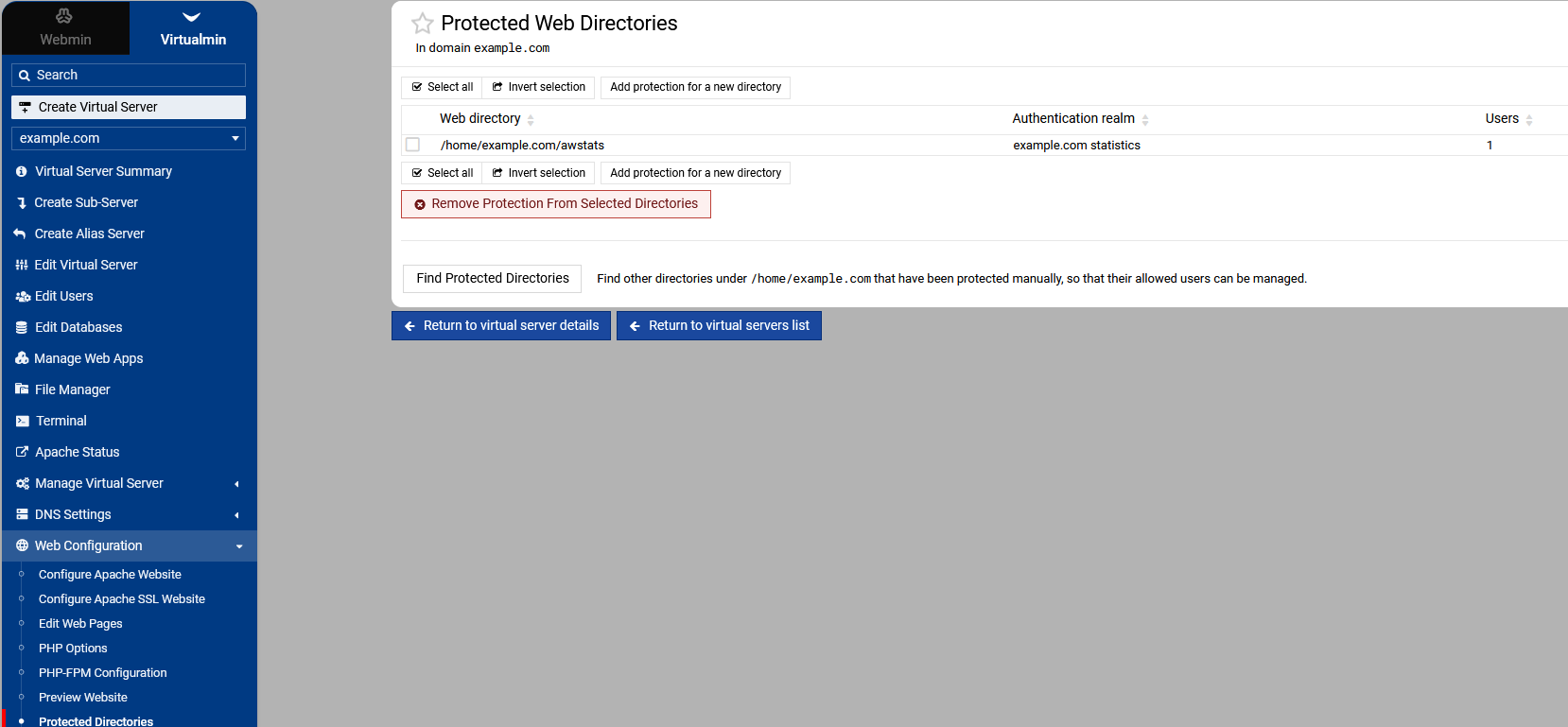
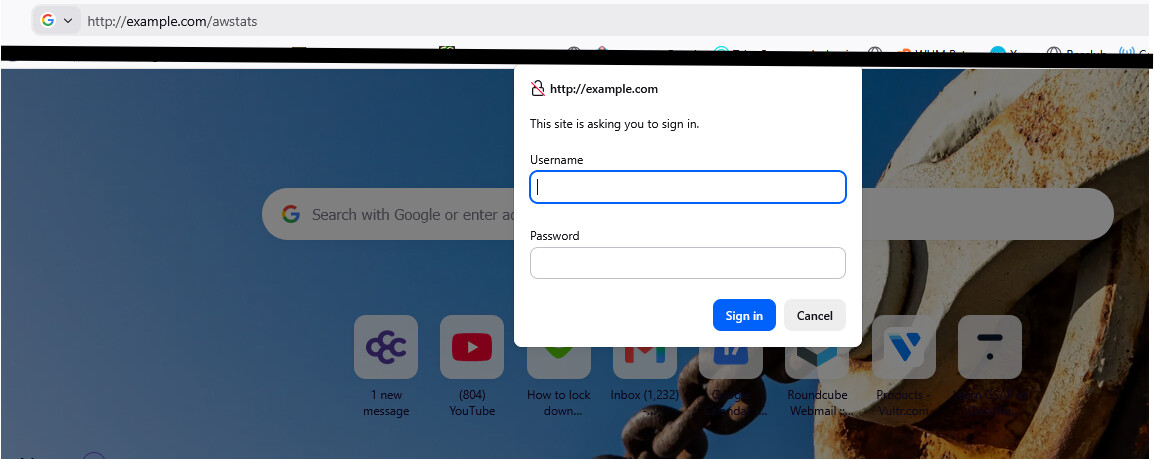
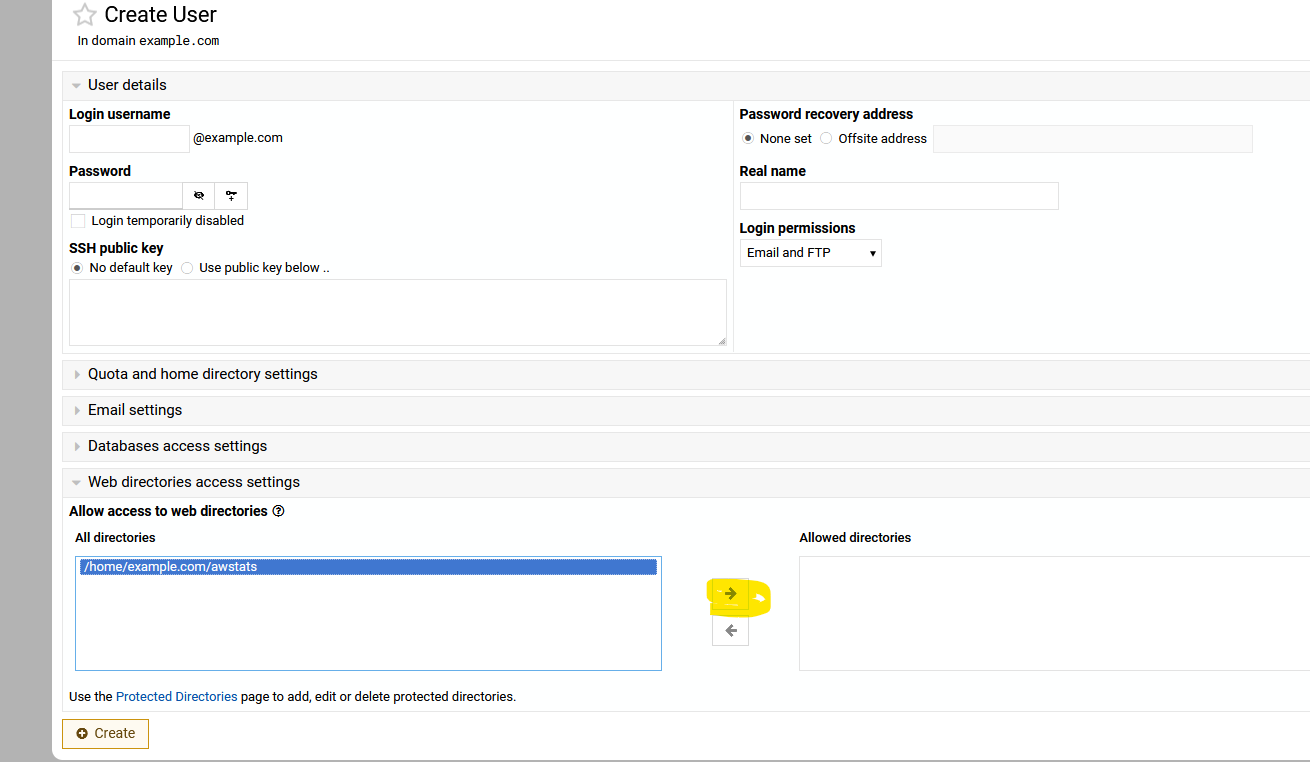
I have a fresh Virtualmin install on Ubuntu Server, running LEMP, but notice that /awstats/ for domains is available to the world without password protection by default. e.g. https://example.com/awstats/
Is this intentional?
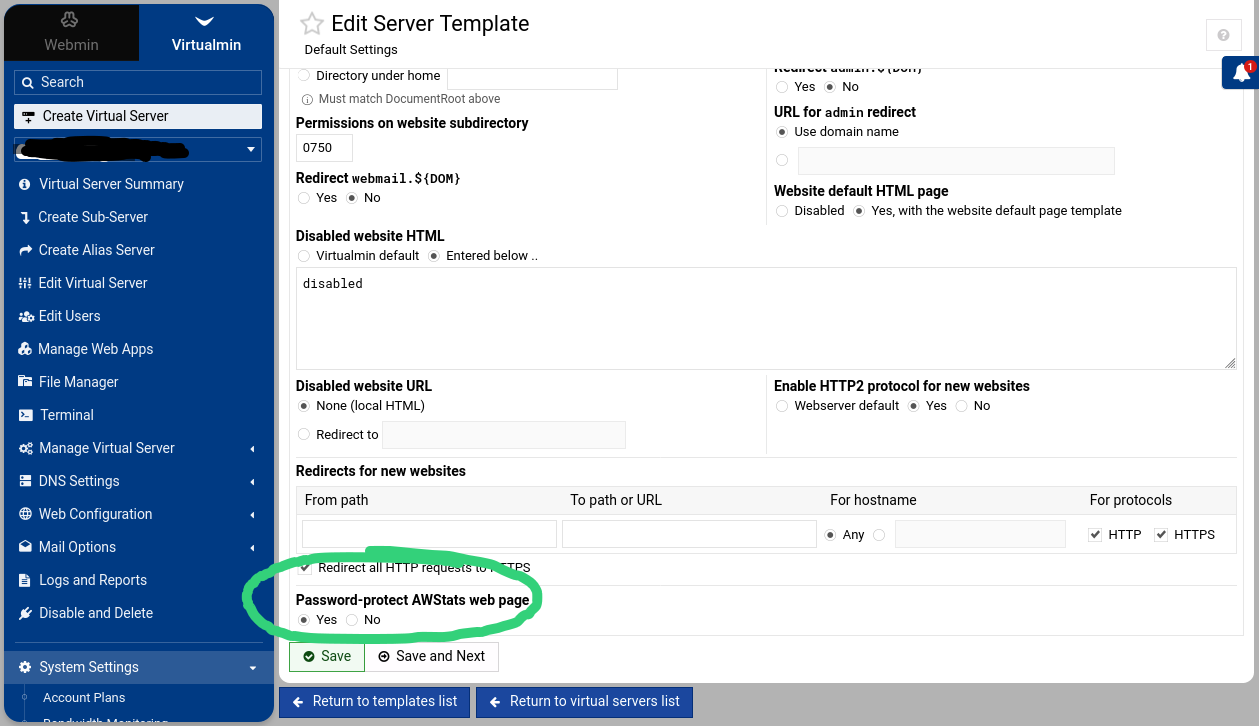
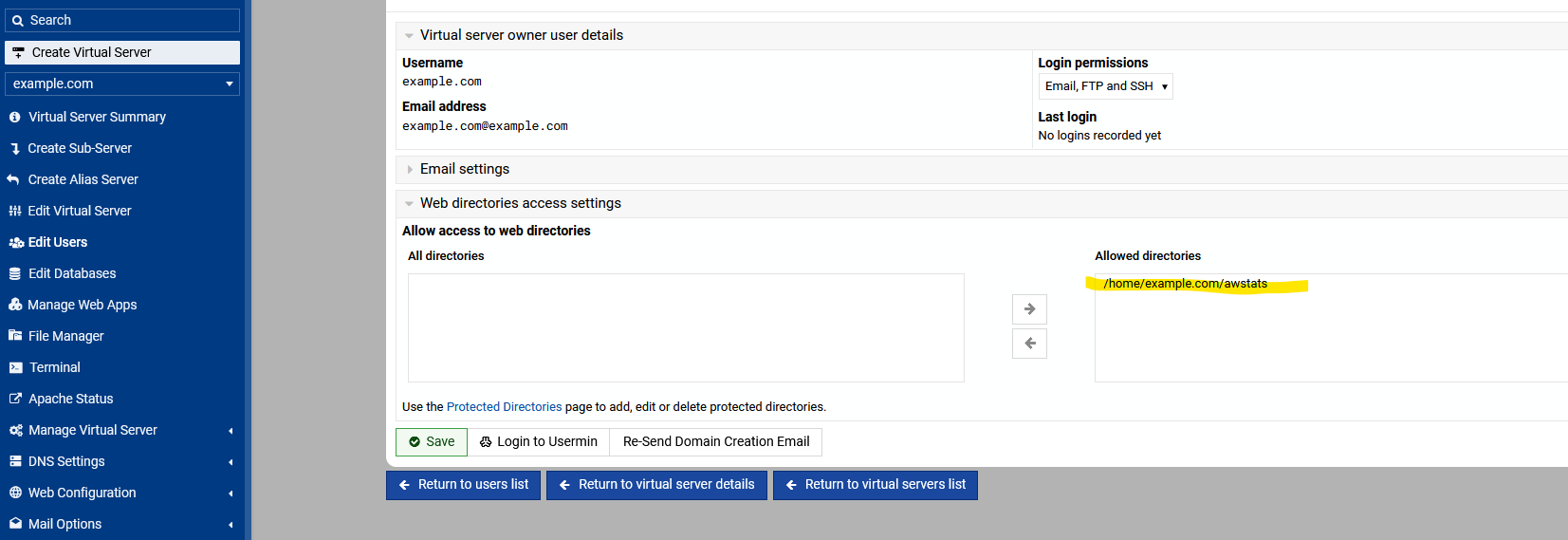
If so, is there a way to configure a change for all users so that basic password authentication is rolled out for the nginx confs for each domain? If yes, how to do that? And then how to regenerate existing confs to incorporate the change?
Thank you!