| SYSTEM INFORMATION | |
|---|---|
| Version Webmin | 2.653 |
| Version Usermin | 2.552 |
| Version Virtualmin | 8.1.0 GPL |
| Version Apache | 2.4.68 |
| Hi, |
I’ve noticed that when creating a domain in Virtualmin, the following subdomains are also created:
https://autoconfig.domain.com/
https://autodiscover.domain.com/
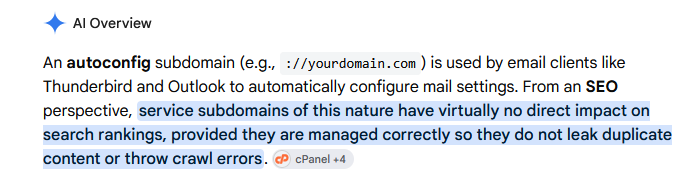
Moreover, both of them point to https://www.domain.com/. This doesn’t seem very clean from an SEO perspective, as these subdomains are being indexed by Google. In some cases, the original page seems to disappear from the search results and is replaced by pages such as:
https://autodiscover.domain.com/pageetc...
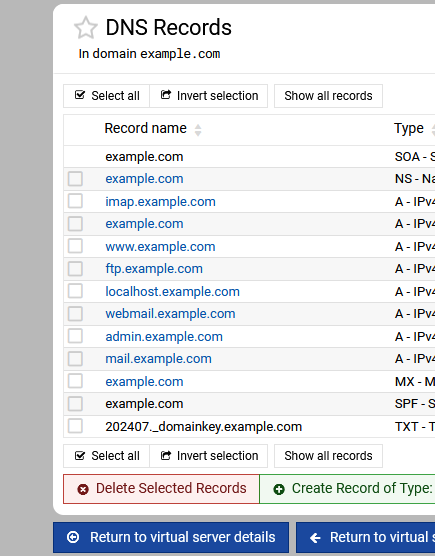
I’ve also noticed that there are DNS records for autoconfig.domain.com and autodiscover.domain.com.
Would it be safe to remove these DNS records without causing any issues with future updates, installations, or other Virtualmin functionality?
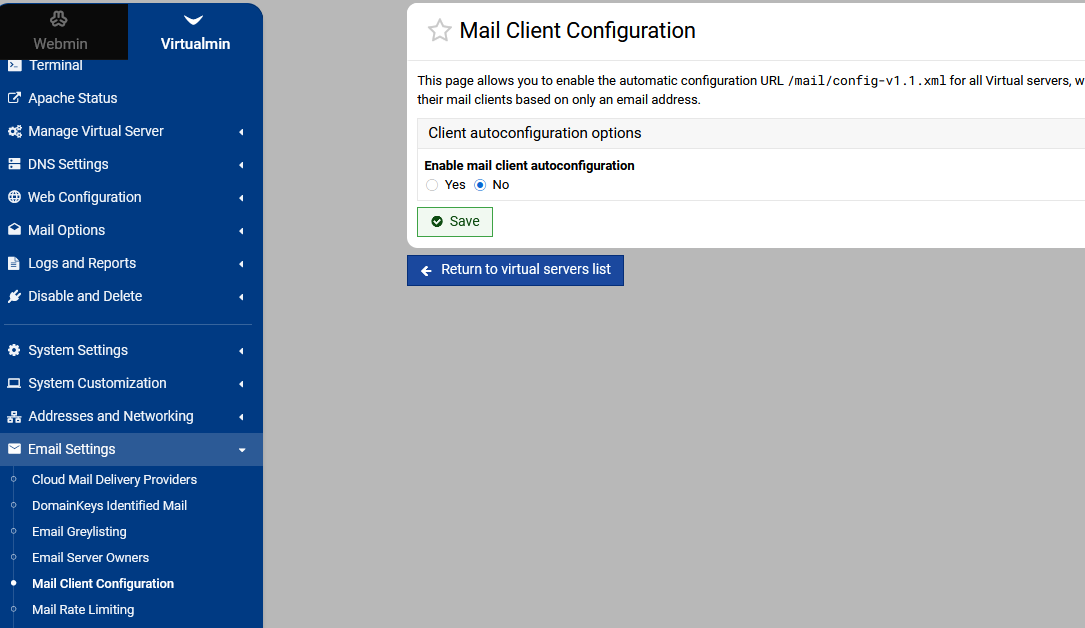
What would be the best way to disable the automatic creation of these subdomains, preferably in a quick and efficient way? I have quite a large number of domains, so I’m looking for a solution that can be applied to many domains at once.
Best regards,