Ilia, I happen to use another computer to check my forum msgs and noticed strange behavior when trying to log in. I’ll try to upload a video.
Here’s the video link: https://streamable.com/eqwock
It finally logs in, but after going in circles a bit…
Hello,
Thanks for the heads-up!
I don’t see anything clearly wrong. In your screencast, after going to the forum page and clicking “Sign In,” there’s an extra step shown. However, when I tried logging out of the forum and then logging in on “virtualmin.com” first, going to the forum and clicking “Sign In” required only one step, i.e. going to “virtualmin.com” and then returning to the forum already authenticated.
It looks fine on my end, so the issue you saw might be a sporadic one.
It happens EVERY time for me. Try signing out, then CTRL SHIFT DEL to clear “everything” for all time. I’m using Firefox.
Also, no big deal… I can live with it.
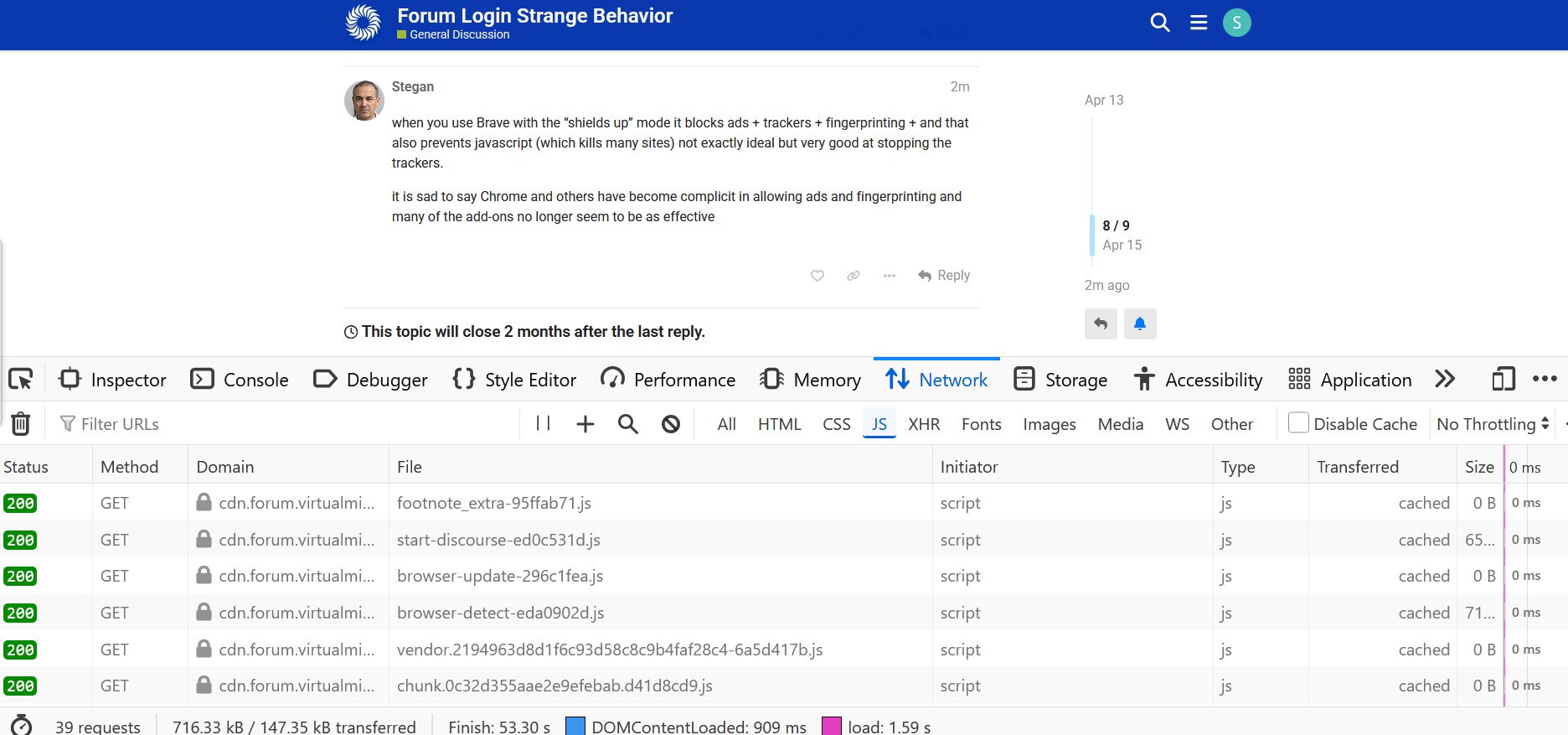
I can clearly see the following in a Firefox private tab:
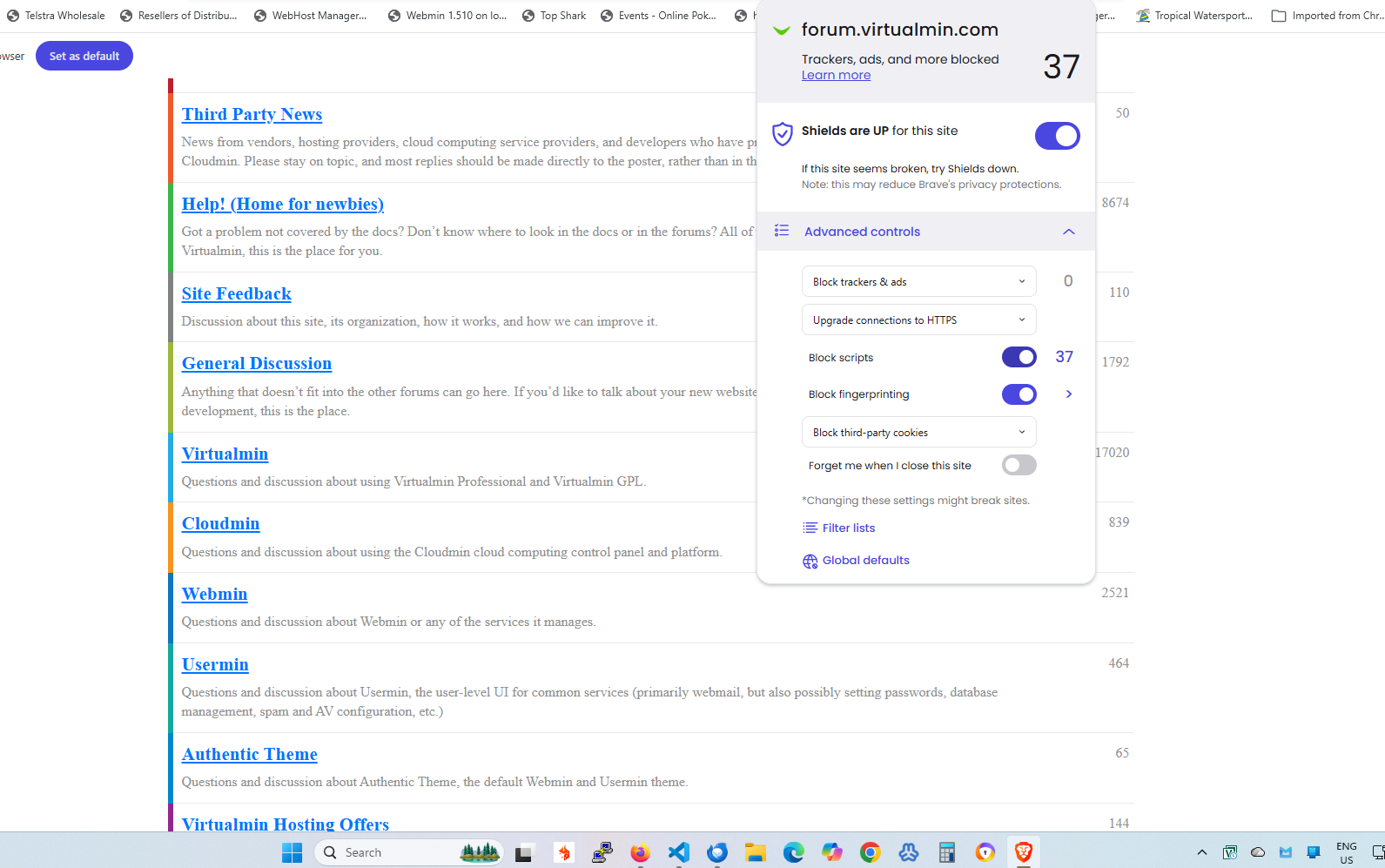
i have also seen it (after a switch to Brave browser and its ‘better’ ad blocking) but it seems to have gone away (Brave seems to also be aggressive with javascript blocking) so it could be browser related
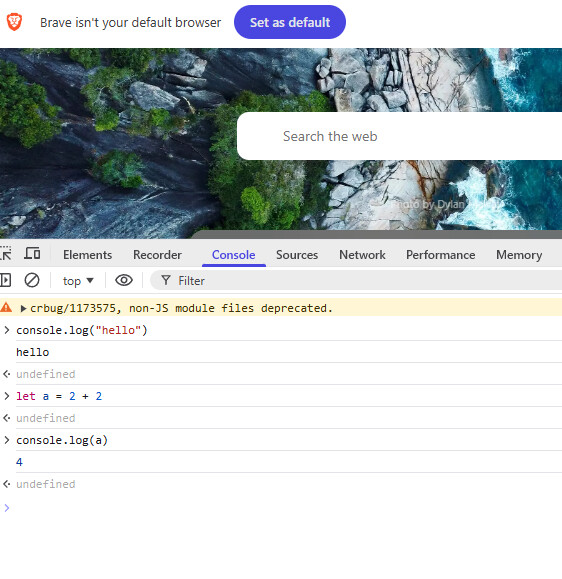
when you use Brave with the “shields up” mode it blocks ads + trackers + fingerprinting + and that also prevents javascript (which kills many sites) not exactly ideal but very good at stopping the trackers.
it is sad to say Chrome and others have become complicit in allowing ads and fingerprinting and many of the add-ons no longer seem to be as effective
yes - it is a pity - one cannot select browser on a per site basis. i rather like Brave for some of it’s control but Chrome and Firefox for some accessability
I’ll mention that we never run ads on any of our sites, and we removed the Google Analytics bug a couple years ago, so there’s nothing for Brave to protect you from. We have locally hosted Analytics via Matomo (an Open Source analytics tool with source for their JavaScript also available, so you can see what it’s doing), which gathers nothing sensitive and the data is never shared.
So, maybe you don’t need to be paranoid on our sites, if doing so causes problems? Just blocking matomo.js is also fine and won’t interfere with usage.
thanks it was not out of paranoia about *min just other sites which have recently increased unwanted ads and analytics + fingerprinting. I have now reverted to Chrome and an improved add-on. but will probably keep Brave as a backup.
i was just indicating here that the change could have been triggered by javascript blocking
I run pfsense with a massive blocking list (DNSBL, IP) Tracking and hidden traffic is everywhere even if you don’t see it.
I have found some sites will stop working when you block ads, so I find another site.
If advertising was moderate, did not track and did not deliver malware I would not mind.
I never thought about ‘adblock’ detection before but this is interesting. Willy Tango Foxtrot are they doing to determine you are blocking ads? 3rd party?
On topic. I use Opera (pretty much out of the box) for this site and don’t notice issues.
EDIT: Unrelated. I still run across sites that use pop ups that I never see. I tell people related to the sites but I doubt anything gets done. Our local PBS site when I donated and got access to ‘Passport’, their streaming service. I never got the code because I never saw a pop up. Another small vendor using what ever software, I have to have them manually add me to ‘notify when in stock’ because I don’t get a popup to do it myself. I think Chrome doesn’t even seem to have a setting for that specifically. Yes I HAVE to use Chrome, (again, out of the box) for some sites. I REALLY hate using it but… I just keep in mind that Biggie Sibling is watching even closer than usual when I do.
Check out xda developers blog as they have adblock detection.