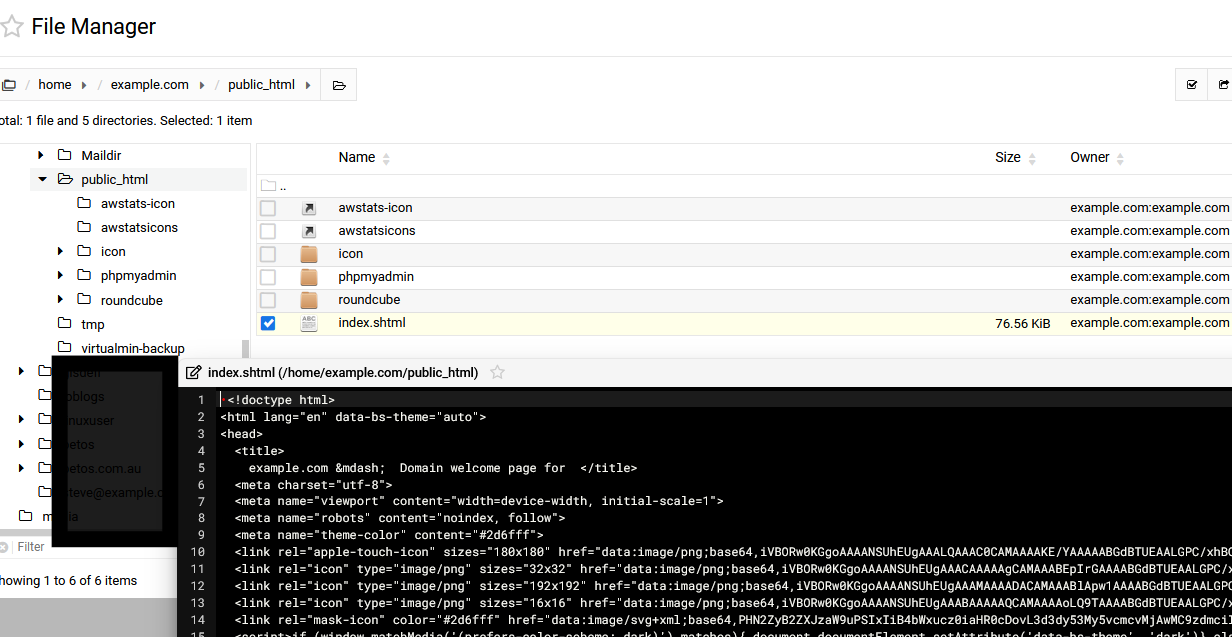
i am having problems deleting folders to trash, “unable to delete - no such file or directory”, works ok if i change settings to not move to trash
i have another server with the exact same software and that moves to trash ok, i’m missing something
also can’t edit .cgi files on this box but can on the other one
/tmp/.webmin keeps reverting to 0755, i tried 1777 but changes back after trying to delete a directory
that can’t be the cause though as the other servers tmp is 0755 & that has no issues
It doesn’t need to be 777. /tmp is writable, so that’s not the problem.
You’ll need to look at the log, probably /var/webmin/miniserv.error for relevant entries.
You do what!? You can’t do that. You need a UID 0 user.
Edit: To be clear, you absolutely cannot delete the root user. I would assume that explains why Webmin is broken in several places. You can/should make it so the root user can’t be directly logged into. You cannot delete the user entirely.
uuid 0 lives i only remove the root user from webmin as it allows cloning with root privs right
have done this for many years without issue & of 4 current boxes &many in the past this file mngr issue is a new 1
this is new and only on this box, no other issues in the log
many lines of this
Argument “40 Celsius” isn’t numeric in numeric gt (>) at /usr/libexec/webmin/system-status/system-status-lib.pl line 455.