| SYSTEM INFORMATION | |
|---|---|
| OS type and version | Ubuntu 24.04.5 |
| Webmin version | REQUIRED |
| Virtualmin version | Pro 8.3.0 |
| Webserver version | REQUIRED |
| Related packages | SUGGESTED |
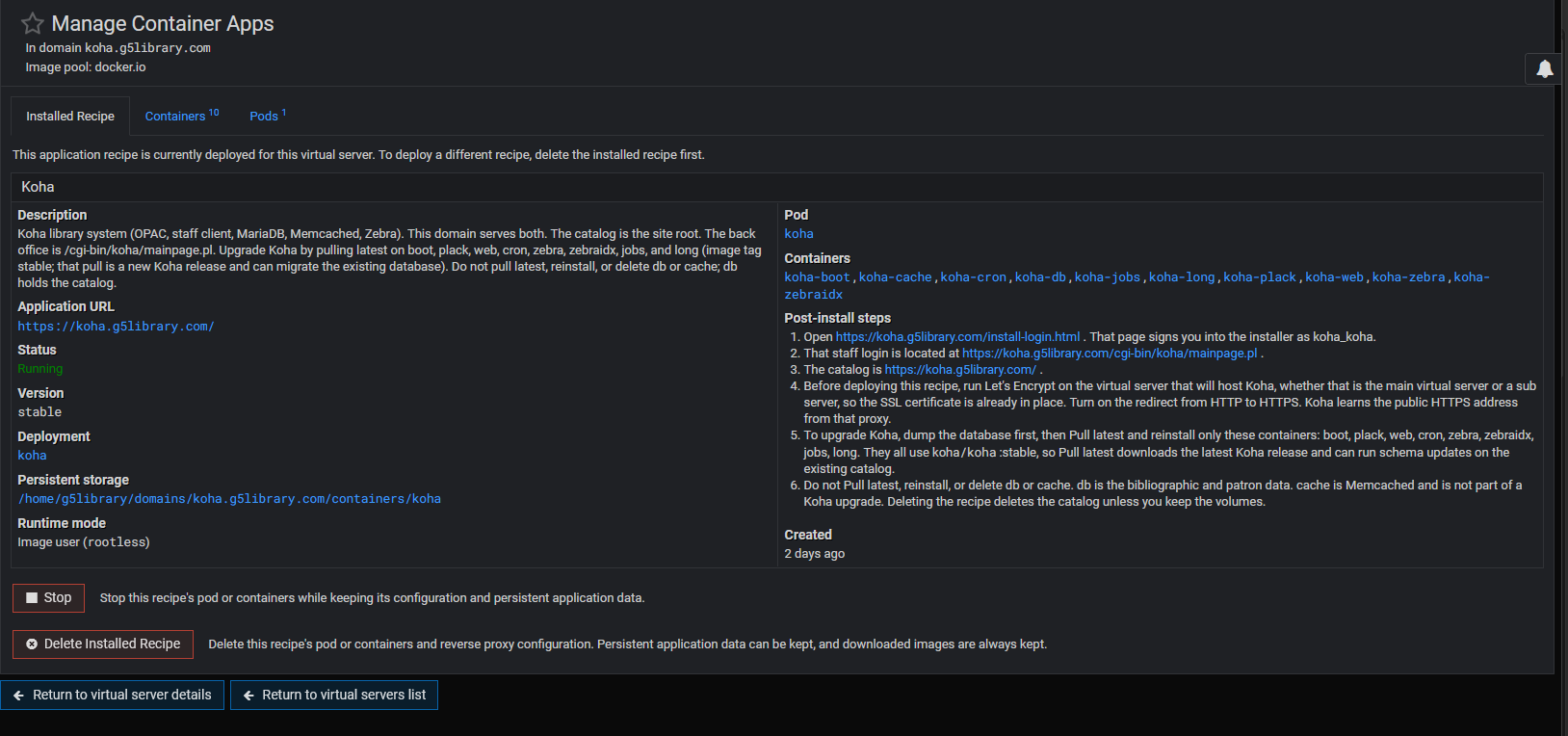
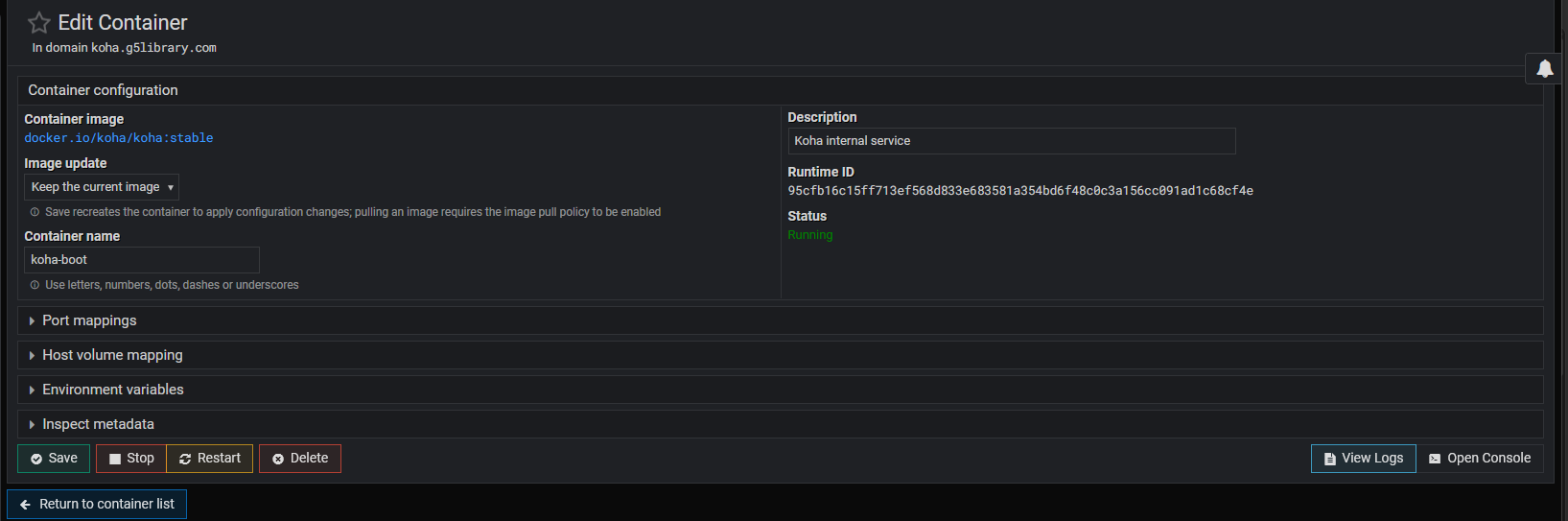
This appears when pulling latest
| SYSTEM INFORMATION | |
|---|---|
| OS type and version | Ubuntu 24.04.5 |
| Webmin version | REQUIRED |
| Virtualmin version | Pro 8.3.0 |
| Webserver version | REQUIRED |
| Related packages | SUGGESTED |
This appears when pulling latest
Hello,
Thanks for reaching out!
Do the following:
If Image pull policy was already enabled, could you share the Virtualmin Podman plugin version you’re using and screenshots showing both settings?
and on the last screen shot, when i pull from latest, is when this error occurs.
root@kvm:~# dpkg-query -W webmin-virtualmin-podman
webmin-virtualmin-podman 1.7.1
ah, fixed it.
my panels were not visible:
sudo sed -i \
's/^visible_panels=.*/visible_panels=ports,volumes,envs,meta,lifecycle/' \
/etc/webmin/virtualmin-podman/config
Glad it worked for you. We’ve released Virtualmin Podman 2.0.0 with many fixes and improvements. Please give it a try.
Yet it’s better to use the UI to edit the module config.