If try to enter I get:
“The MariaDB status program /usr/bin/mysqlshow was not found on your system. Maybe MariaDB is not installed, or your module configuration is incorrect.
The MariaDB status program package can be automatically installed by Webmin using APT.”
It’s the same module. There is no “MariaDB” module. There is a “MariaDB and MySQL module” and at the filesystem level it is in the mysql directory in the Webmin installation.
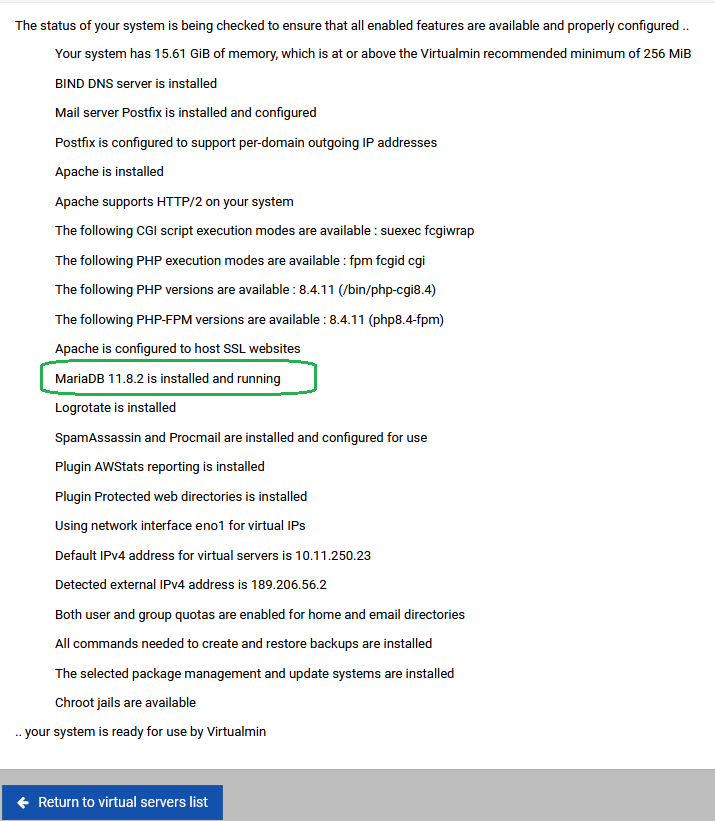
If Webmin detects MariaDB is installed, that’s how it will label the module in the menu. In your case, it obviously doesn’t detect MariaDB is installed.
So, the question you need to answer is “why doesn’t Webmin detect Mariadb?”
I don’t think we’ve seen any reports of problems on Debian 13 in this particular area, so I’m not sure what’s up.
Webmin is asking about mysqlshow, so do you have that program available on the path where Webmin is looking for it? If it doesn’t exist at /usr/bin/mysqlshow, then Webmin’s configuration for where to find it is wrong, and may need to be updated for Debian 13. I believe there was a somewhat recent consolidation of /bin and /usr/bin, though I would have expected the path to have links as it was done on Red Hat systems ages ago.
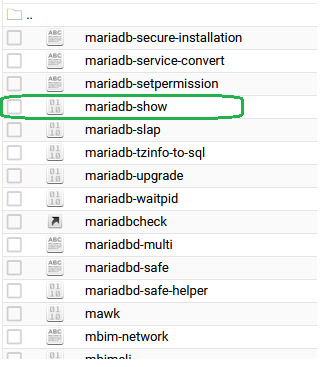
Those are two completely different words: mariadb-show is not mysqlshow. Webmin is looking for mysqlshow.
It may be wrong that Webmin is expecting mysqlshow to exist, but that’s what the error tells us it is looking for.
So, does the file /usr/bin/mysqlshow exist or not?
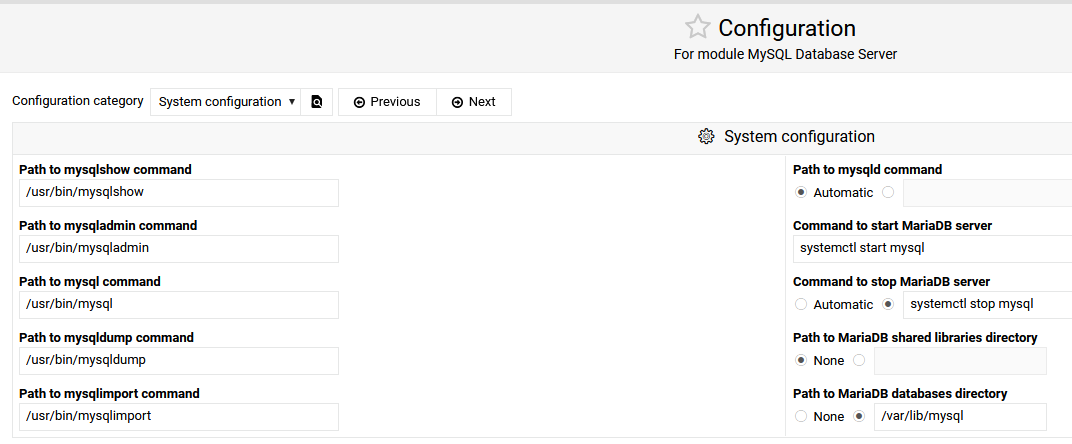
If it does not, and if mysqlshow is no longer provided by MariaDB packages, I guess you’ll need to update the path in the module configuration (click the gear icon in the top corner of the MySQL module page). There may be other path updates needed.
I don’t think anyone else has reported such changes for Debian 13, though, so I’m a little surprised the old paths have disappeared. But, if they have we’ll need to add a new config to Webmin for Debian 13 and above, and possibly some additional detection logic, as I don’t think we support any systems that don’t keep the old mysql commands around as part of the MariaDB package (even if they’re maybe links).
I don’t know, because I’m not looking at a Debian 13 system. But, you are.
You need whatever the equivalent to those commands and paths is. Obviously the first one needs to change to mariadb-show. They all need to be right for everything to work correctly, if the other commands have changed.
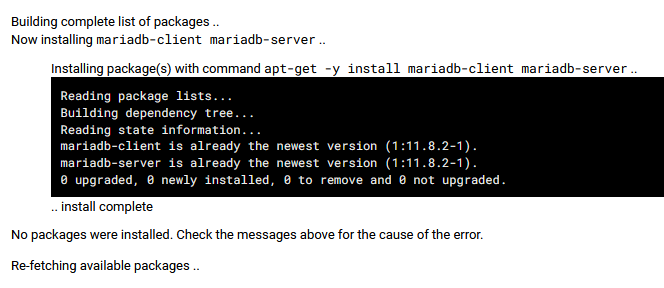
I dont know if have poblems with debian because found problems with Dovecot IMAP / POP3 Server and Cyrus SASL Authentication Server (uninstall and reinstall to run)
Alright, sure—thanks! But I think we should also support users switching back and forth after installation. And, I’m actually finishing updating my PR to allow going back to the MySQL config, not just one way to MariaDB…
@Jamie, alright, updated my PR—now it will keep the Webmin MySQL module config in sync no matter which MySQL or MariaDB version the user switches to or from:
No let’s not go this way, I really don’t like the idea of the config being automagically updated by the module. There’s no need to add complexity to support a rare case that the user can fix anyway.
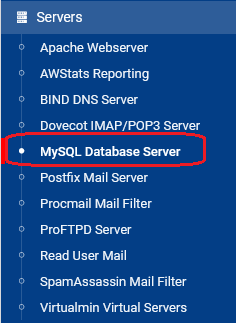
 gear icon in the top corner of the MySQL module page). There may be other path updates needed.