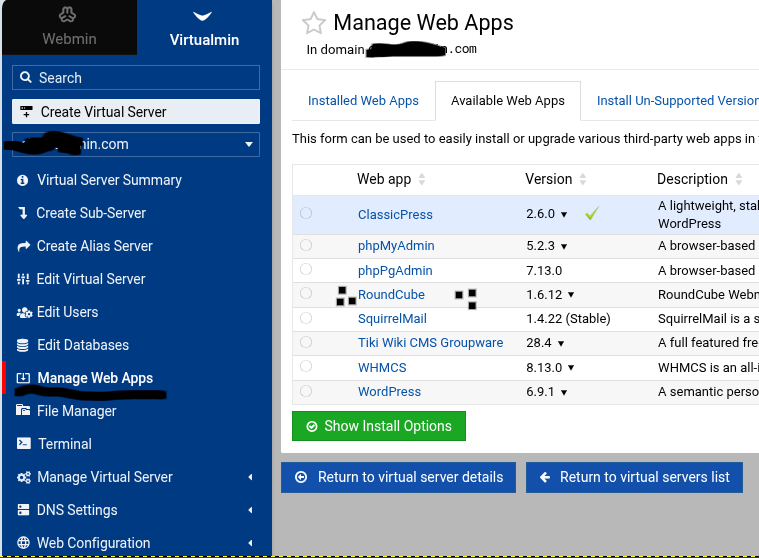
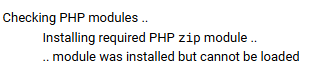
I was having trouble accessing my emails using Roundcube, and I wanted to reinstall it to see if it was a configuration issue, but it won’t let me install it.
I would assume it is in the REMI repos, but, I don’t know that for sure. If you are installing with the VM script then this is more of a problem.
EDIT: I think Roundcube now has different install options for V8. One is universal. If you are using the VM install then @Ilia may need to chime in here.
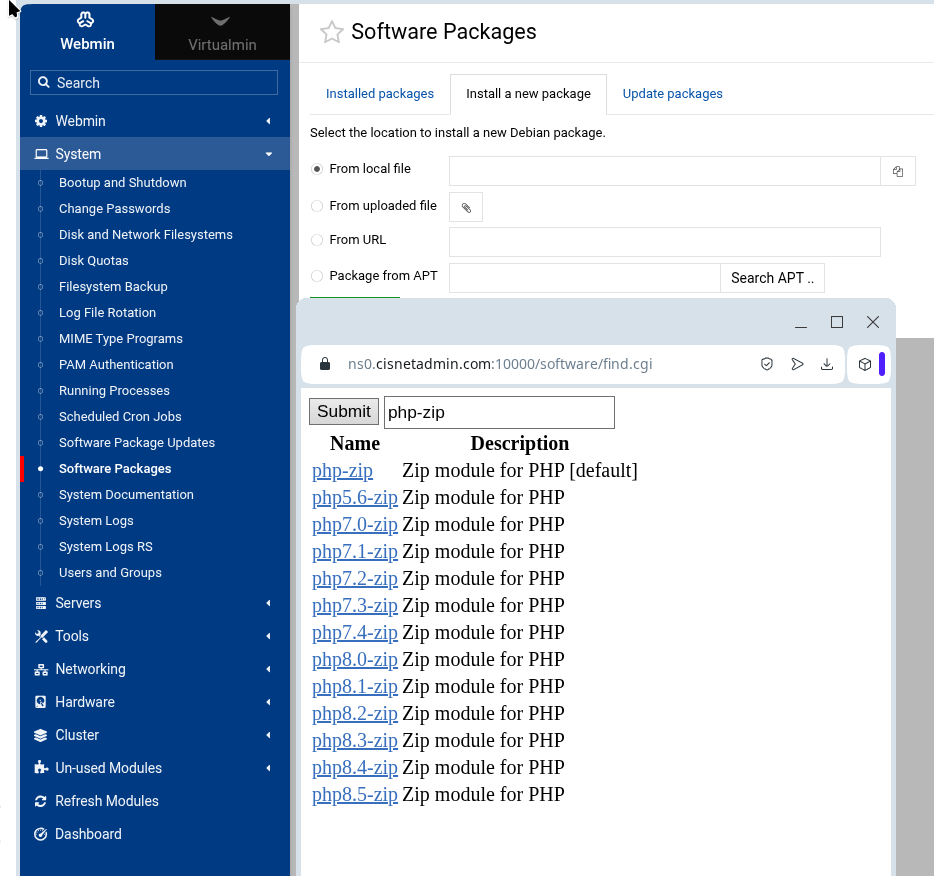
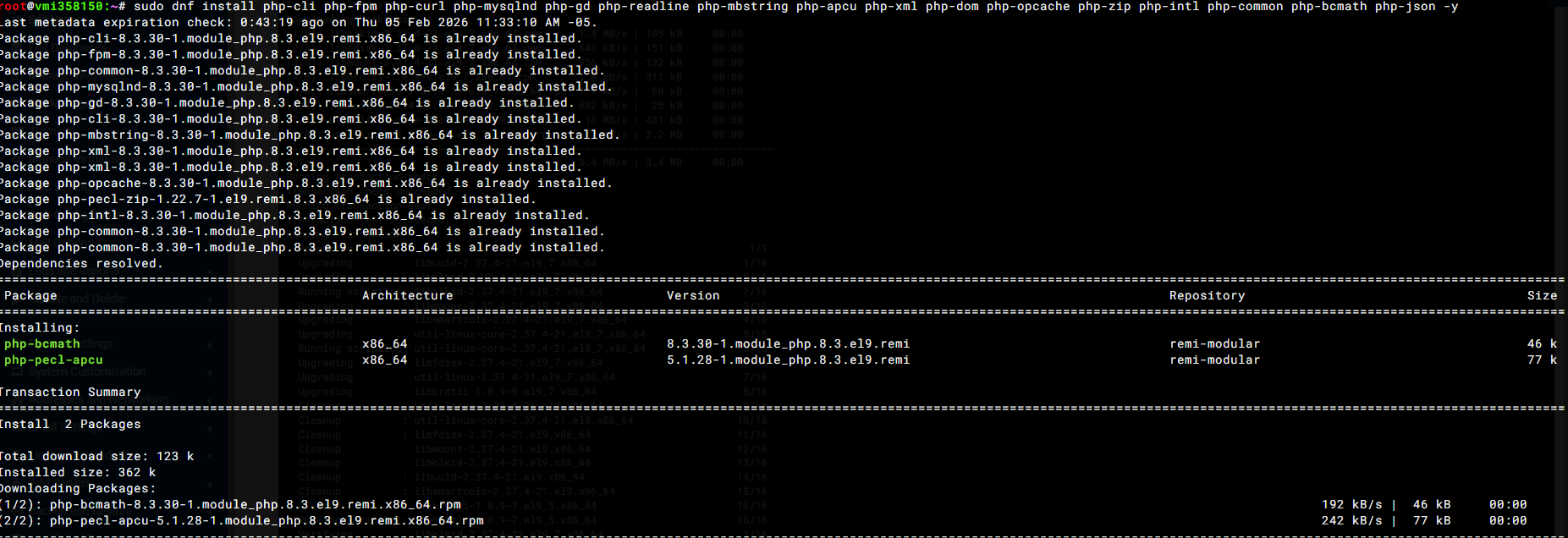
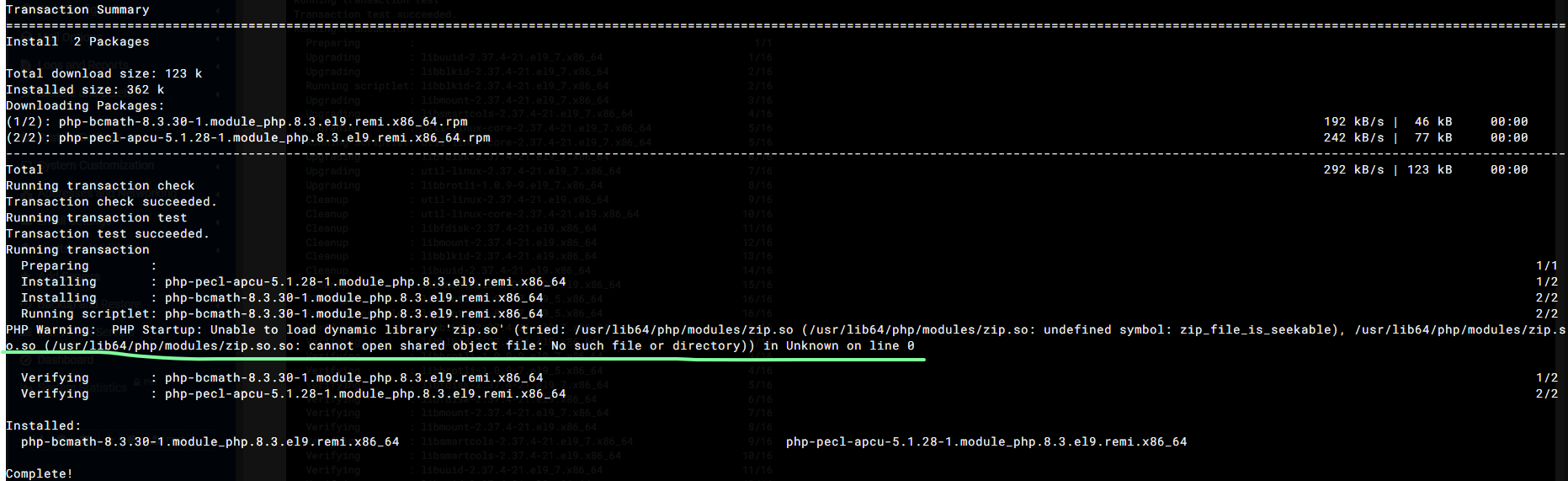
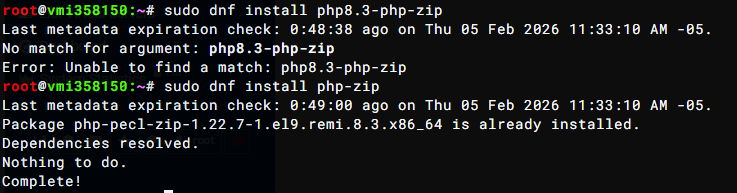
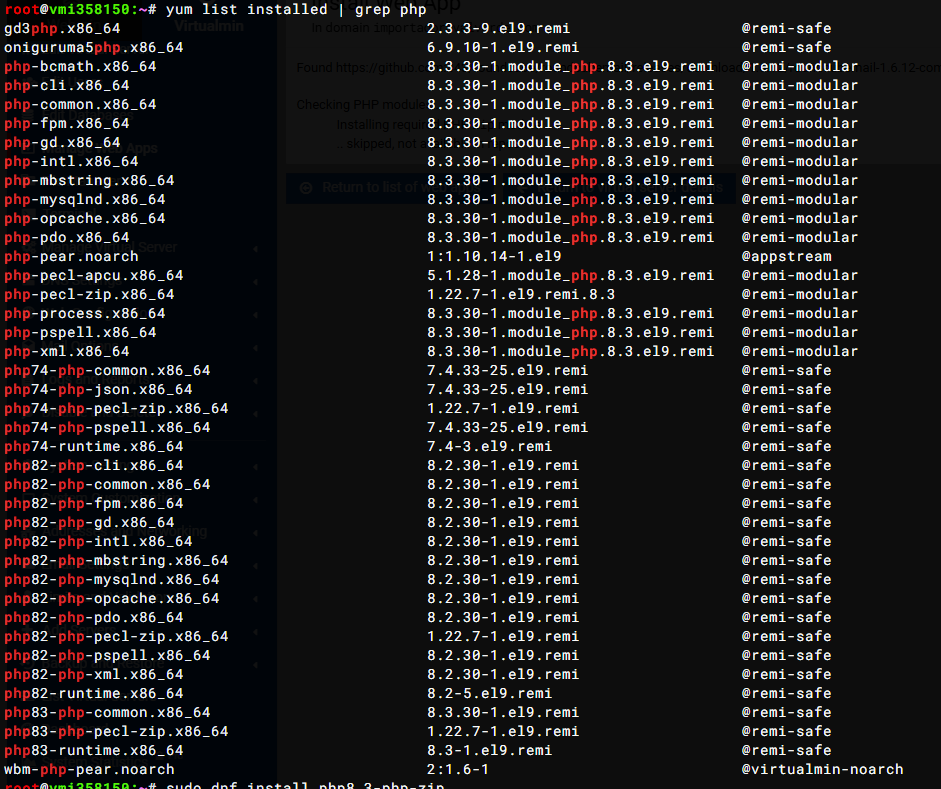
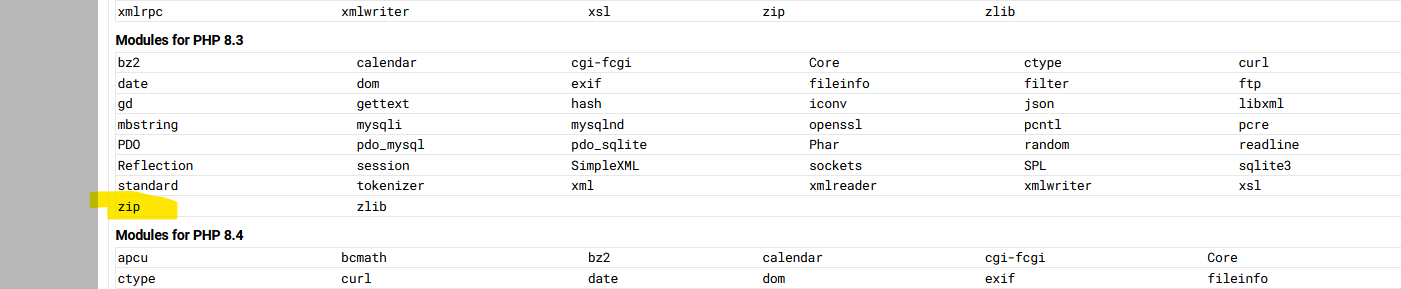
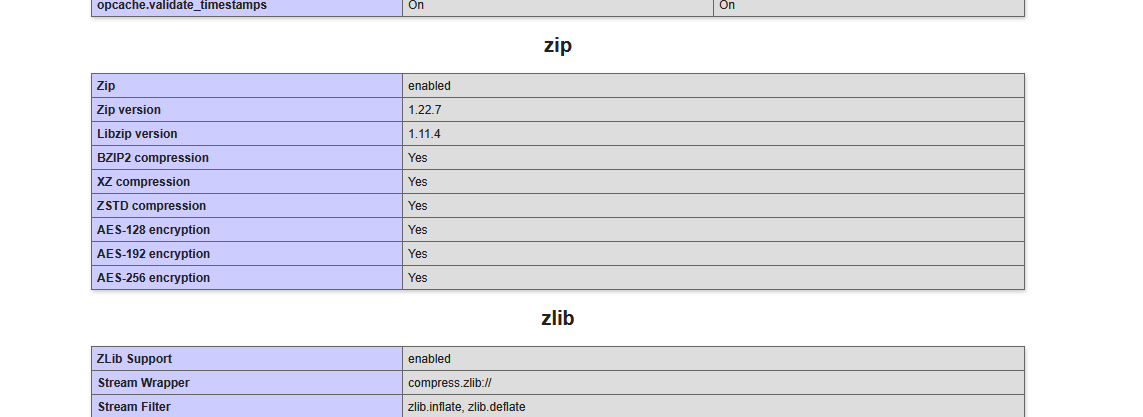
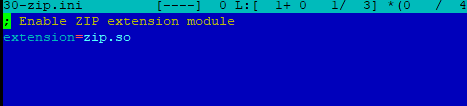
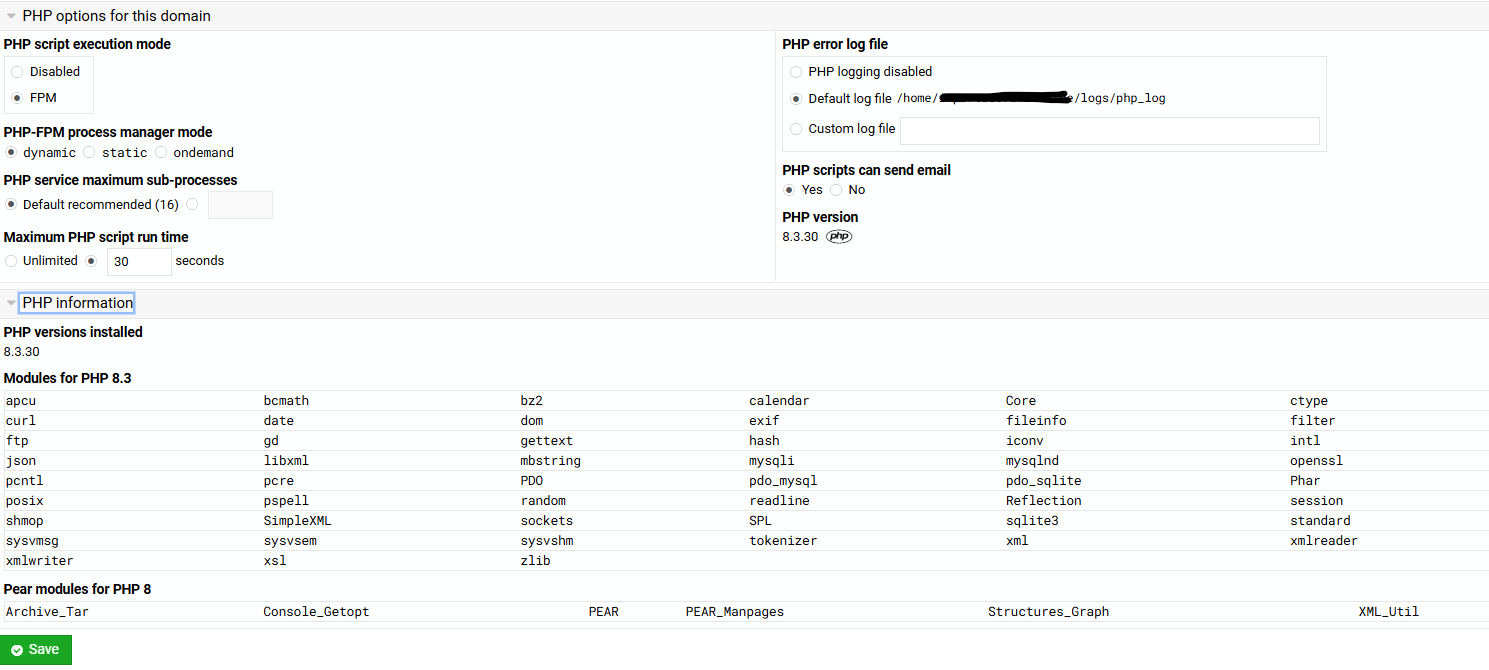
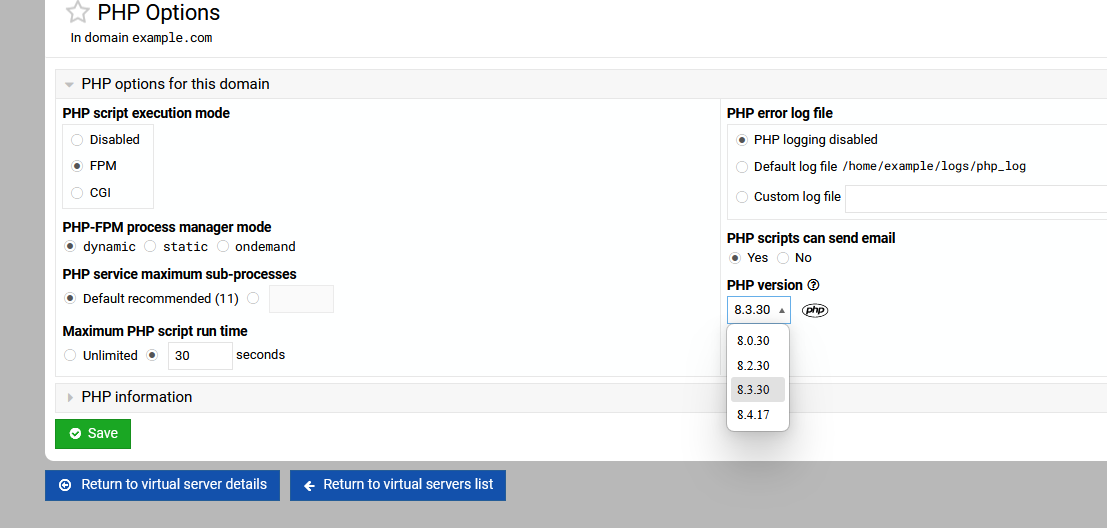
Install PHP version 8.3 and verify that it has php-zip. The problem is that Roundcube is trying to install a zip dependency but can’t find it in the repo from within Roundcube; that’s what I understand is happening.
OK. Let’s reset. By script, I mean how did you install Roundcube? I’m not on VM8 yet and I know there have been changes. I believe you can install per domain OR one central install so your screen may look different.
If you installed via the interface and it failed, then someone like @Ilia will have to respond.
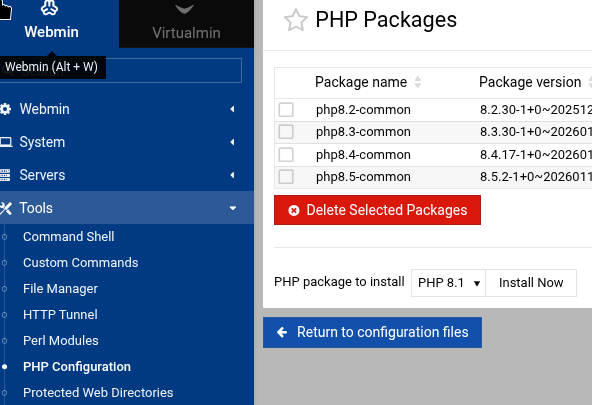
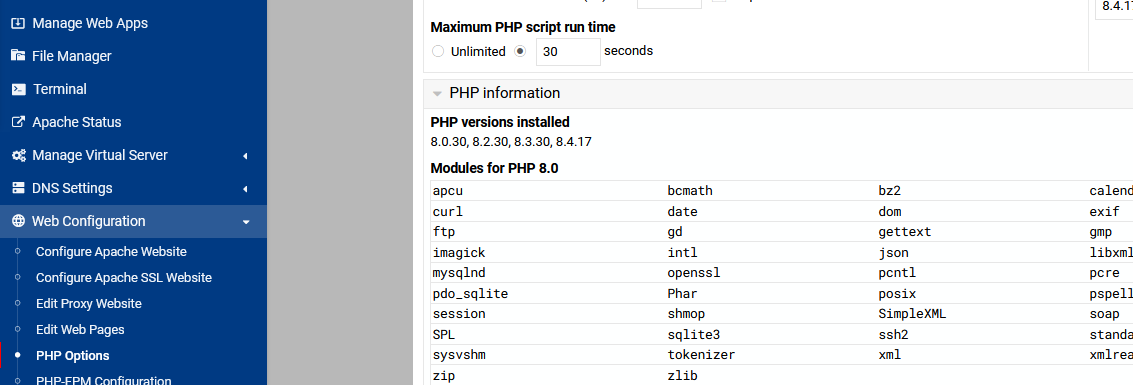
I just upgraded to VM8 and tried. Went OK on Debian 11 so I’ve gone as far as I can. My only “guess” at a next step would be to use the interface shown above to remove and reinstall the version of PHP you want to use.
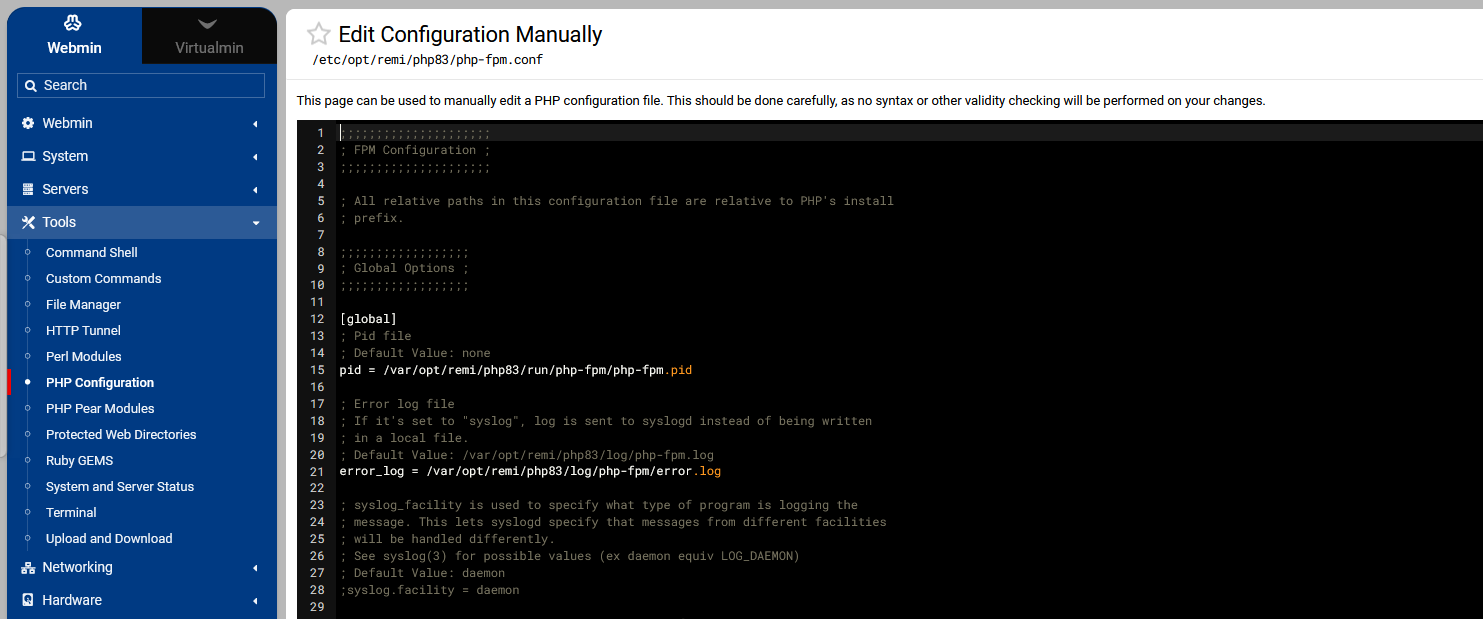
The global conf file in webmin should have its location. (below screenshot)
There seems to be something wrong with your setup.
Did you install on a clean machine, did you remove the php version that comes with the OS?
I think its 8.0 or 8.1.
I just did a clean install of virtualmin on clean Almalinux 9.7.
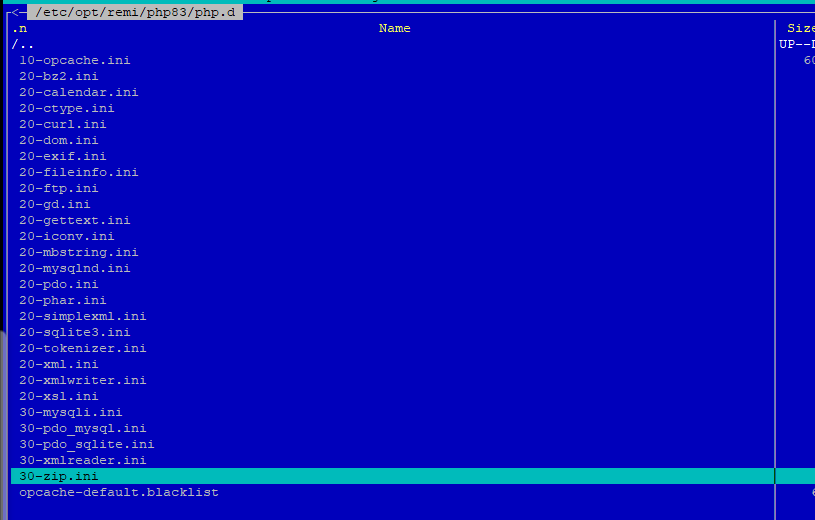
The /etc/opt/remi (including /php.d directory) is created after running the dnf install php83-php-{cli,fpm,pdo,gd,mbstring,mysqlnd,opcache,curl,xml,zip}
command.
That suggest that you done something different to the docs.