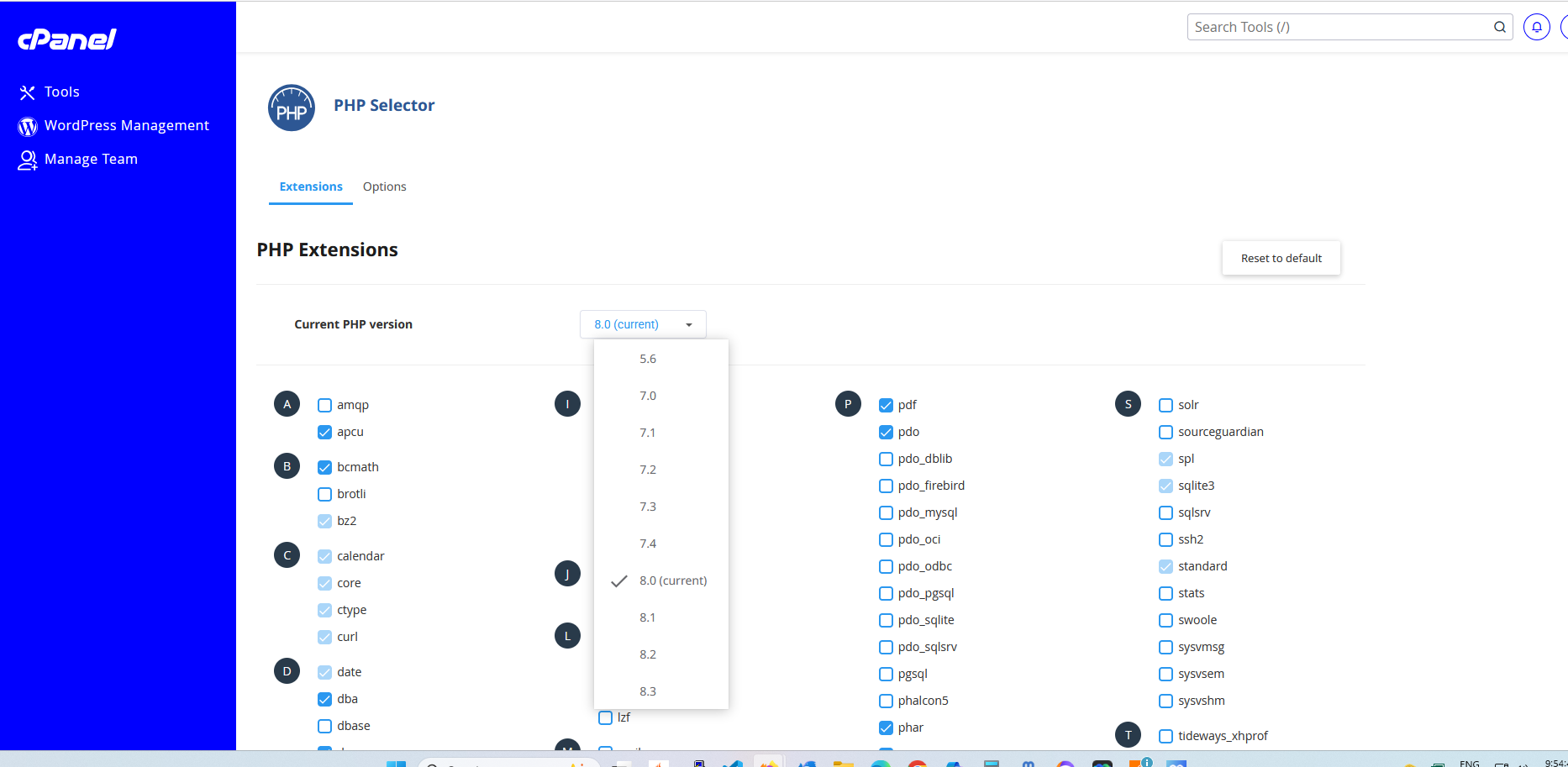
I would like this. The instructions are easy to follow to add additional PHP versions on the command line but I would love it to be done completely via the GUI including the ondre repo (and others as required) are automatically added. I would also like php modules to be added via the GUi, I know I can add and remove them via the packages manager but maybe make this part of a wizard like cpanel easy Apache.
When I got back into doing server stuff recently, I had a problem with PHP versions. Some applications wanted versions not yet released by distros. Some had broken installers? They seemed to assume that they needed an exact version of something like 8.x.x.x.x.x… Nothing prior, nothing later.
That’s why I was asking earlier about point releases of 8 being compatible with each other and not just bug fixes.
but won’t Staff have to pick and choose what 3rd party repos to be configured?
I like the more conservative approach mentioned above — stick with whatever comes from the OS; if more are needed its up to the sysadmin to decide which 3rd party repos they are comfortable with … my two cents
Only if they still use something as archaic as WordPress - I only have one company that uses PHP (not WP, and even they are re-developing to Go) so are perfectly content to stick with what the OS provides.
all plugins are siloed and use shortcodes everywhere
the code is mainly procedural PHP and not OOP
and more
I prefer Joomla but I admit the constant changing of the codebase has prevented me from re-igniting the flame, along with the awful administrator theme.
However I wanted you to know where I was at. Virtualmin is primarily geared up to those who use HTML and PHP. Most of the websites on the internet are PHP based.
So although the code of WordPress is bad I dont think it can be classed as archaic as it is constantly beeing developed and supports all but the latest versino of PHP.
What cpanel offer with php versions is what virtualmin can offer as well, as a reseller of hosting its a way to go. Software like WordPress and Joomla has nothing to do with the post.
@stefan1959 Does that picture above show a user being able to select their own PHP extensions?
currently a user can change his PHP version like cPanel. IT is however in the WHM panel where you can configure the PHP extensions and apache extensions in a wizard. Jamie has been advised of this idea and is looking into it.
The WHM equivalent in virtualmin should only be accessible by system admins so effectively for end users there would be no change.
i consider WHM and cPanel to be the same thing, you cannot get one without the other. One is admin the other is for the user, similar to webmin and usermin
That’s not a great comparison. Virtualmin is like both WHM and cPanel (privileges are adjusted based on who is logged in, rather than being two separate applications). Webmin and Usermin are like neither, because Webmin and Usermin are not web hosting control panels (while Virtualmin is).
If you squint, I guess you can say one is for root and one is for non-root users, but we’ve had people think Webmin is like WHM and Usermin is like cPanel, and if they have that belief they’re going to be very confused when neither is like either or used for the same things. And, I’ve found people on the web describe things that way, and it’s just misleading.
I think this topic was brought up recently that your different products usermin/cloudmin/filemin (well for me)/webmin/virtualmin can be confusing, and was for me. This is why i did not choose this platform years ago. When i say cPanel I also will use that term to encompass WHM as many do, it is not just me.
Some changes need to be made, but they could completely clear up the webmin product line message.
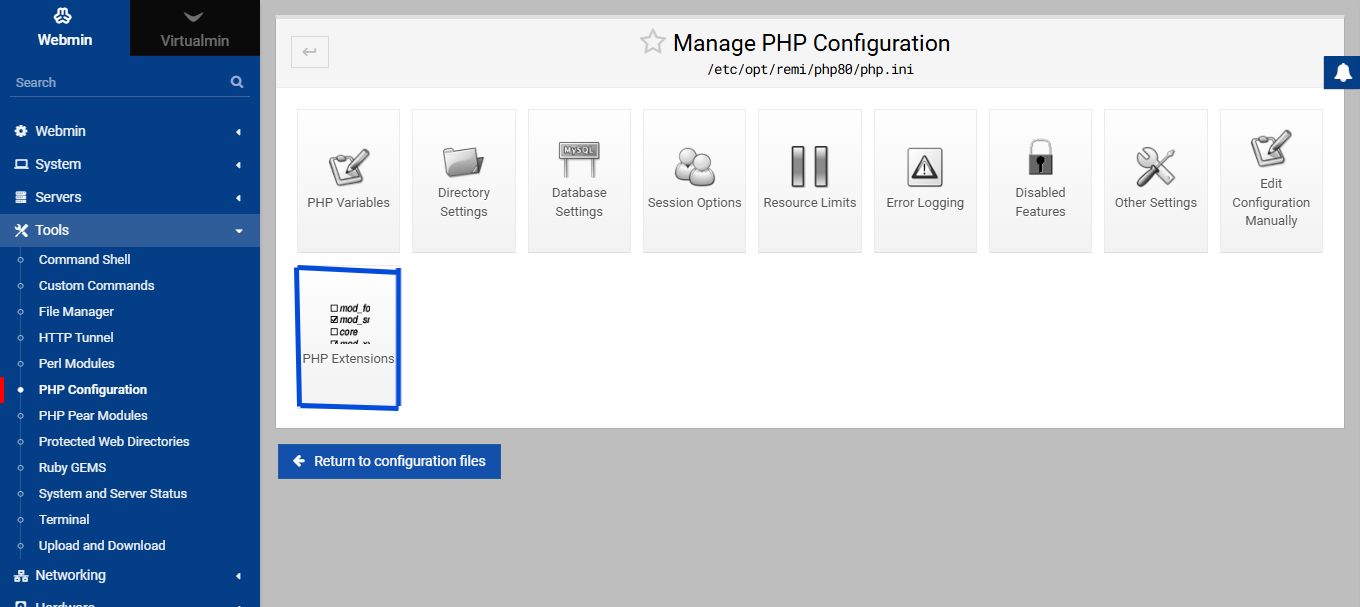
@stefan1959 In the latest Webmin 2.302, within the “PHP Configuration” module, there is a new option called “PHP Extensions,” which allows you to list installed and remove or add new extensions.
@Jamie, however, what we could improve is the ability to list extensions that are not yet installed.