SYSTEM INFORMATION
OS type and version
Ubuntu Linux 24.04.3
Virtualmin version
7.50.0 GPL
“” Error! domain.net (05.12.2025) "
Use the BIND DNS Server module to either disable DNSSEC for these domains, or check why signing is failing.
If try from bind module Setup DNSSEC Key, sign zone and resign zone work again .
Please help to solve this problem o how to create crontab for resign automatic
Ilia
December 4, 2025, 8:44pm
2
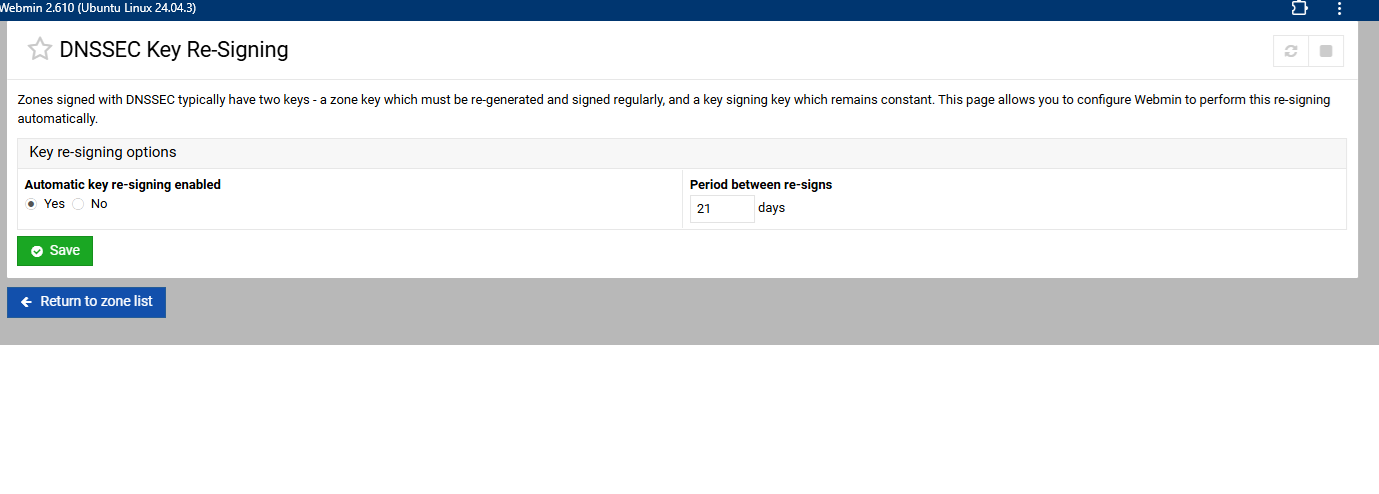
Webmin BIND module does it automatically when enabled in “Servers ⇾ BIND DNS Server: DNSSEC Key Re-Signing” page.
Is activated but does not resign.
Ilia
December 4, 2025, 10:05pm
4
It’s a scheduled cron job, so it doesn’t run right away. You can just manually re-sign the zone this time!
Or, if you want to manually trigger it, run:
/etc/webmin/bind8/resign.pl
Stegan
December 5, 2025, 7:57am
5
silly question
Stegan
December 5, 2025, 11:17am
6
Ilia:
Or, if you want to manually trigger it, run:
/etc/webmin/bind8/resign.pl
No such file or directory
Ilia
December 5, 2025, 12:08pm
7
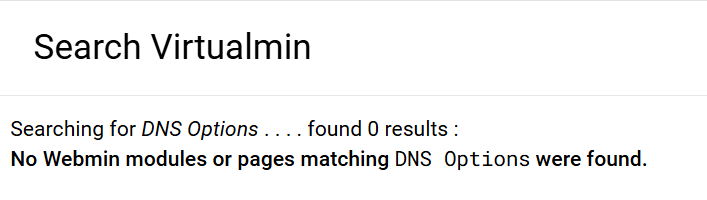
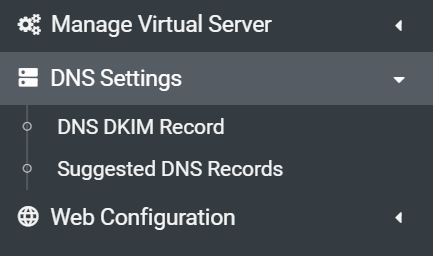
It’s only automatically set if DNSSEC for the domain is enabled through the “DNS Settings ⇾ DNS Options” page.
you don’t have DNS enabled for this domain you’re posting. Suggested means its not enabled.
Stegan
December 5, 2025, 2:36pm
10
correct DNS is managed on all VMs through their management dashboards or where provided by the registrar dashboard. Usually adding the “Suggested DNS Records”one day i might learn how to and trust Webmin to do it all for me - until then