Hoping I might get some help from the community. I’ve had a pro ticket open for a month and still spinning our wheels.
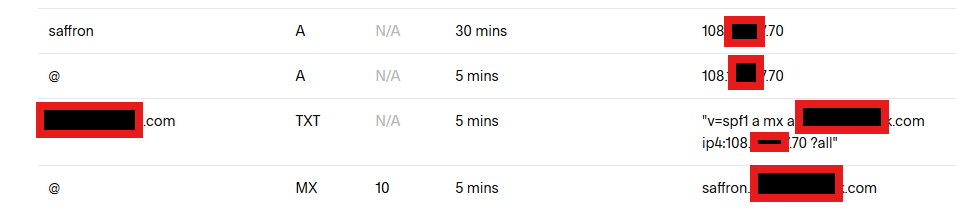
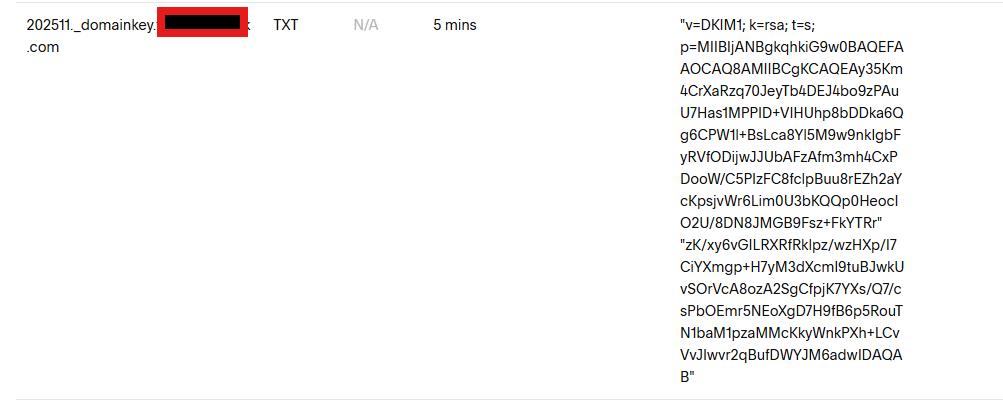
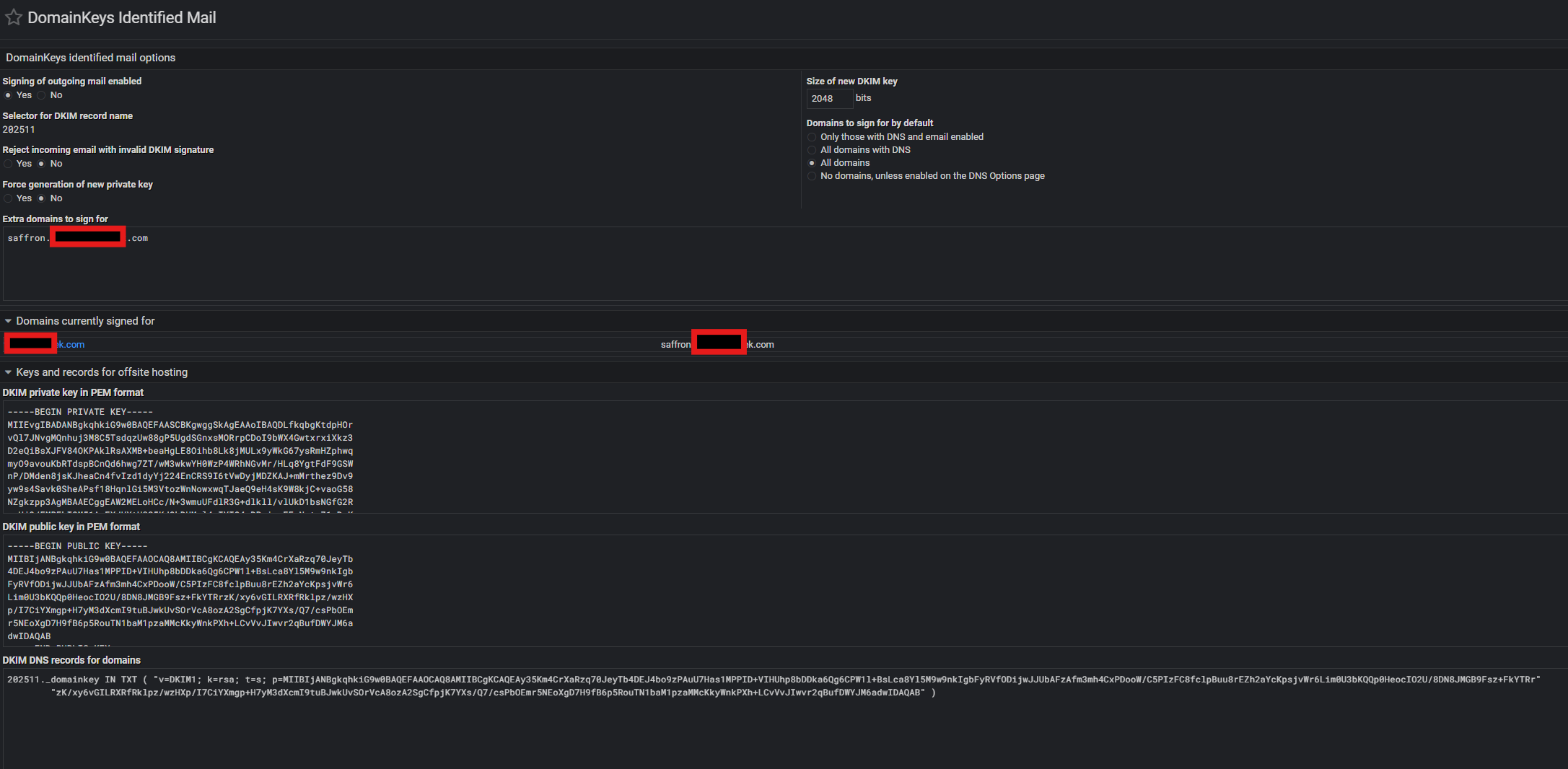
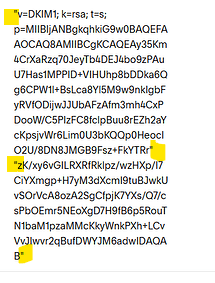
DNS is hosted externally by Squarespace (formerly Google DNS). I’ve got a single domain configured on Virtualmin and need to get email authentication working. Both gmail and iCloud mail are rejecting messages sent by the Virtualmin server because they are “unauthenticated.” I’m pasting some details and screenshots below on the rejection message and my DNS and server domainkeys identified mail settings.
xyz@gmail.com: host gmail-smtp-in.l.google.com[173.194.219.26] said: 550-5.7.26 Your email has been blocked because the sender is unauthenticated. 550-5.7.26 Gmail requires all senders to authenticate with either SPF or DKIM. 550-5.7.26 550-5.7.26 Authentication results: 550-5.7.26 DKIM = did not pass 550-5.7.26 SPF [xxx.com] with ip: [108.xxx.xx.70] = did not pass 550-5.7.26 550-5.7.26 For instructions on setting up authentication, go to 550 5.7.26
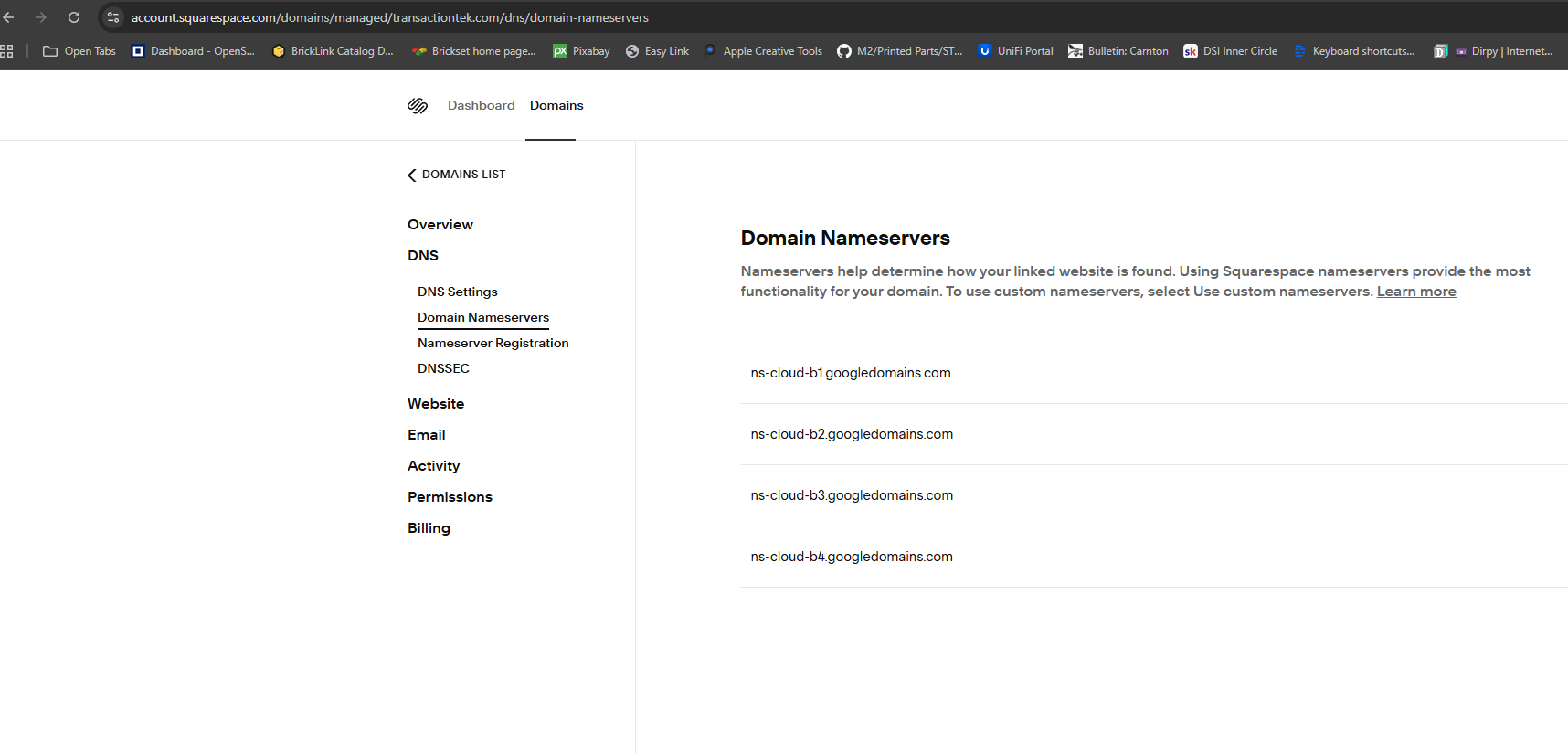
Squarespace says this is the correct authoritative nameservers, as they now own / control googledomains. This may in fact be an issue, as I’m not seeing ALL the entries I have in the zone return in results, but as far as the google - squarespace DNS authoritative situation, Squarespace say the nameservers are accurate.
Squarespace support insists that the DNS servers are theirs and they are authoritative. They are apparently suggesting that your dig inquiries are wrong. And if you search “the right way” the results are there. I have asked them why no TXT results are being returned. I’m awaiting their response.
Morgan Z. (Squarespace)
Feb 8, 2026, 10:27 PM EST
Hi there!
Thanks for reaching back out! My name is Morgan, and I’ll be stepping in for Jéleane.
I understand you are not seeing propagation with dig. This could be because you are not searching correctly.
If that’s the case, then the way these are being generated in Virtualmin (Domainkeys Identified mail) is problematic, to say the least. Thank you though. Appreciate the guidance.
They’re being generated in a BIND-friendly format. If your DNS provider doesn’t accept records in the same format as BIND (the de facto standard DNS server and the server where standards work is refined and demonstrated), it’s kinda a them problem.
But, I’ve seen similar problems at Route 53 when copy-pasting working long records from BIND, though it works fine with Virtualmin managing Route 53 directly. I don’t remember the specifics of the solution, but I think it needed both adjustment of quotes plus limiting line length.
Alright guys - got it working. After correcting the format with the DNS registrar by removing quotes and spaces, mail is not getting rejected. Thanks for your help everyone.
I think I’m going to look in to Route 53 for domain management, since we have a built in management tool. Way too complicated with Squarespace.