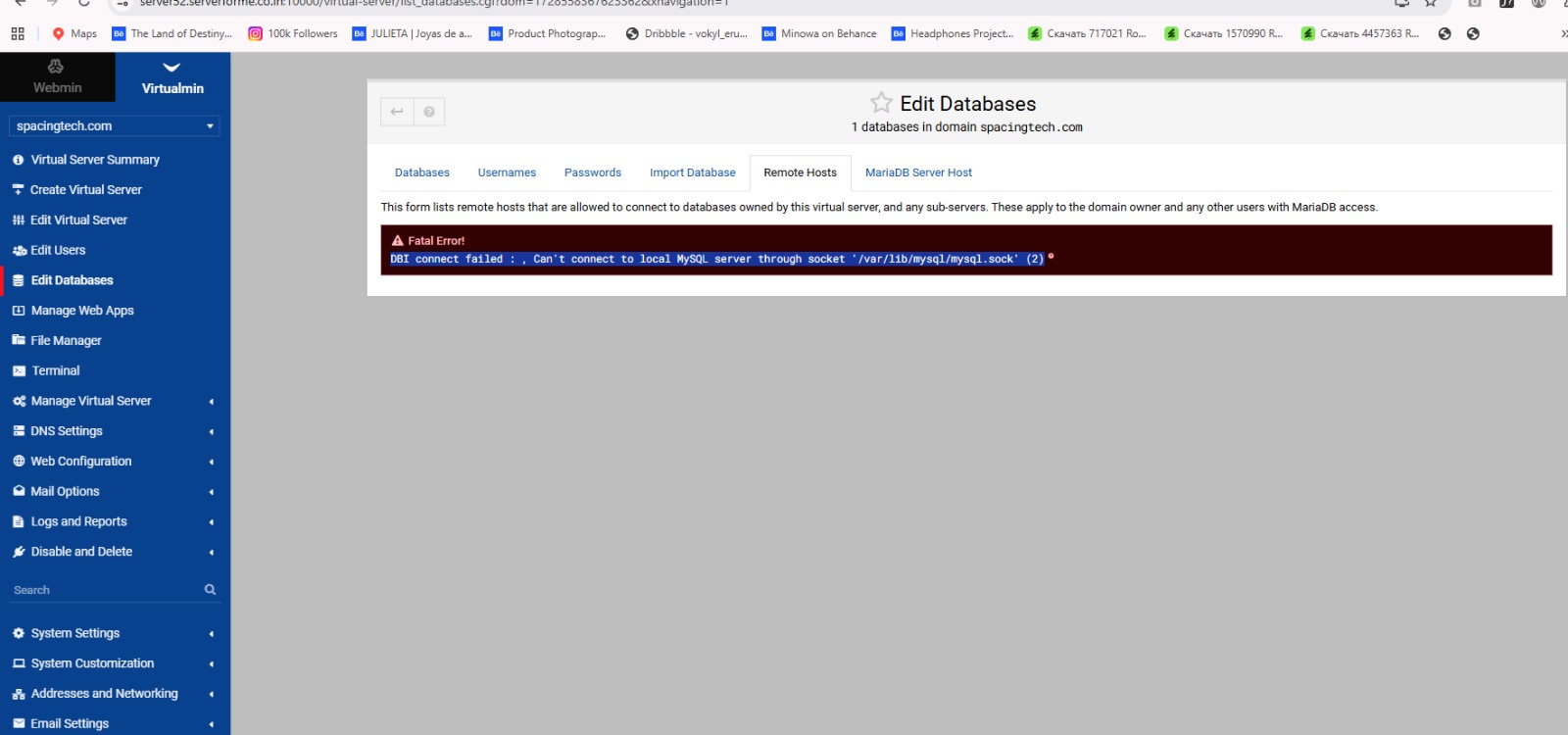
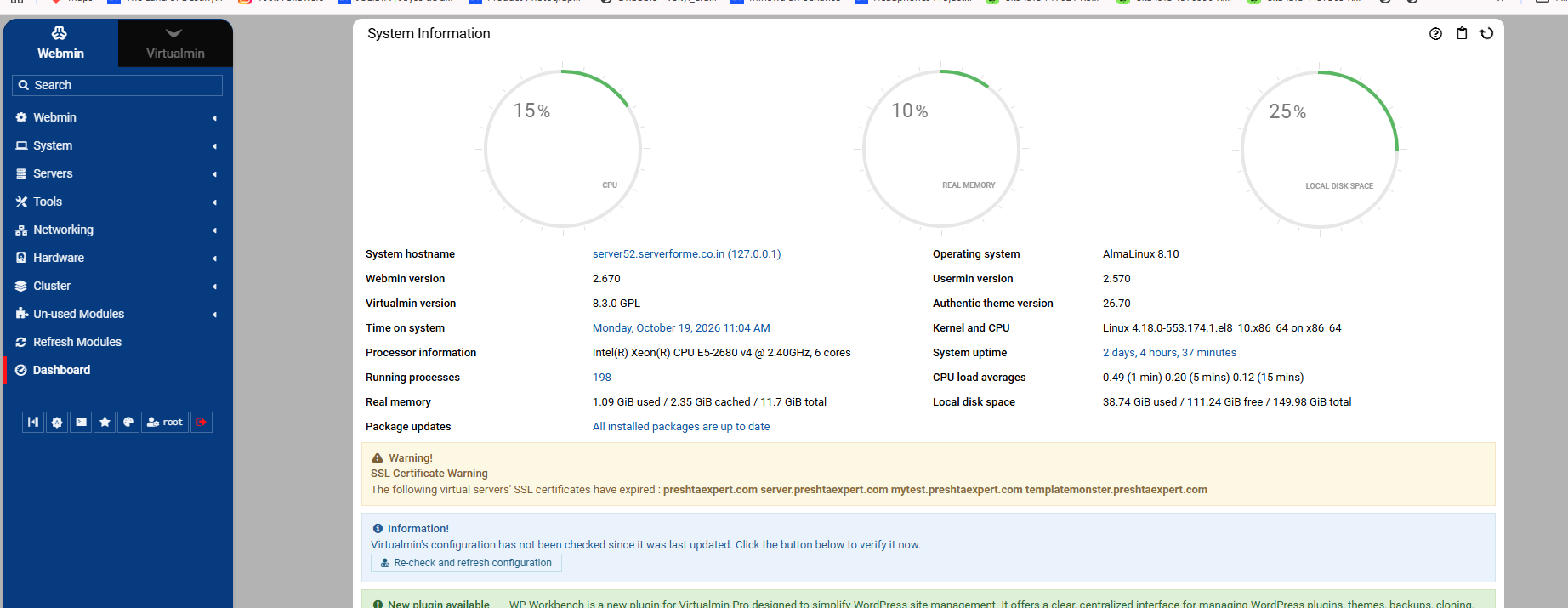
You still need to give us your os/webmin details without that it’s nearly impossible to diagnose also look at your servers status block on the dashboard and see if mariadb/mysql is actually running
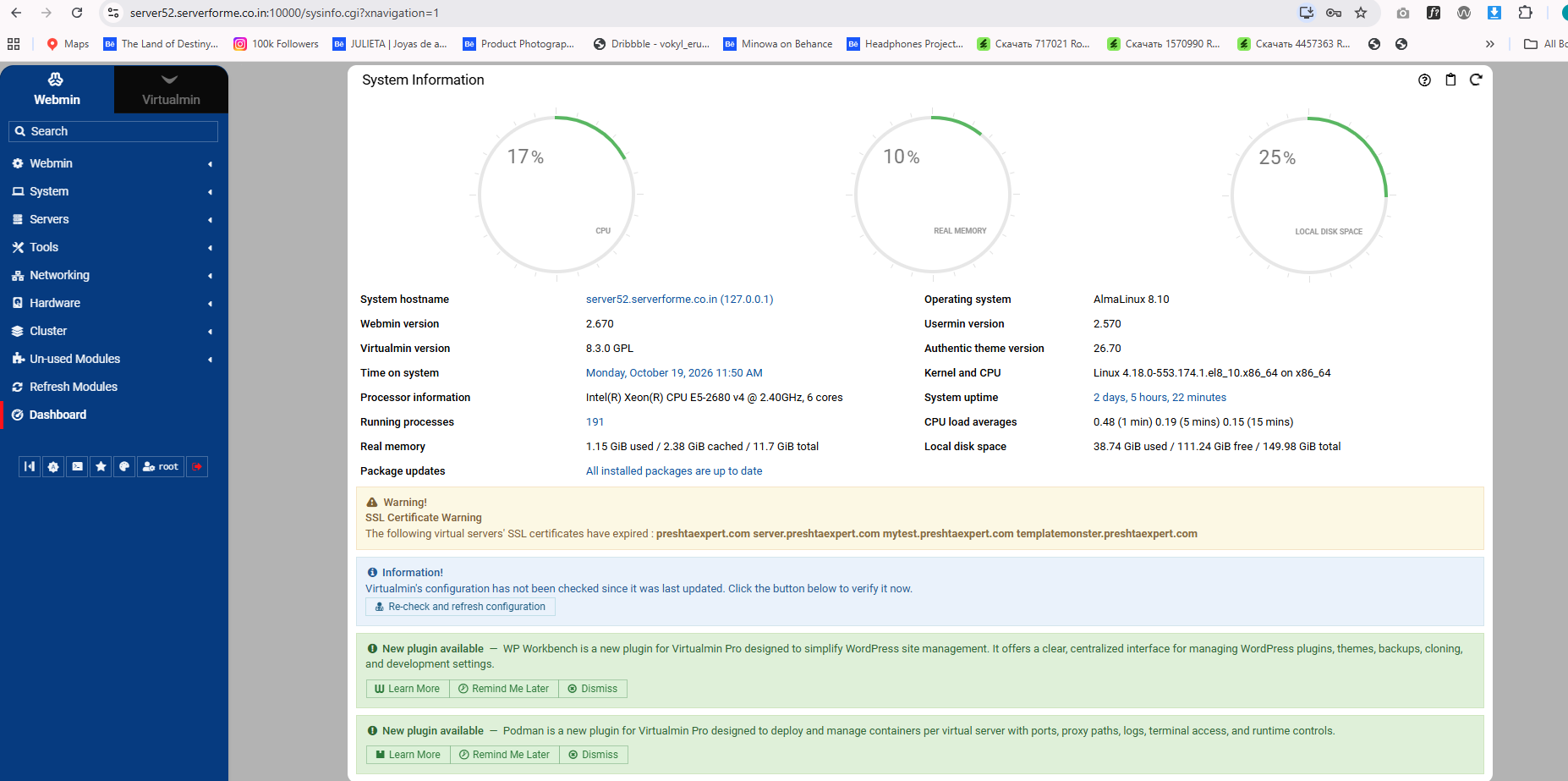
Servers status is much lower down the screen but i can see some notifications on the dashboard it’s reasonable to action those notifications. I can not see from the screen shot what they are
First off action re check the configuration notification this may show errors in the configuration. But you still have not shown the servers status section of the dashboard this will indicate if the database server is running or not and if stopped there is a button to start the database server. You could also look at webmin->servers->database server option to see if you get any more information from that. My guess is the database server is not running and needs starting but it may of failed through misconfiguration, if this is the case you will need to fix the errors via a terminal. But lest see when you attempt to re start the server if it’s not running
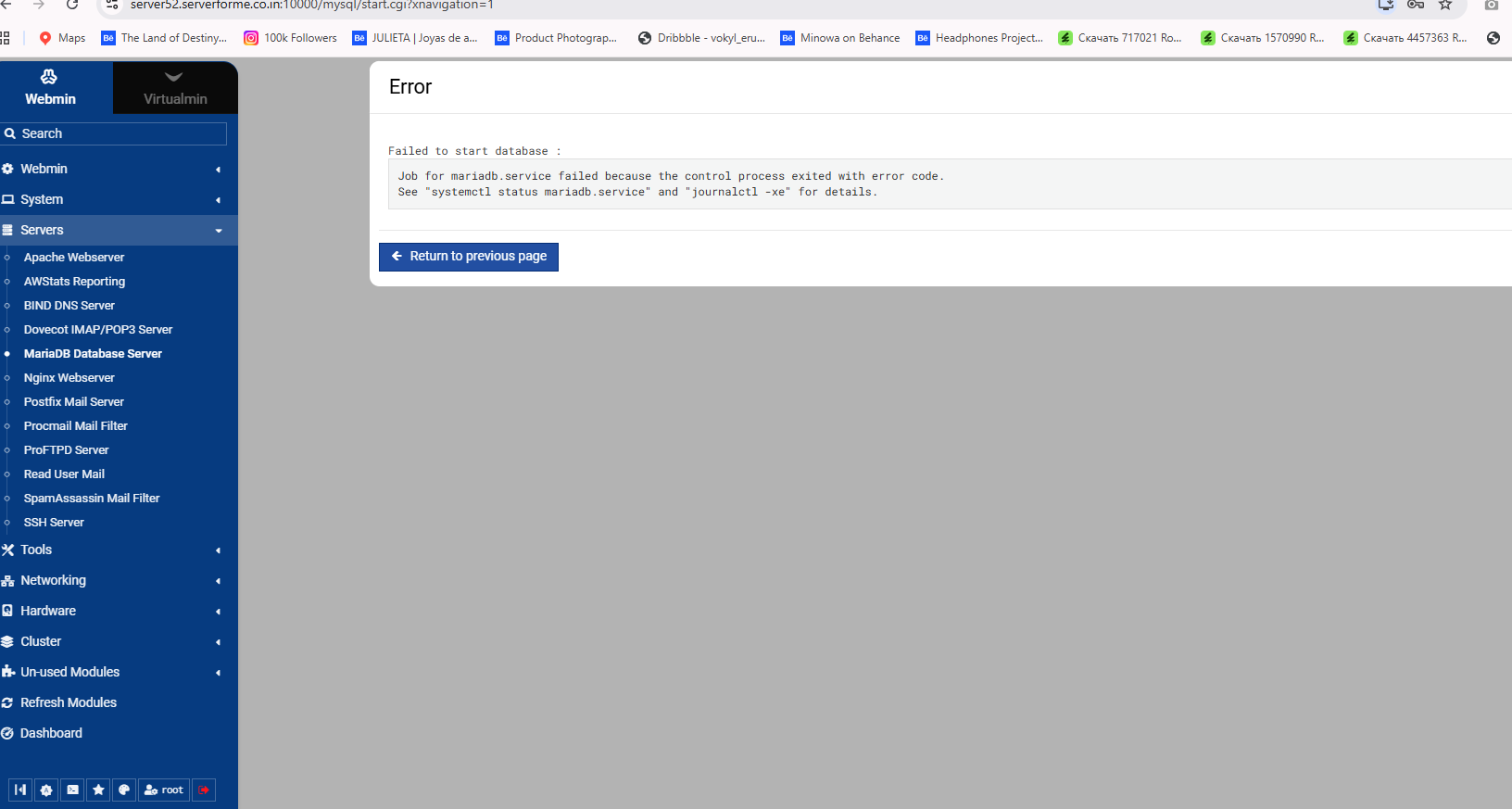
You’ll need to look at the journal for the mariadb unit. You can do that on the command line with: journalctl -fu mariadb or you can see it in the System Logs Webmin module by selecting the mariadb unit in the dropdown.
If you are a Webmin / Virtualmin newbie and wish to have a quick 10 minute paid chat with me about this, you could do that - in addition to interacting with the very helpful community via this forum.
You need to follow the advice given, the database service failed to start, you need to find out why it failed to start by viewing the relevant logs for errors . Did you make any configuration changes to mariadb ? but either way as you can not access the mariadb server module you will have to check these things via the command line (terminal) until you do this and report the errors back here there is not much anyone can help with