| SYSTEM INFORMATION||
|OS type and version|AlmaLinux 9.6|
|Webmin version|2.303|
|Virtualmin version|7.30.8|
|Webserver version|Apache 2.4.62|
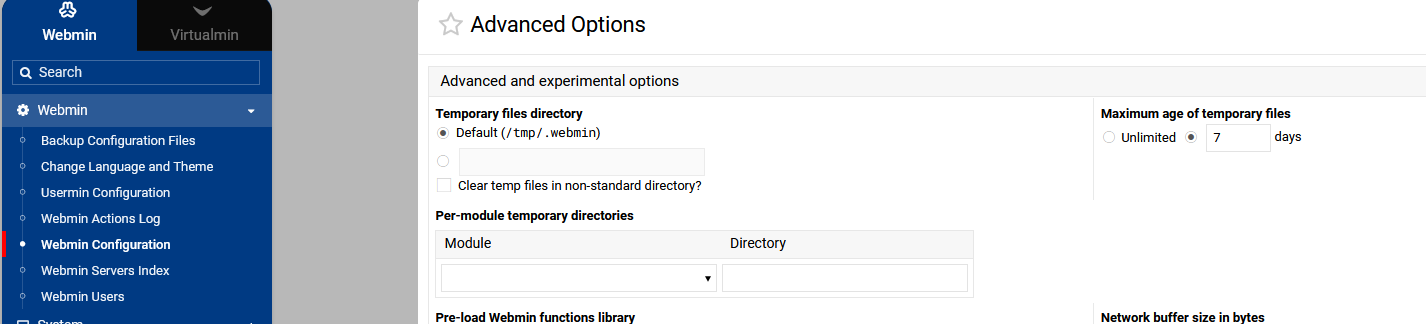
I had asked this question last year, but unfortunately I got off track and was not able to get clarification before the thread was locked. I am trying to set it up so that the backup system uses a secondary drive for the temp files when making the backups for s3 destinations, rather than the primary drive, and this was the response I got:
By default, Virtualmin uses the system’s temp directory for backups, but you can customize this by setting a different temp path in the backup configuration or environment variables.
However, I do not see anywhere in the backup config where this would be set, under either Virtual servers, Features and settings, Global settings, Destination and format, or Schedule and reporting, and those are the only sections I see when creating a scheduled backup. Where should I be looking in order to set this? Thank you.