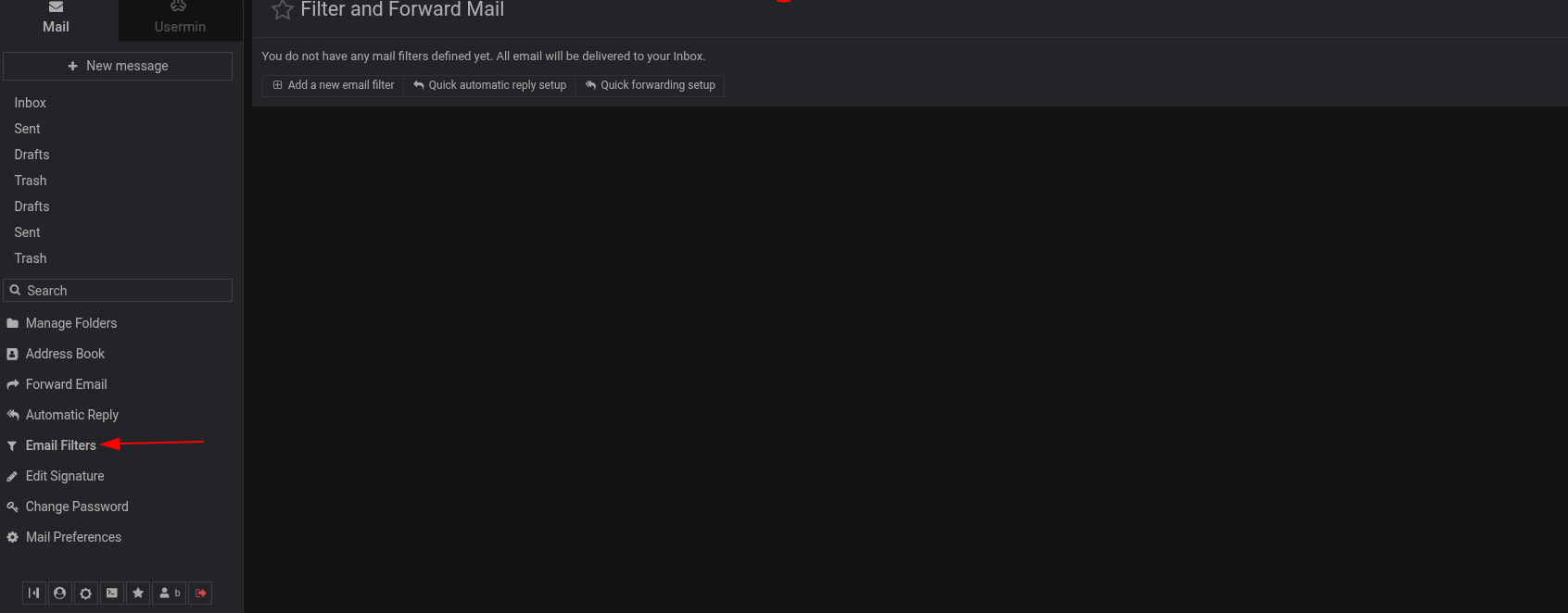
I may have a false memory, but I thought I used to be able to make a rule in Usermin to automagically take Cron Job mails from the Inbox and put them into an ad-hoc folder for easy deletion.
I might be mixing up a Roundcube feature with a Usermin feature.
Either way, how do I accomplish that again? And is it possible to use the same methods to forward eMails to other identities?
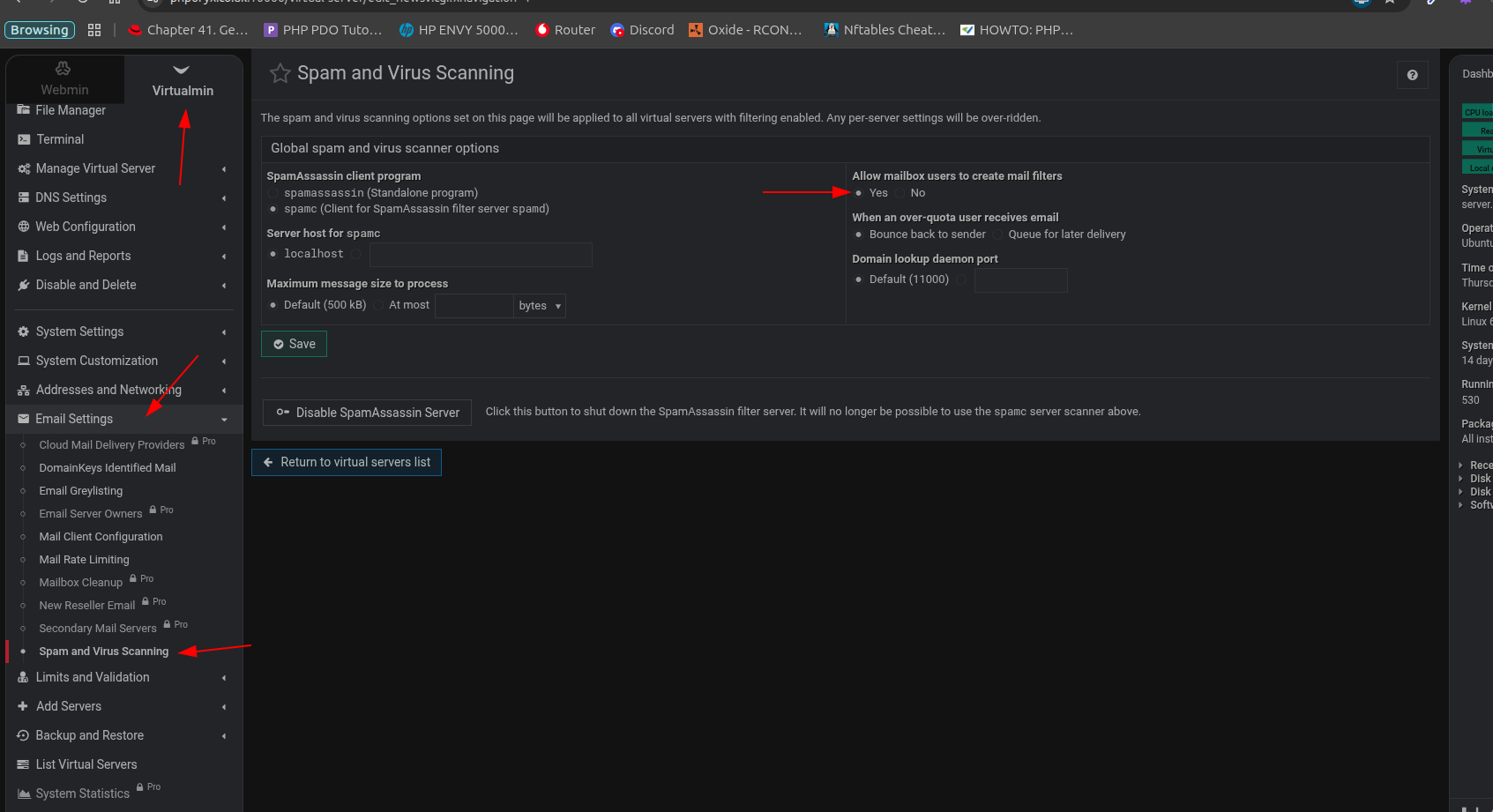
You are correct, spamassassin doesn’t have to be activated, just the Spam Filtering feature.
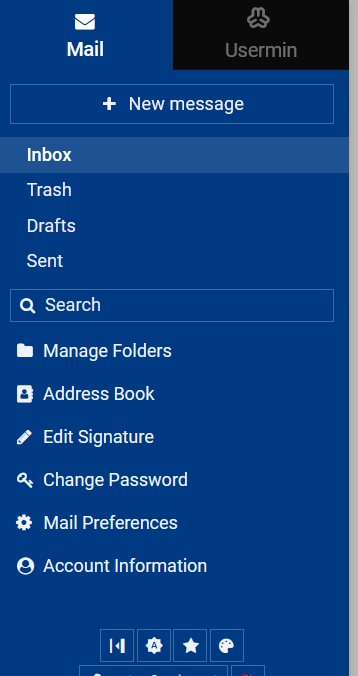
I haven’t ever used Spam Filtering feature as I handle that with dedicated servers, yet Usermin used to have Creating filters, Forwarding and Auto reply available from the Mail menu.
no I don’t look again at the screen shot .. you will see the spamc is selected with no host set. From what I can see spamc would never run without a host supplied. Looking at my process list I never see spamc running, given that I would guess spamc never runs but please correct me if I’m looking in the wrong place to see spamc running. I have done 10 hours now with the spamd service switched off, everything turned up in the email folder that was expected. May be the form that you submit to virtulmin ignores impossable situations ( perhaps spamc with no host set ) and only sets what is valid. TBF I do find that the ability to allow users to create filters etc is in that form, maybe it would be better placed else where, that said where would you put it as it appears to be a global setting ?
I ran into that too due to my ignorance of where to look for options. I tried getting the service at https://www.spamtitan.com/ but so far after 48 hours they haven’t contacted me to pay the miniscule fee they charge.
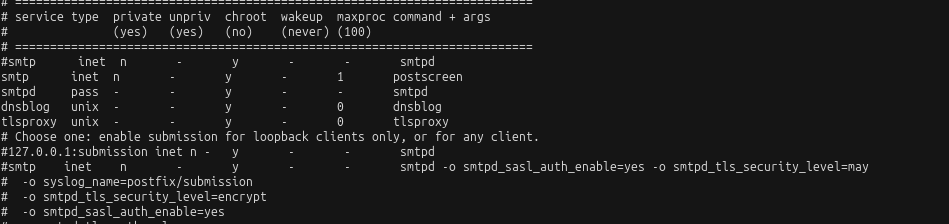
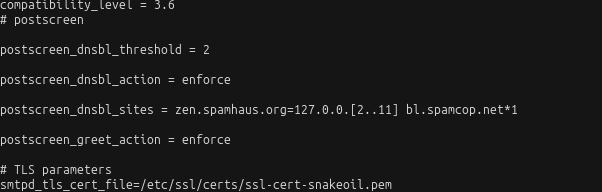
Setting up postsreen in postfix cured most of my spam the rest either gets filtered by spamassassin and/or by virtualmin’s filtering, I’ve ended up with a near spam free inbox without having to resort to other tools
There is no virtualmin gui to do this, however I would search the internet for examples on how to set up postscreen for your current OS, that said I have this in master.cf
Yes I did. It was the checkbox in that Virtualmin → System Settings → Spam and Virus Scanning section that I forgot to even look into after setting up my virtual servers.
Yes, because the content of this thread got me to look at that. Postscreen sounds like a great idea for Postfix.