@Ilia
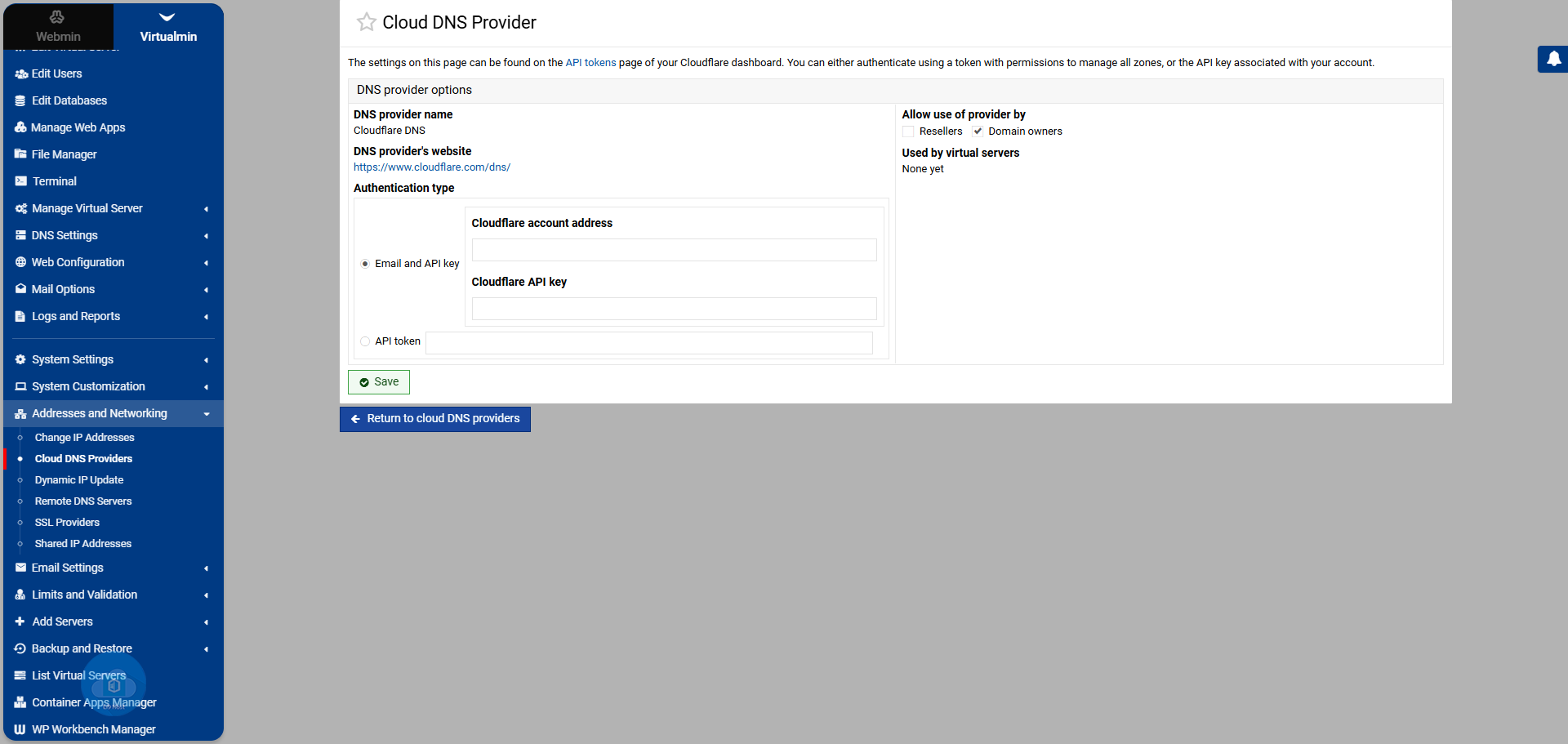
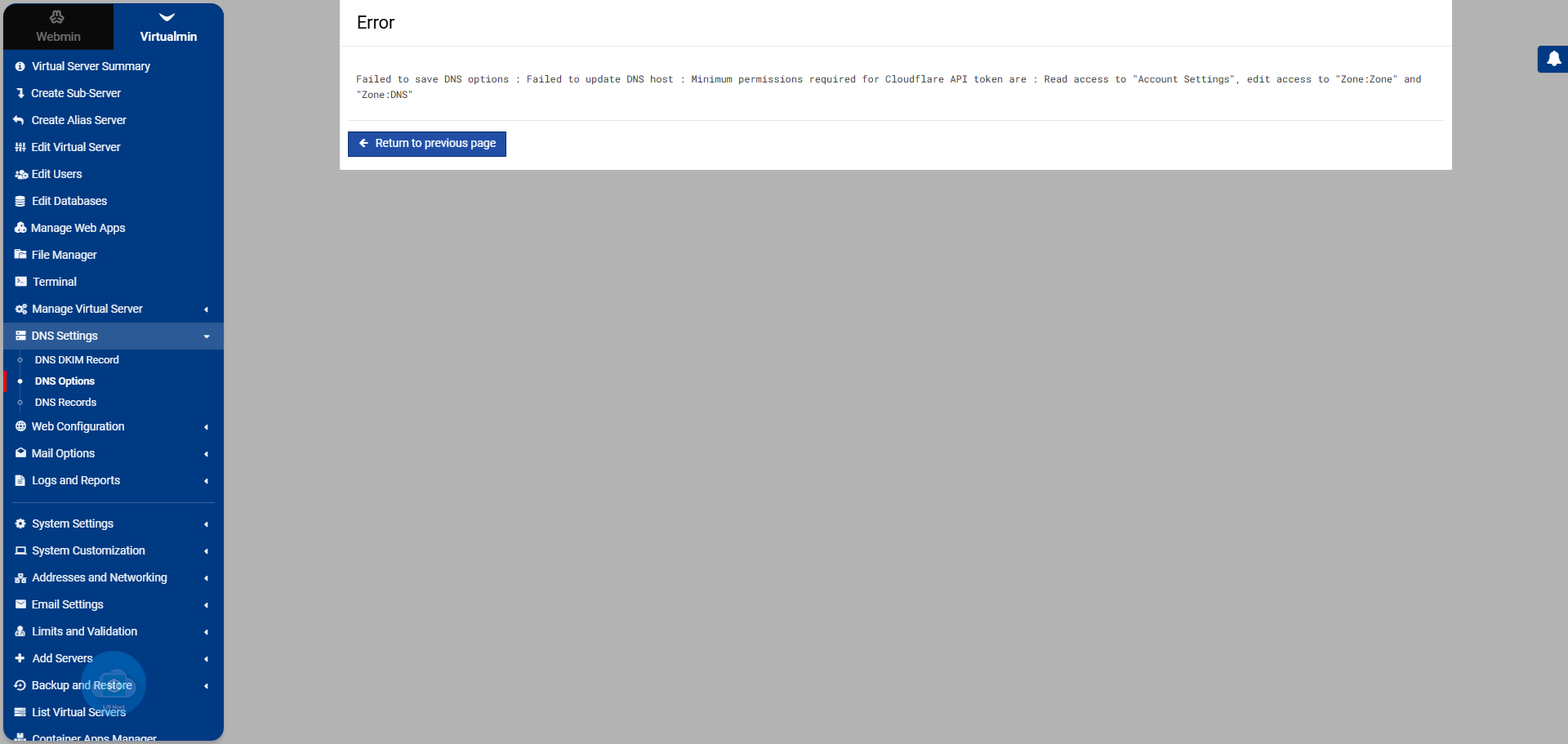
With the migration of my sites to React, backed by AI, I need to add active subdomains and tried to use Cloudflare but wasn’t successful. Would there be any changes that need to be made because of the updates that were added in Cloudflare?
Cloudflare was activated successfully.
The thing is, Virtualmin doesn’t show the DNS entries already configured in Cloudflare.
It adds to Cloudflare the DNS entries that are already in Virtualmin.
And this causes errors and the total loss of the existing DNS configurations in Cloudflare.
Right, not sure it works that way. I’ve always got virtualmin to create and change record and they copied to cloudflare,
If you set the template to have cloudflare as the default method, when you create a domain the dns record will be created on cloudflare.
If it’s set to Yes and the domain being created already exists on Cloudflare, Virtualmin will allow creation to continue and bring the zone under it’s control. If No is selected, domain creation will fail with an error that it already exists on Cloudflare.
In my case, the domains exist in Virtualmin and Cloudflare. They were created in Virtualmin and then the need arose to move them to Cloudflare to create a subdomain in React that uses an IP outside of Virtualmin. So, in Cloudflare, DNS records were added that fit my new setup, and I expected these records to be added in Virtualmin when it was said that Cloudflare would manage them. In this case, should I delete all the DNS records I had in Virtualmin so that the Cloudflare records can be added? If so, couldn’t this procedure be included automatically in the process? In other words, when I declare that the DNS records should be the ones from Cloudflare, they should be copied/added in Virtualmin, deleting what’s already there?