Just an FYI to whom ever it may concern. While I do not need auto install for WordPress it can be handy. I just thought I would mention it.
You need to be more specific. What OS and Version of Virtualmin are you using. WHAT error/indication do you get that it isn’t working? We need to know if you are using GPL or PRO at minimum because of the WP workbench feature in PRO.
We need to see the exact errors, in addition to details about your OS/version.
Pro on a hostinger vps I can do manual installations. But someone else might need it.
|System hostname|[ott1.cloud (31.220.49.201)]**
Operating system**|AlmaLinux 9.7
Here is the contents of wp_cli.log hope it helps.
It shows this same error about 30 times. It installed properly last Dec.
Error: This does not seem to be a WordPress installation.
The used path is: /home/shastashops/public_html/wordpress/
Pass --path=path/to/wordpress or run wp core download.

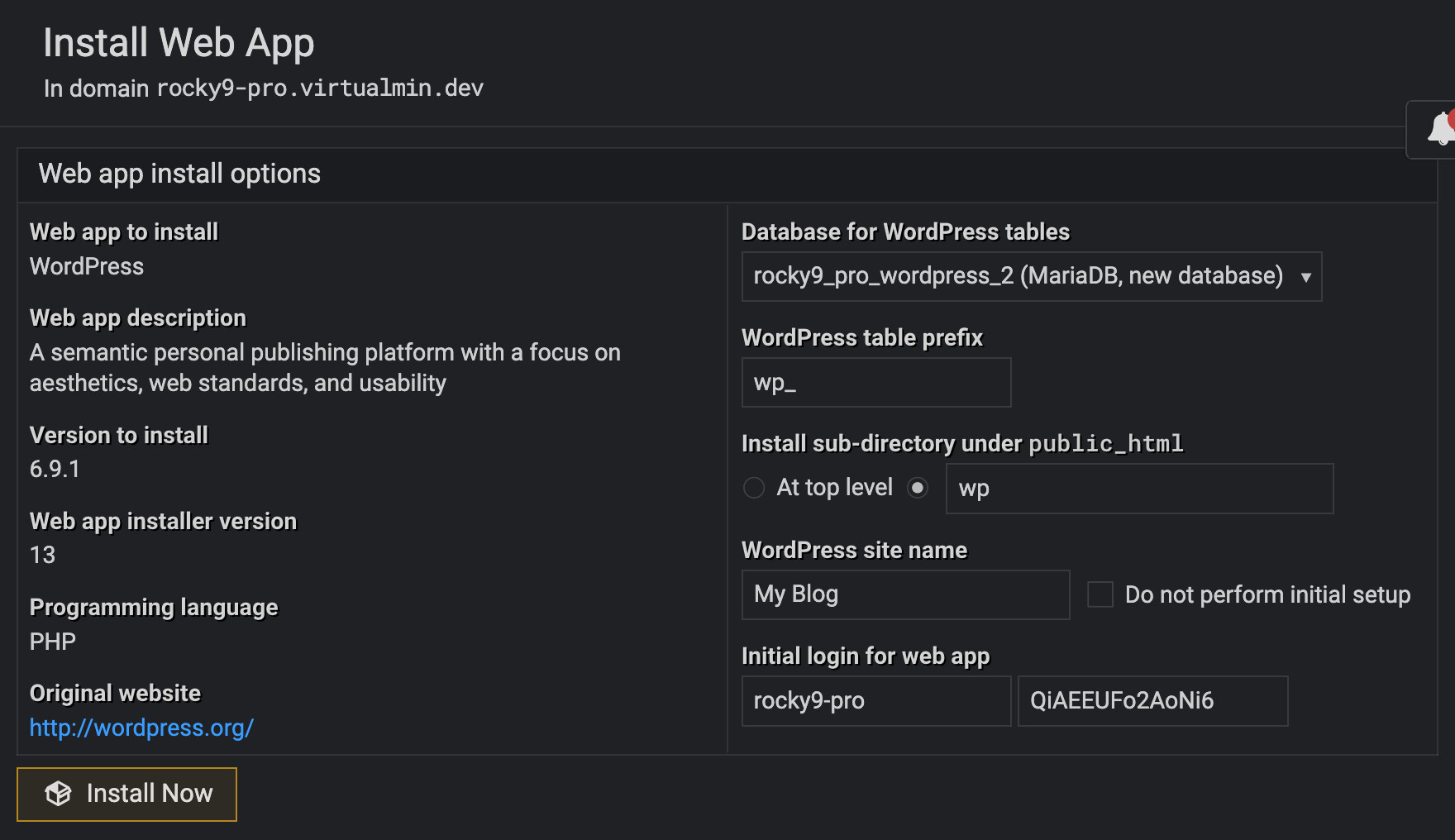
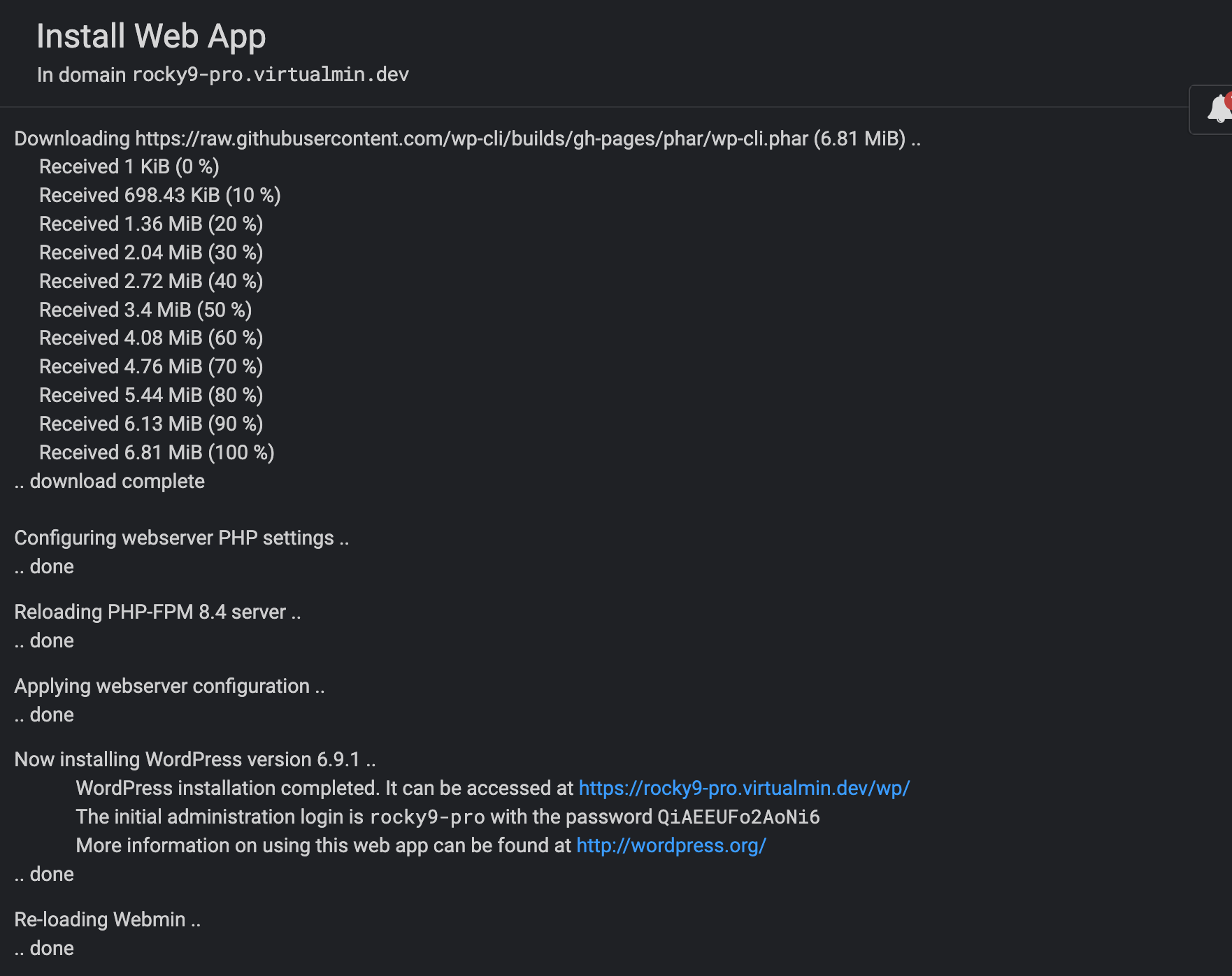
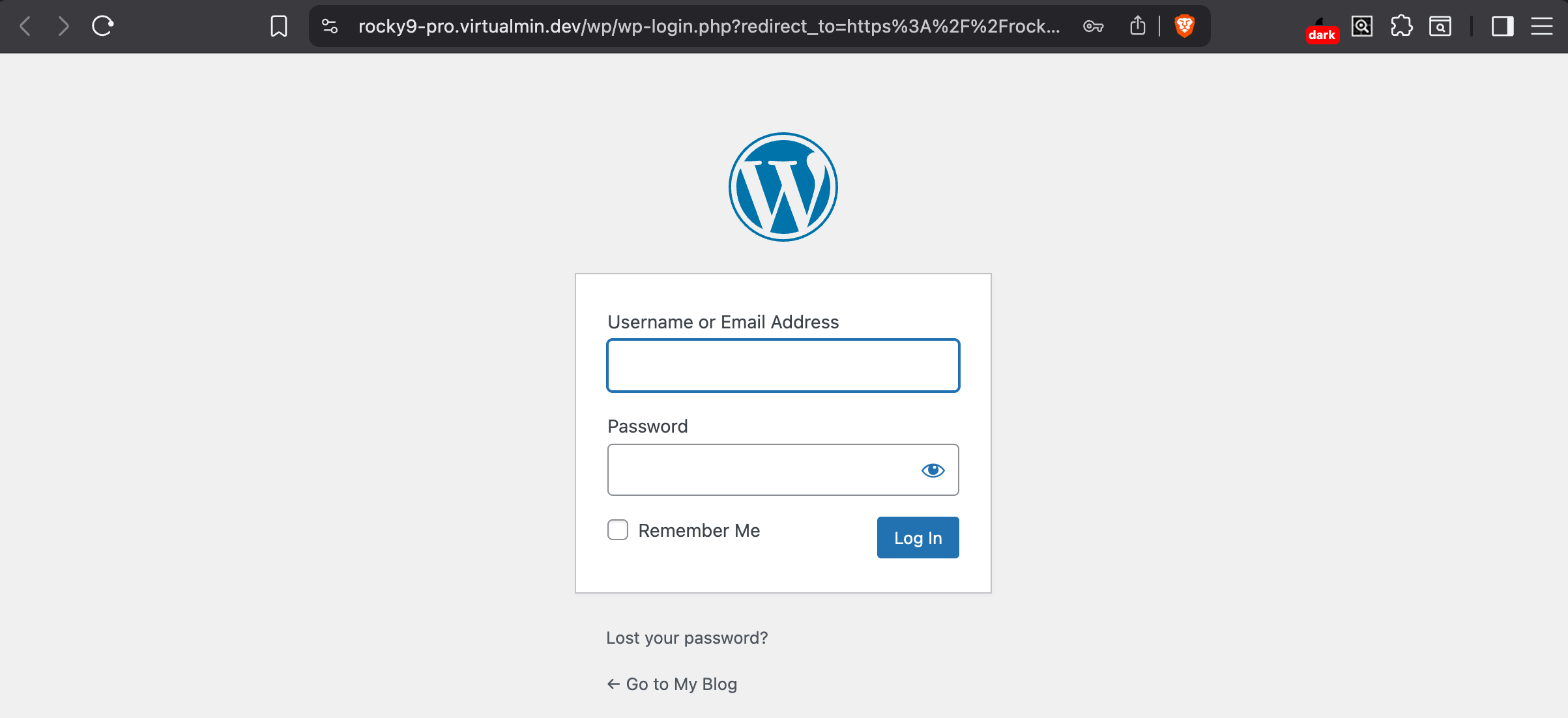
When I do a manual install Manage Web Apps will pick it up so will the WP Workbench. After auto install when I check in File Manager only some of the files get installed. The error file list every file it couldn’t install so it’s massive. There are a lot of download fails and stream errors. So I’m guessing it’s not connecting to the download source. Other web apps install and work and it’s all the same regardless of the domain I’m using. It use to work. I used it a couple of time last December.
After auto in stall WP Worbench gives this error
Failed to execute the WP-CLI command! See the log file at /home/ott1.com/logs/wp_cli_log for more details.
I can just do manual installs and hope a future update will fix it.
Have a great day.
I don’t understand what you mean? Can you show the process with the screenshots that fail for you?
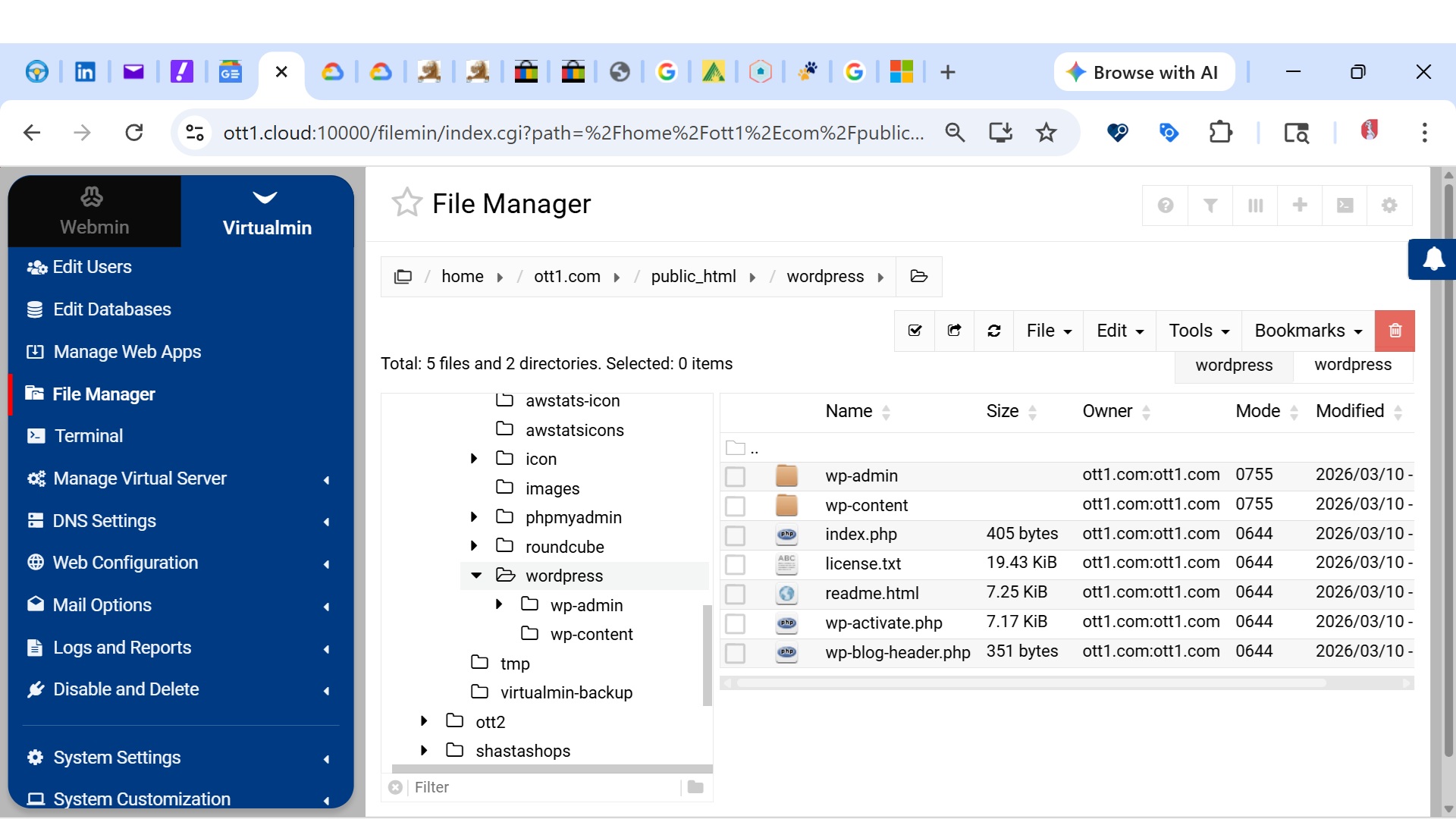
Can you show the error that appears when the WordPress installation fails on the “Manage Web Apps” page? This screenshot of File Manager doesn’t say much.