Got it! Please try the patch from my previous comment and let us know if it fixes the issue.
Ok, I can confirm that after applying the patch the UI reports the backup to be deleted after few seconds.
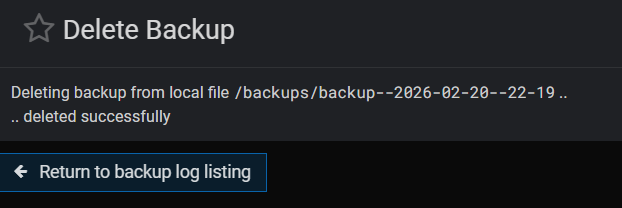
However, the corresponding backup folder is not removed from the file system and some files remain inside:
root@sv1:/backups/backup--2026-02-20--22-19# ls -l
-rw------- 1 root root 47029 Feb 20 22:21 virtualmin.tar.gz
-rw-r--r-- 1 root root   170 Feb 20 22:21 virtualmin.tar.gz.info
@Jamie, do you remember fixing this bug recently?
Not for local backups, only SFTP I think.
Can you double-check that? I cannot reproduce it.
If this is still an issue, could you show what the Virtualmin output is and what the actual result looks like?
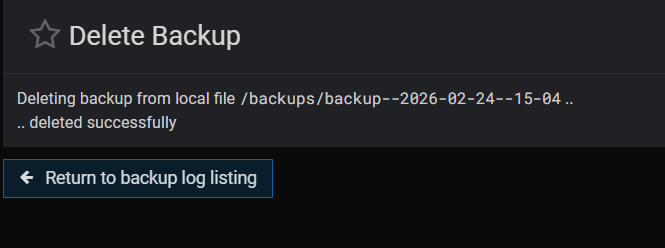

After updating to Virtuallmin 8.1.0 Backup deletion still works, but some files are still left in backup folder as reported above
We need more details. Can you try running the backup via CLI with the --purge-debug flag, similar to how it’s configured in the UI, e.g.:
virtualmin backup-domains --all-domains --all-features --dest ssh://virtualminbackup:password@remoteserver/backups/backup--%Y-%m-%d--%H-%M --strftime --purge 10 --purge-debug
@phoenixtech Is this still an issue?