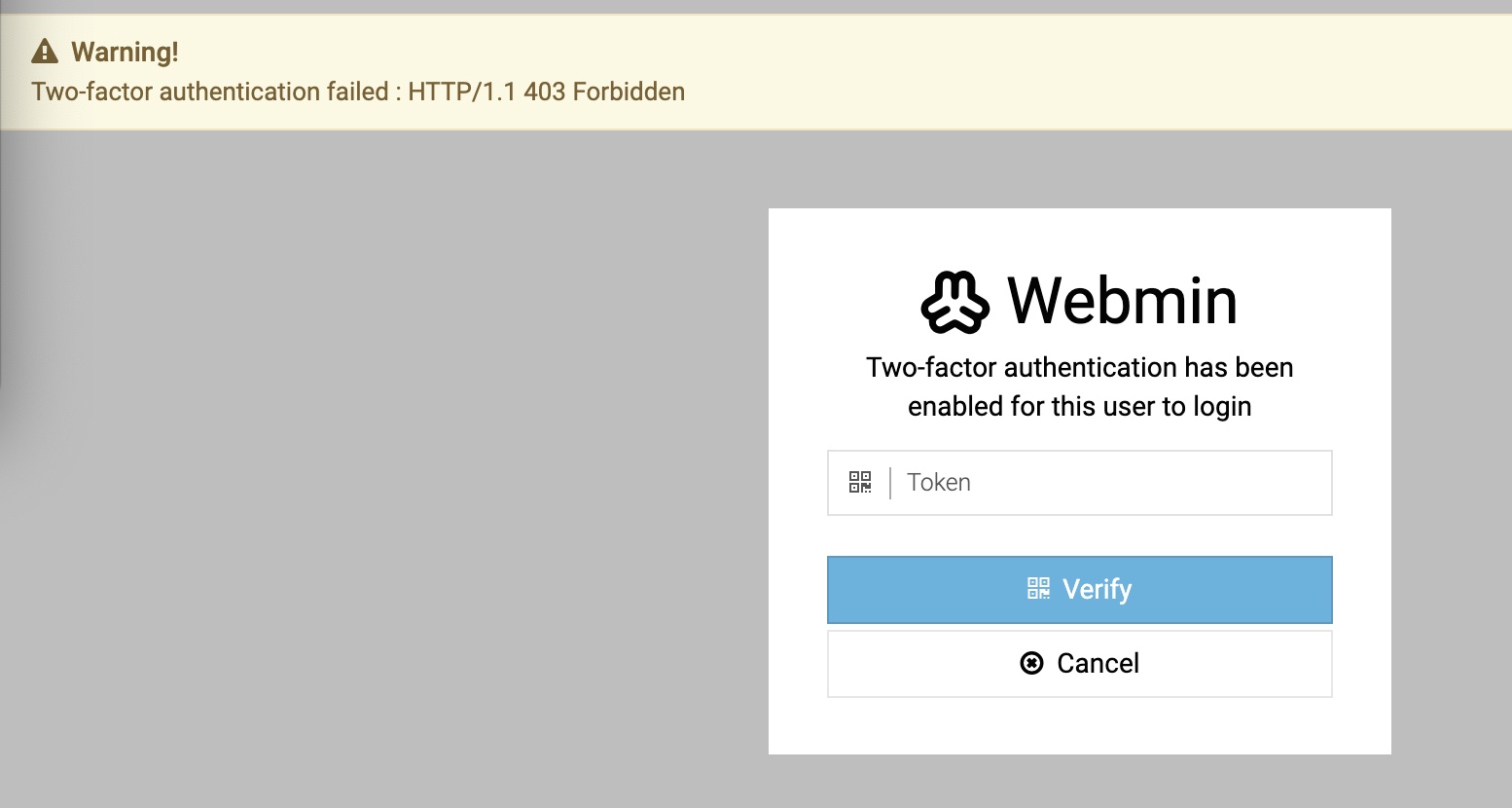
Please also see the screenshots. The username and password are OK, the MFA screen appears OK, submit correct token and it comes back with the “failed” message. This is on 2 different servers, both used to work, both broke after the webmin/usermin updates.
Just tried the CLI /usr/share/webmin/bin/disable-twofactor with SUDO and it tried to execute but returned an http response complaining/warning :
Webmin has detected that the program <tt>http://</tt> was linked to from an unknown URL, which appears to be outside the Webmin server. This may be an attempt to trick your server into executing a dangerous command.<p>
Make sure your browser is configured to send referrer information so that it can be verified by Webmin.<p>
Alternately, you can configure Webmin to allow links from unknown referers by :<ul><li>Login as <tt>root</tt>, and edit the <tt>/etc/webmin/config</tt> file.</li><li>Find the line <tt>referers_none=1</tt> and change it to <tt>referers_none=0</tt>.</li><li>Save the file.</li></ul><p></p>WARNING - this has the side effect of opening your system up to reflected XSS attacks and so is not recommended!<p>