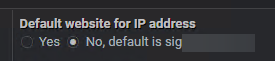
For unknow reason, all my websites, except the default website for ip address, are this error :
[Thu Oct 16 10:43:44.700166 2025] [ssl:error] [pid 25668:tid 25730] [client 10.1.2.31:52956] AH02032: Hostname server1.domain.com (default host as no SNI was provided) and hostname server2.domain.com provided via HTTP have no compatible SSL setup
I see that there’s changes with latest apache release but i don’t understand what I supposed to do ?
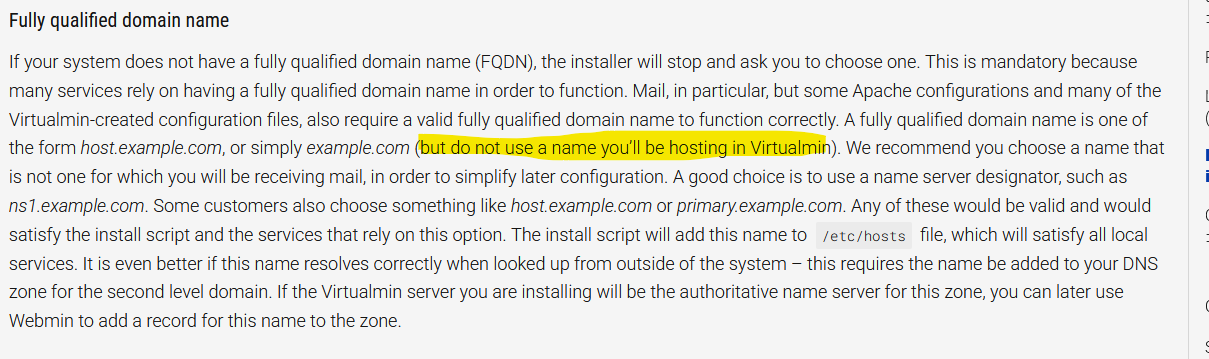
There no such thing as a default website in Virtualim. Sounds like you using the hosthame as a virtual server and that should not be done as in the docs.
This is almost certainly some variant of “the wrong site shows up”, usually caused by IPv6 misconfiguration or some other thing where you have VirtualHosts that Apache interprets quite differently from what you expect and so it’s serving what it believes is the best match, but the best match is not the domain name in the HOST header (Apache prefers IP over name when deciding which VirtualHost to serve, among other confusing things).
If you’re using a mix of * and IP addresses in VirtualHosts, that will cause this problem. You have to pick one or the other. It can also mean you have IPv6 hosts without properly setup IPv6 or IPv6 AAAA records but Apache isn’t correctly configured to serve your VirtualHosts on IPv6.
i’ve disabled ipv6 on my network interface and don’t use this
i’ve read your documentation and all virtualhost point to the ip of server (no * in the configuration)