Hello,
Virtualmin virtual-server is a Webmin module, so it cannot run without Webmin. Plugins such as Virtualmin WP Workbench, Virtualmin Podman, and Virtualmin Nginx are technically Webmin modules as well.
This is the same in both GPL and Pro. The overall UI layout and tabs are the same. Pro simply includes additional features and plugins that aren’t available in GPL.
What changes the menu layout is the login type. The docs page is up-to-date. Confusion here is about the different login types rather than outdated documentation.
The master administrator login, essentially Webmin root, sees two switches at the top of the left-hand menu: Webmin and Virtualmin.
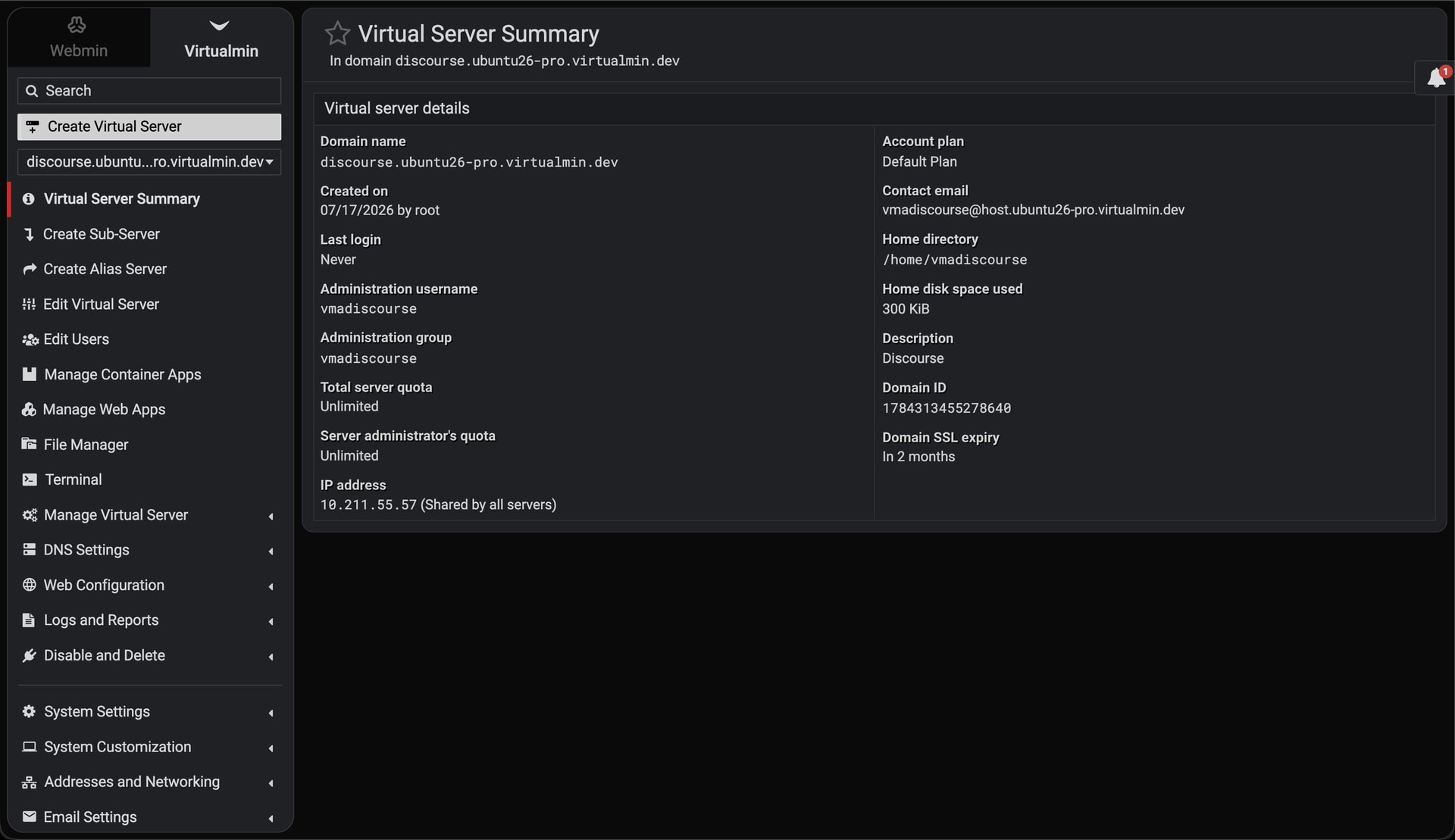
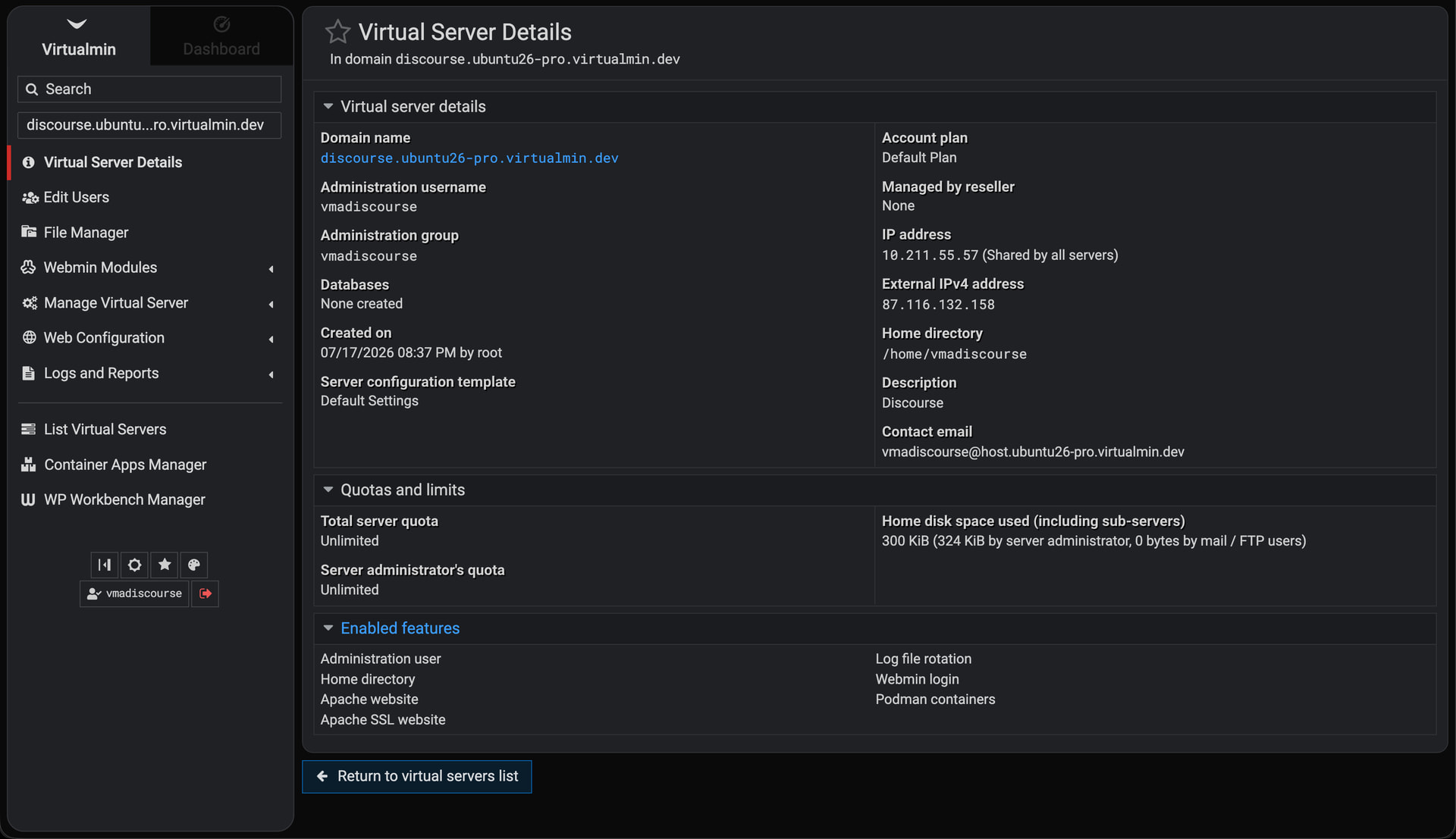
Domain owners only see the Virtualmin side, so those switches don’t appear for them. Mail/FTP users don’t log in to Webmin at all.
Lastly, I wouldn’t recommend installing Virtualmin manually. The best way is to use the official Virtualmin installation script on a fresh, supported OS. And, I think I indirectly answered your question in my previous response, where I also explained how to install Virtualmin on Ubuntu 26.04: