Have you upgraded host machine too? I recommend to upgrade both systems. However, it’s highly likely not related.
Try to force reloading the page using Ctrl + Shift + R and then clear the cache on the dashboard using the force-refresh button at the top-right of the page.
If none of this helps, try logging in directly to the system from an incognito tab and see if you get the same results.
Yes. The host machine was upgraded to. It’s the one that does show the menu. All machines defaulted to dark authentic theme.
I tried most of your suggestions already. I’ll try them all again this weekend. Stay tuned.
I’ve experienced the same thing with side navigation items missing upon upgrading to webmin 2.5 and authentic theme 25.00. Going into theme settings and making a change and then back to original settings, and then saving the (non-)change resets the side navigation, but only for that session. Return to that instance of webmin in another session, and it’s back to items missing as shown in the images above. This is consistent on all the VMs i’ve upgraded so far.
I’ve done seven servers now all without error, the only thing I can think of is something hardware related, are you also using raspberry pi for hardware ?
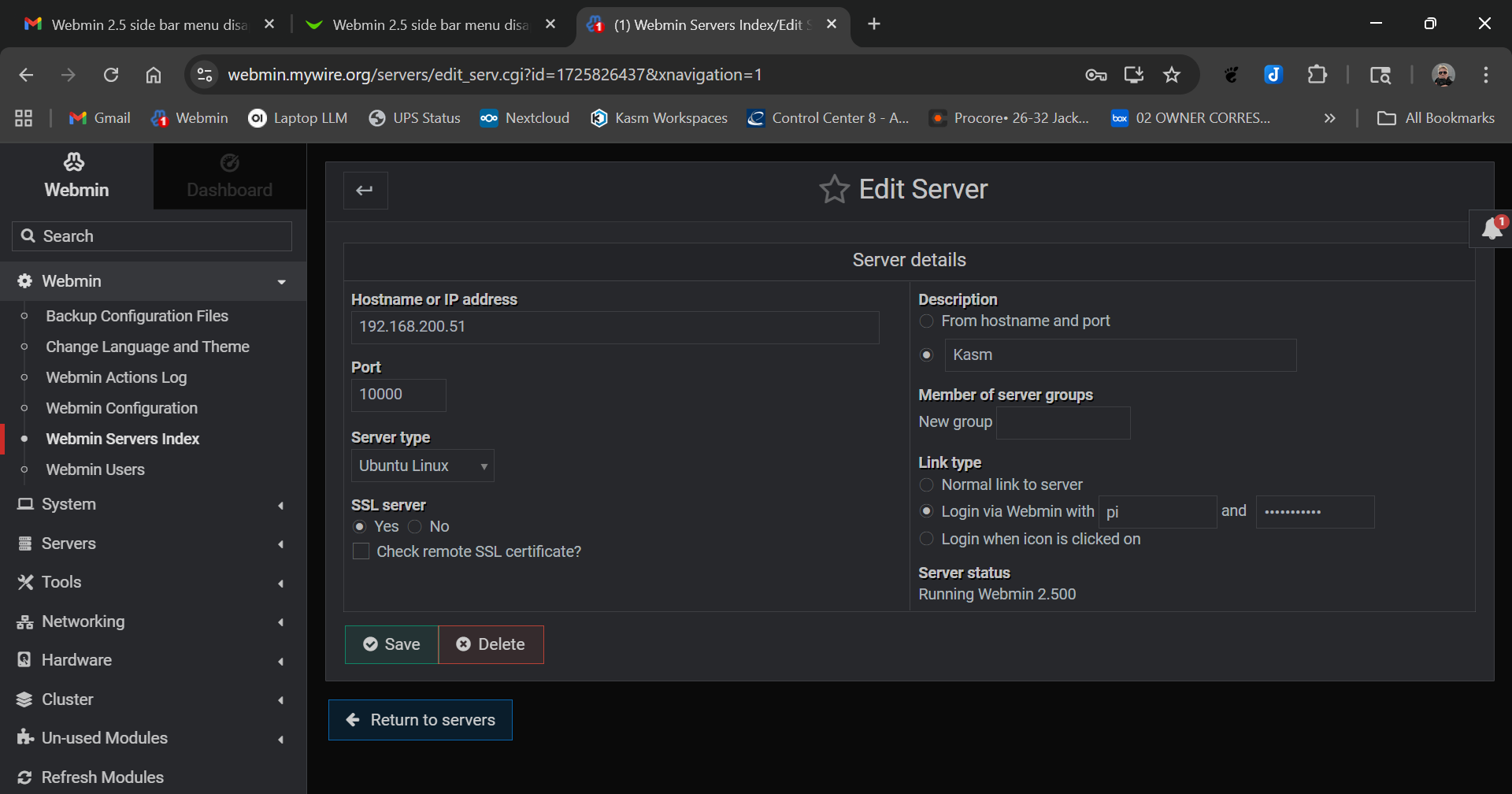
I’ve done a little more tinkering. Sorry for the delay. If I go directly to the machine then everything seems to work just fine. If I go through Webmin Server Index then things are wonky as the screen shots I sent yesterday showed. No difference with Cognito/Incognito or forcing a refresh.
Are there any firewalls involved? I don’t know about Webmin stand alone but Virtualmin now has a wide range of ports opened. From, memory, 10000 - 10100 .
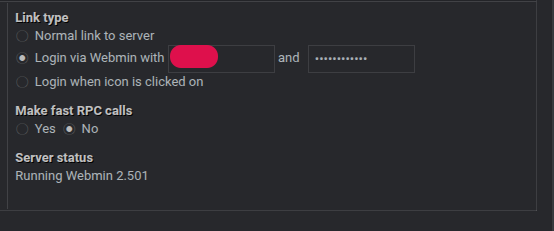
As virtualmin is just a webmin module it will just administer things slightly differently to webmin thats the only difference. The OP gets the issue when connecting through the servers index module and tbf I can not replicate it, my 7 servers, a mixture between webmin alone and virtualmin based servers all work as expected. The OP also states if they connect to the server directly it works as expected, so I guess we can discount any firewall issues as the issue would be still present. My guess there is something different with the rpc settings to mine which is causing the issue
Probably but you have to make a lot of assumptions about the network layer and where the external access point is to rule out firewall. I had that trouble with, I think, bind. I only opened the remote providers firewall for port 10000 and not the range. But, it is an easy enough check for the OP.
Sorry for the delay I was watching tennis and playing with my AI model.It’s not a firewall issue unless I’m perceiving something wrong. It works if I go directly to the machine and appears after I hit save in theme. I’m somewhat thinking that it wouldn’t exhibit that behavior if it were a firewall issue…unless I’m looking at something incorrectly.