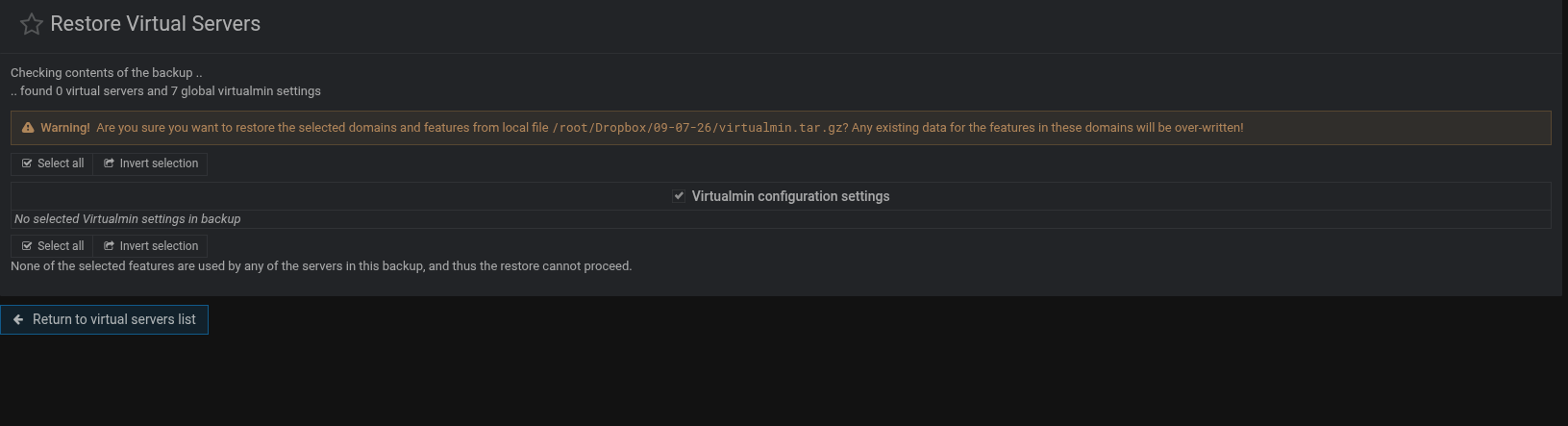
I just did a full restore after i needed to move to another server…which virtualmin excels at. how3ever the virtualomin configuration itself refuses to restore. it has it’s own compressed file but the system will not import it. any ideas?
the configuration..like the scheduled backups, the php settings for the system..everything that’s in the configuration for virtualmin. it has the backujp file it jsut refuses to restoe it..says no server ccan sue the configuration. I wonder if you need to restore the virt config first and then the sites…i rebiult the configuraiton manually it would be nice
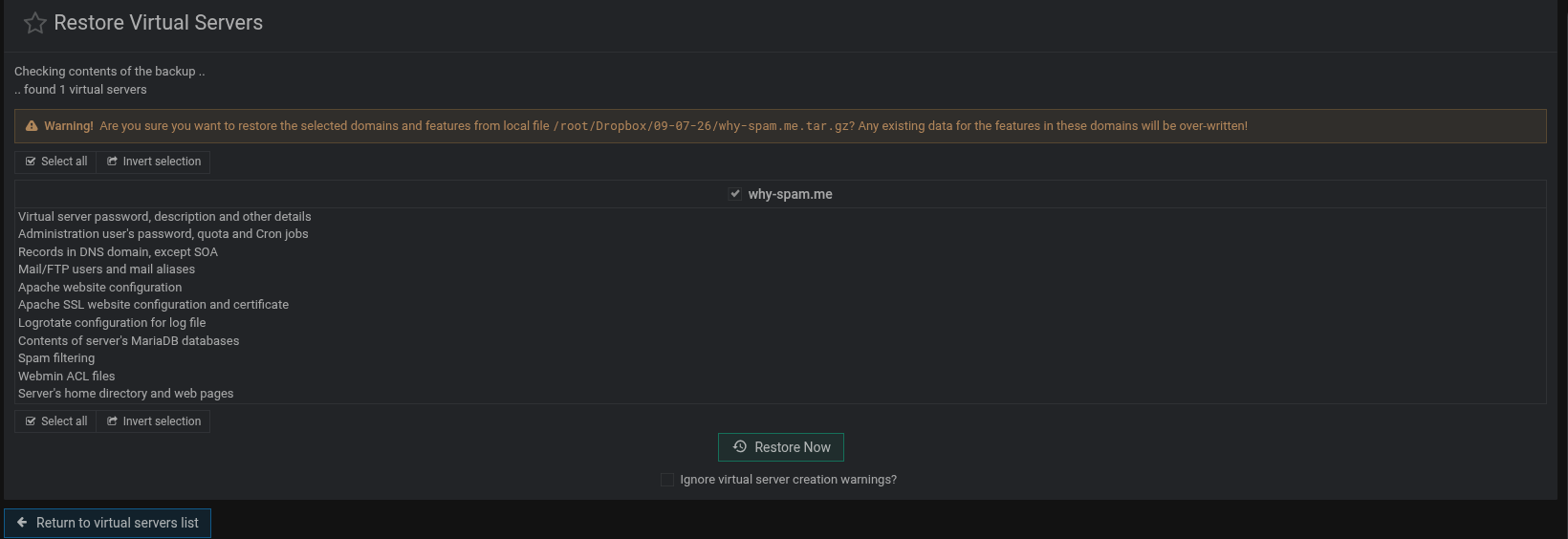
as you can see no mention of virtualmin settings. My guess is the GUI will only allow this to happen if you use the single file option in the original backup (not ideal) or the settings are restored per domain and are not noted on the GUI as being restored (but it is implied) So that just leaves the question how do you restore the virtualmin global settings via the GUI ?
Does your backup contain the Virtualmin global configuration in the first place?
That said, when you made the backup, did you check all the boxes under “Global settings → Virtualmin settings” on the “Backup and Restore ⇾ Backup Virtual Servers” page so they would be included in the backup?
May I ask how you are performing the restore? Are you using the “Backup and Restore ⇾ Restore Virtual Servers” page and pointing to a single .tar.gz file or a directory that contains one file per server? Or are you pointing restore to the directory that contains multiple files? To be clear, if a scheduled backup was configured to create “One file per server,” then global settings are saved in a separate virtualmin.tar.gz file.
Or perhaps you are restoring it through “Backup and Restore ⇾ Backup Logs”?