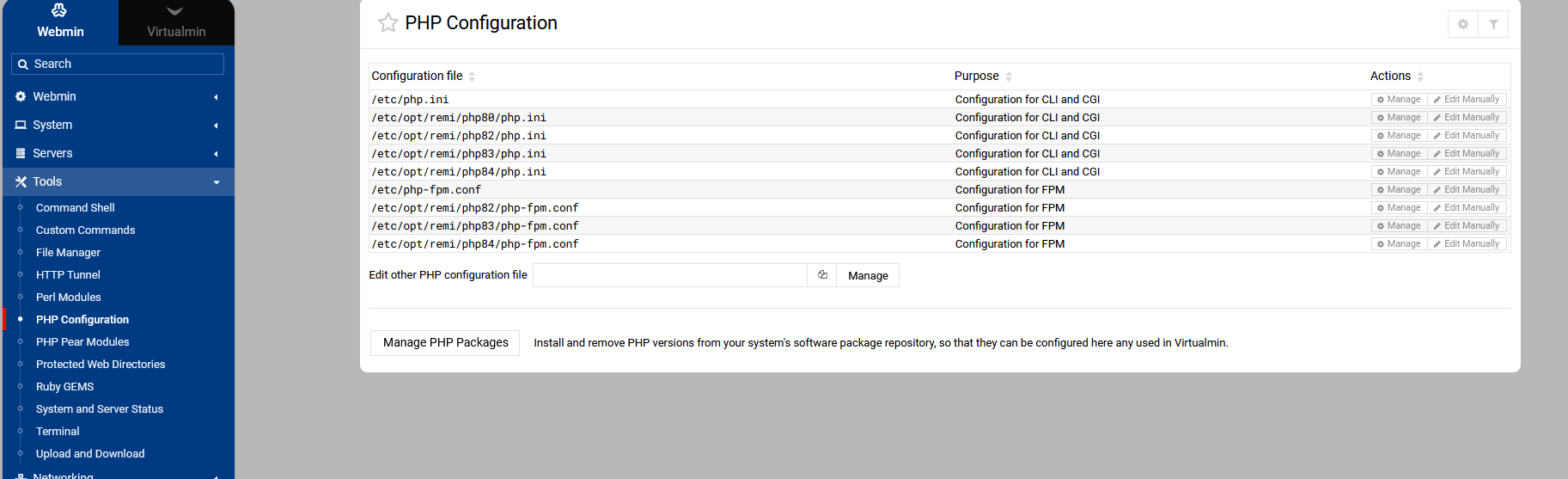
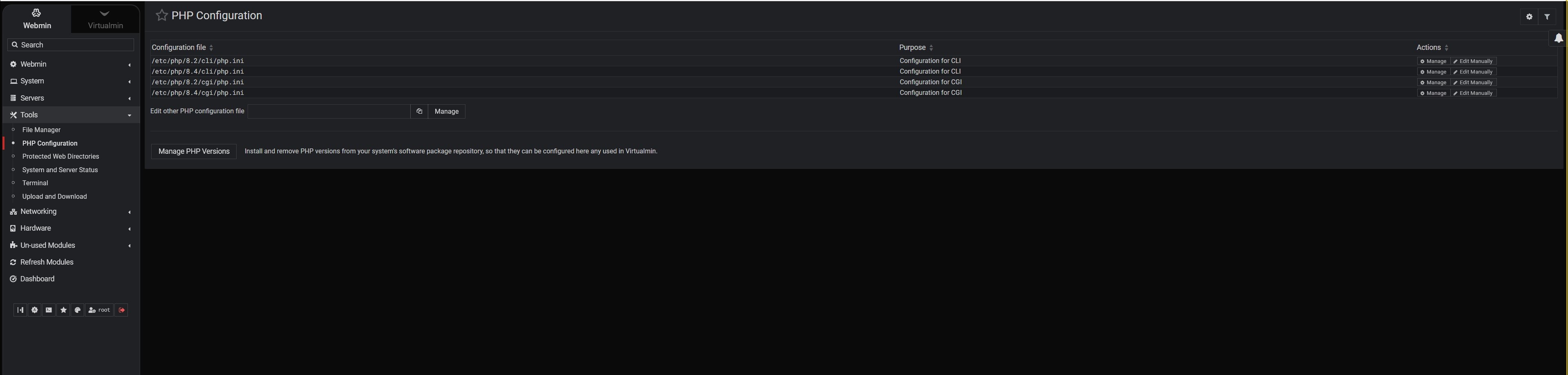
New install, the only php version will be the one supplied by the OS which will use /php.ini
Only additional php versions will show the number.
New install, the only php version will be the one supplied by the OS which will use /php.ini
Only additional php versions will show the number.
That’s actually after I followed the Virtualmin documentation to add PHP version. The FPM config didn’t show up after adding the new PHP version. It didn’t show the FPM option.
If you have Pro, lodge a fault report.
If not, start a new thread about just that issue and take a chance that staff might read it.
This thread had meandered a bit.
Must the way debian does it, I just tested and looks like yours.
The manage for the php version dosn’t work in the resourse section?
Did re-check de config again? You need to do it in order to appear the new PHP version.
Ahh, good point. If I manually type in /etc/php/8.4/fpm/php.ini and then click the manage button, it does go to fpm php.ini panel. And is able to edit the php config.
Thanks, I didn’t think to just type in the discrete php.ini location.
Yes, I did re-check the configuration again. And it did pick up the added php version in the recheck config (but still not showing up in Webmin > Tools > Php Config)
Try manually editing the domain’s configuration file located at /etc/webmin/virtual-server/domains/ to set virus=0, and then run the configuration re-check again.
If your main goal is just email migrations, I would suggest taking one look at the SysTools IMAP Migration tool.