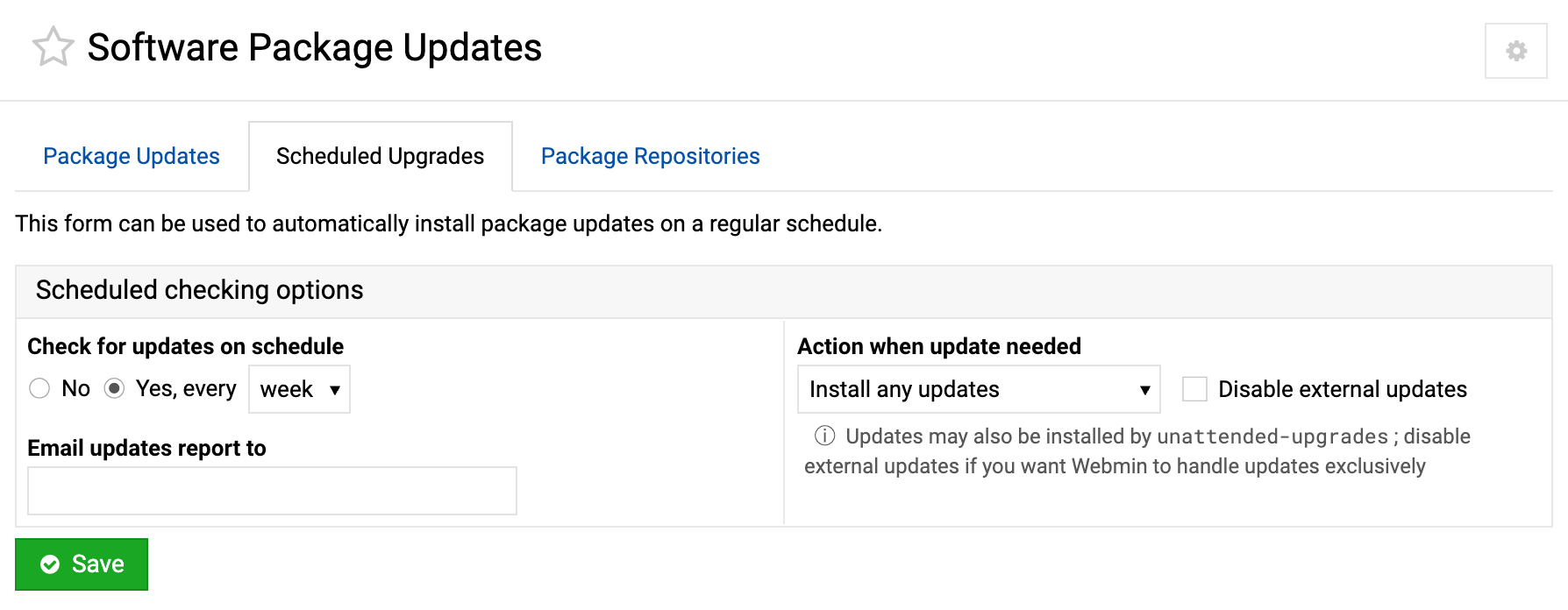
Now I know there is this issue, it needed to be flagged up. There is a reason the scheduler tab has those options and I want to use them. I think I got the email me when there are security updates added (I did not do the code ).
Some admins might not want the security updates applied automatically, especially if they require a reboot, or they want to choose when they apply them. I am guessing it is rare but there might be times where an automatic update breaks the server.
There is no real problem. It would just be better to keep the user aware of some external programs that may apply updates. We will simply show a warning that makes it easy to disable them.
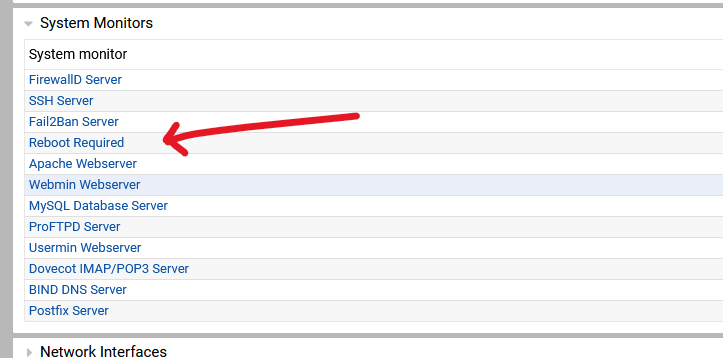
I thought webmin applied updates or worked out that the OS had installed updates that require a reboot it gives you a message telling you a reboot is required and does not reboot the server adhoc. At some point wether an automated system or webmin installs updates that require a reboot, you will have to reboot to apply the updates. On ubuntu, there is a chance that webmin looks for the existence of the file reboot-required and throws the message that a reboot is required. So therefore nothing is changed until you reboot the machine
surely at some point you will have to reboot if your server is at risk/insecure, and let’s be sure about this either if unattended updates or webmin apply updates they don’t reboot the server, Ubuntu (>24.04) will also restart services that need restarting after any update that requires it so therefore no services that are using out dated binaries/dependencies (they have be updated) are compromised
Ok who wouldn’t want keep their sever secure as soon as a flaw becomes apparent ? I, personally would want those security updates applied immediately I for one don’t have the time to read cve’s and apply updates from them and would rather have the OS handle them but I guess each to their own
I’ve only done 20+ years with linux and I to have never have one fail. My early fails were by using apt’s autoremove option ( removing stuff perhaps it shouldn’t have done ) however as time has passed that function seems to be more stable
 ).
).
 , so with or without.