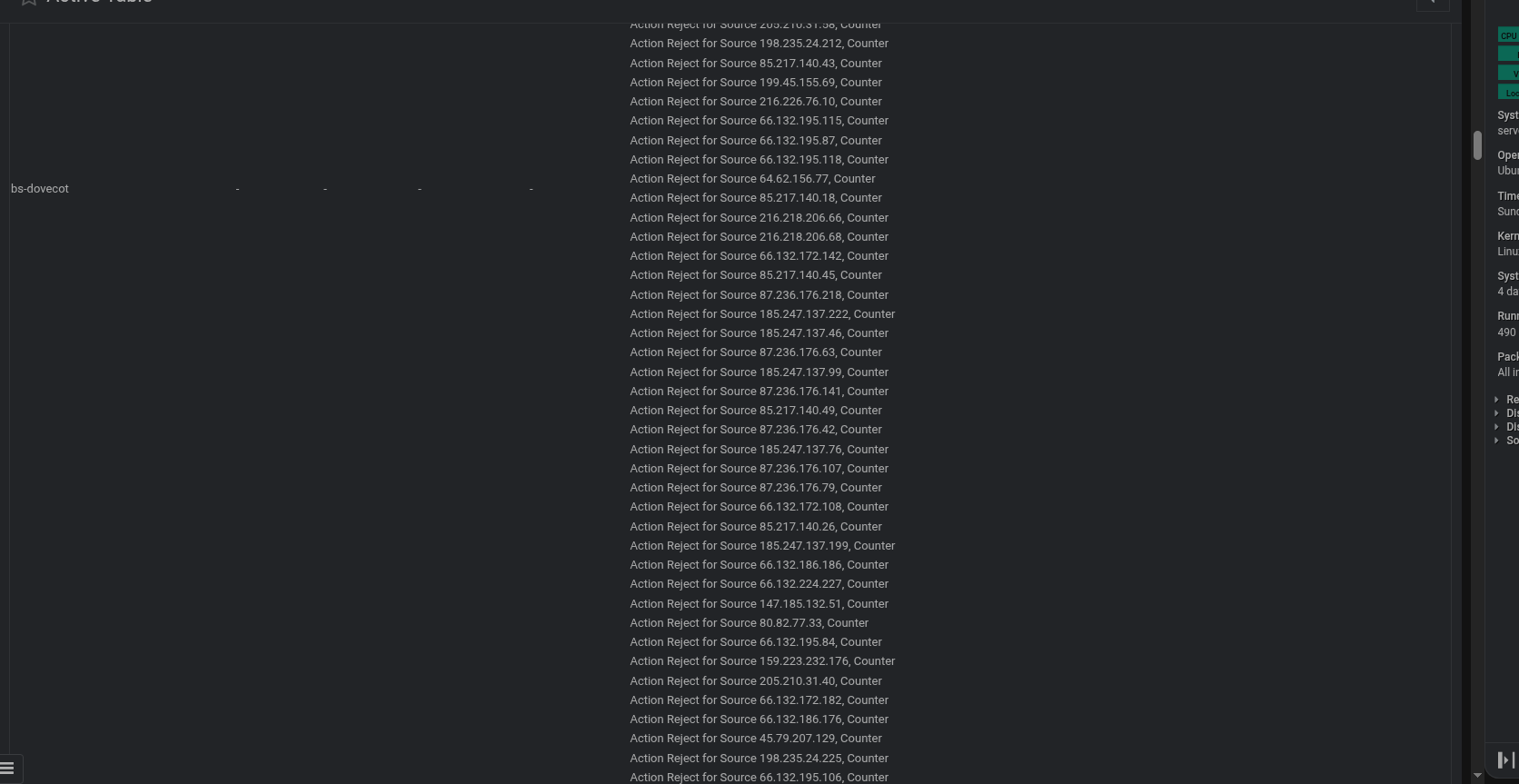
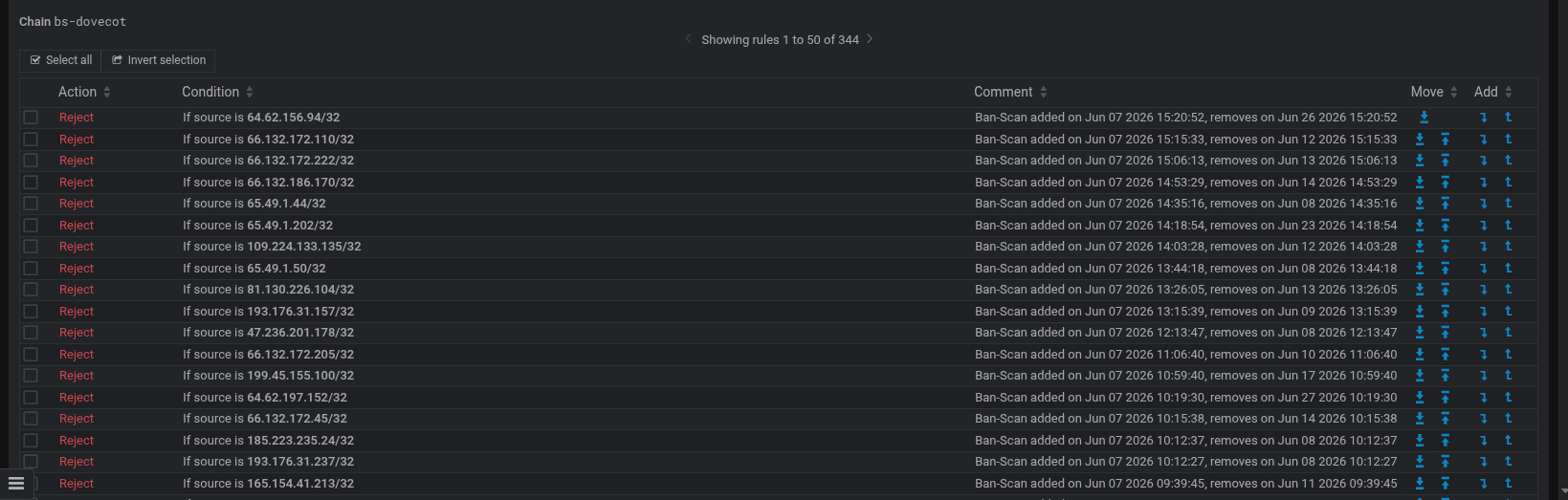
I really do prefer the iptables module display, it shows comments and is a bit better spread across the screen and shows comments (the new module has comments switched on but does not display them). why when you hover of a chain does the background turn blue for the whole chain ? As far as I am concerned the nf tables module should just be exactly the same as the IP tables module in appearance, but it could be said as you used firewalld as the default for a while the nf tables module looks a bit like the firewalld module and not the iptables module which may suit users that have never seen or used the IP tables module, as I ditched firewalld I use it quite a bit
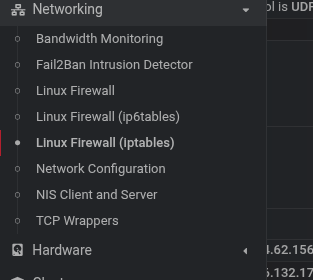
It’s appeared on my system, this may be due to me not having firewalld installed, which I guess most will have installed my network tab looks like this now
Maybe they will write a conversion routine to convert from firewalld to nf tables and adjust the fail2ban jails to match that your using nf tables and not firewalld or most likley if you have firewalld installed that will continue as if nothing has happend until you reinstate the server with a new/updated OS when firewalld may have disappeared
We’re not taking away the firewalld module. If you prefer it, you can keep using it. If you install a new system and you want firewalld, you can install firewalld (unless you’re on a VM running Debian or Ubuntu that uses cloud-init, in which case, installing firewalld would break cloud-init, because Debian/Ubuntu are doing stupid and hostile things with their package conflicts).
But, since two of our three supported operating systems no longer allow firewalld to be installed safely, we pretty much have to do something else. nftables is very good. We now have a module for it. So, that’s where we’ve gone.
And, we’re happy to improve the nftables module. Ilia or I will take a look to see if we can improve the chain display to provide the same info as the old iptables module.
I’m pretty sure you can start firewalld (with nftables backend, which I believe has been the default for several years) then save the rules it generates with something like:
sudo nft list ruleset > /etc/nftables/firewalld_migration.nft
And, include that file in your nftables.conf.
But, and this is a big but, and one reason I am less fond of firewalld than I expected to be: firewalld produces a lot of bullshit rules. A bunch of custom chains, jumps, etc. that no human would ever write (this is why I don’t like firewall generators, like CSF, in general, and while firewalld is cleaner than some, it’s still more bullshit than I like…I like to be able to read the actual firewall rules).
Anyway, if you like firewalld, stick with it. We’re not going to break it. We’re not going to take away the module. Even once we fully switch, you’ll still be able to install firewalld and initialize it with the appropriate virtualmin config-system commands.
And, if your firewall is complicated enough to where you’re trying to convert it instead of just initializing a new one with the virtualmin config-system command, your firewall is probably too complicated and you should step back and think about why you’ve got a too-complicated firewall on a web server.
None of this has happened yet. We’re still not shipping proper tools for nftables that should make anyone think they have to switch.
Also, everybody is spending way too much thought/stress on firewalls. The firewall on a web server is doing very little for security on a web server. It’s closer to nothing than it is to something.
Our office just purchased some zero trust corporate software… one of the things they brag is enabling/configuring all the Windows Firewalls on everything to lock down access completely except for only what is needed. Right now it’s in “learning mode” but I wonder just how difficult it will be to manage our enterprise once they go live…
I don’t use it for a web server I tend to use it for SSH & Mail services where I do see the benefit of adding rules to stop repeated attempts to access those services
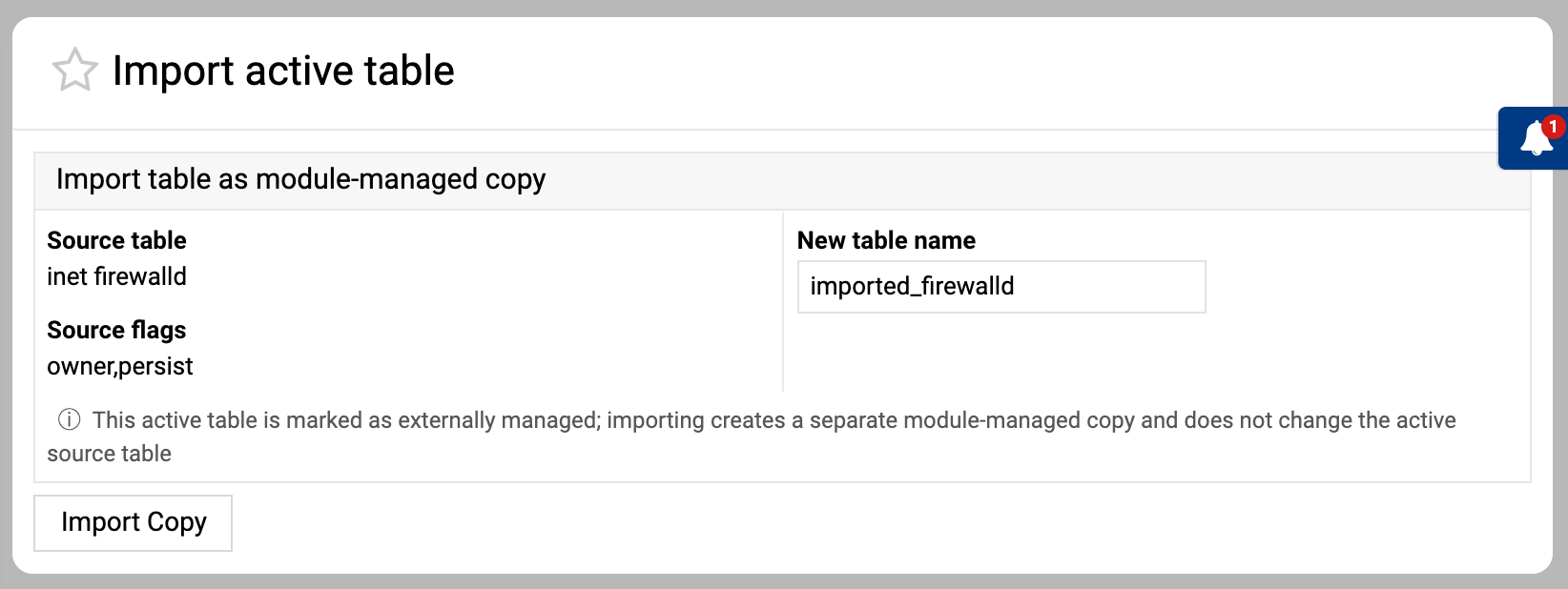
And there’s really no need for that either. The latest version of Webmin nftables module already lets you import a copy of active rule sets.
Just go to the index page, click the “View Active Ruleset” button, then click “Import Copy” for the inet firewalld table (or any other external table you want to import), and that’s all. For example: