I’m up to 4 duplicate processes running now. Yeah, I’d mainly like to know why so many processes keep running. It seems to be working fine other than all these processes running.
I’ll disable the dns lookup and see if I can find more info on why so many processes would seemingly start running on their own. General searching has come up with nothing so far. Thanks for helping point me in various directions to find a cause. I’ll report back if I make any progress with this.
Create/Update database for config "/etc/awstats/awstats.domain.org.conf" by AWStats version 7.9 (build 20230108)
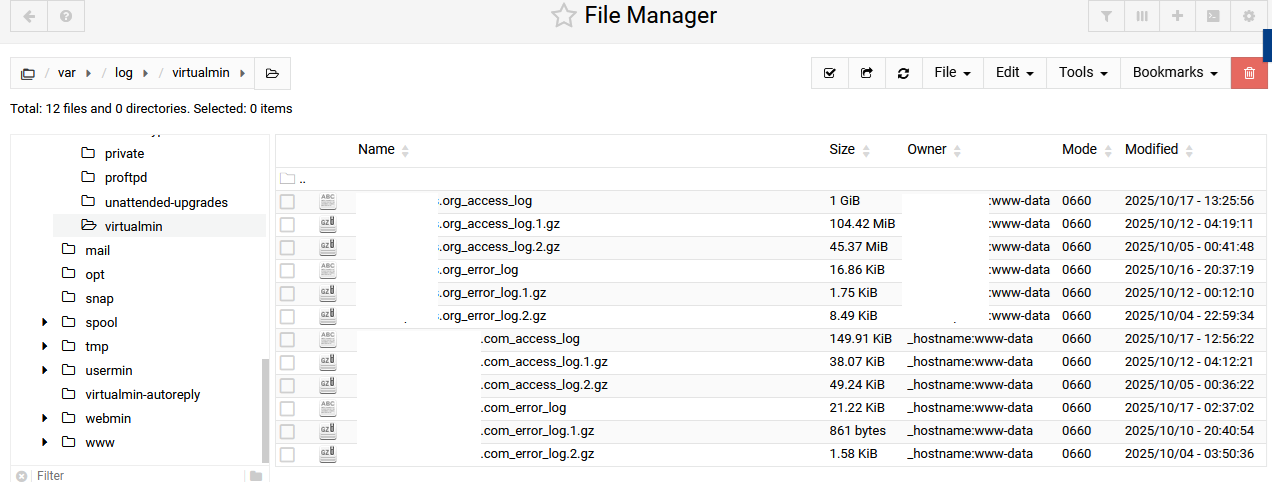
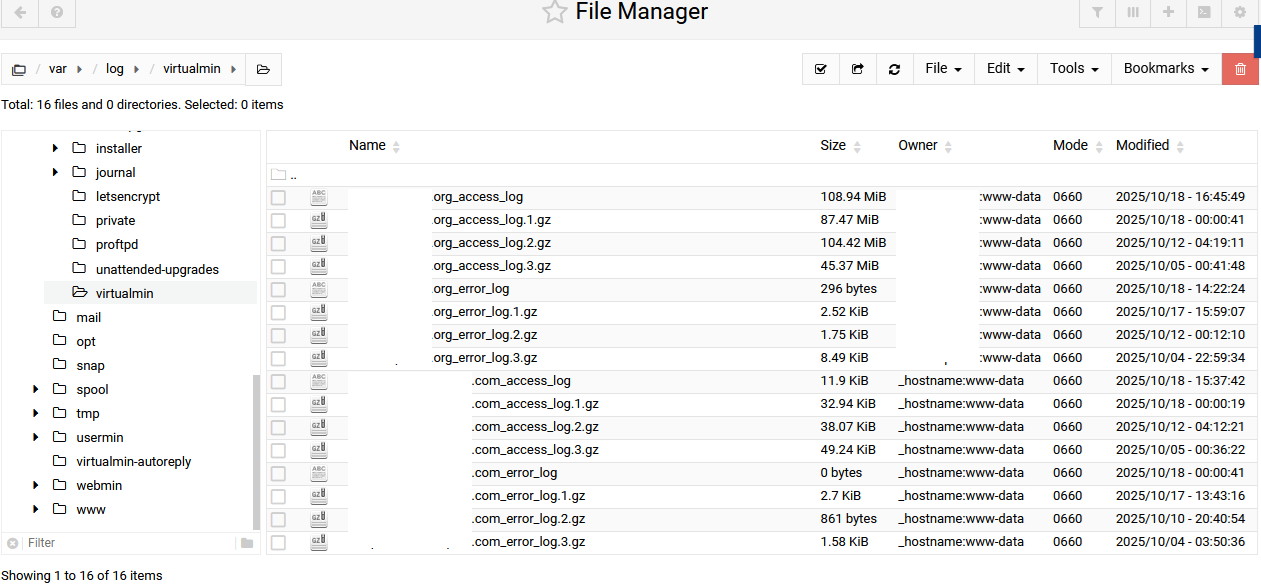
From data in log file "/var/log/virtualmin/domain.org_access_log"...
Phase 1 : First bypass old records, searching new record...
Direct access after last parsed record (after line 3465016)
I let it sit for a few minutes with no new output. Should I have waited longer?
There doesn’t seem to be much activity on SourceForge but I may give it a try. Thank you!
I enabled dns resolution and manually ran the AWStats report generation and waited a few hours for it to complete. While it was running, a bunch of other processes started spawning, as usual. But the report generation completed successfully and I ran it again for good measure and it finished within a few minutes… but still a bunch of extra processes were running after. I edited the awstats config to:
EnableLockForUpdate=1
and killed the existing processes. They have not come back since and I even ran the process manually again. I’m not sure what’s causing the issue, but that seemed to fix it.