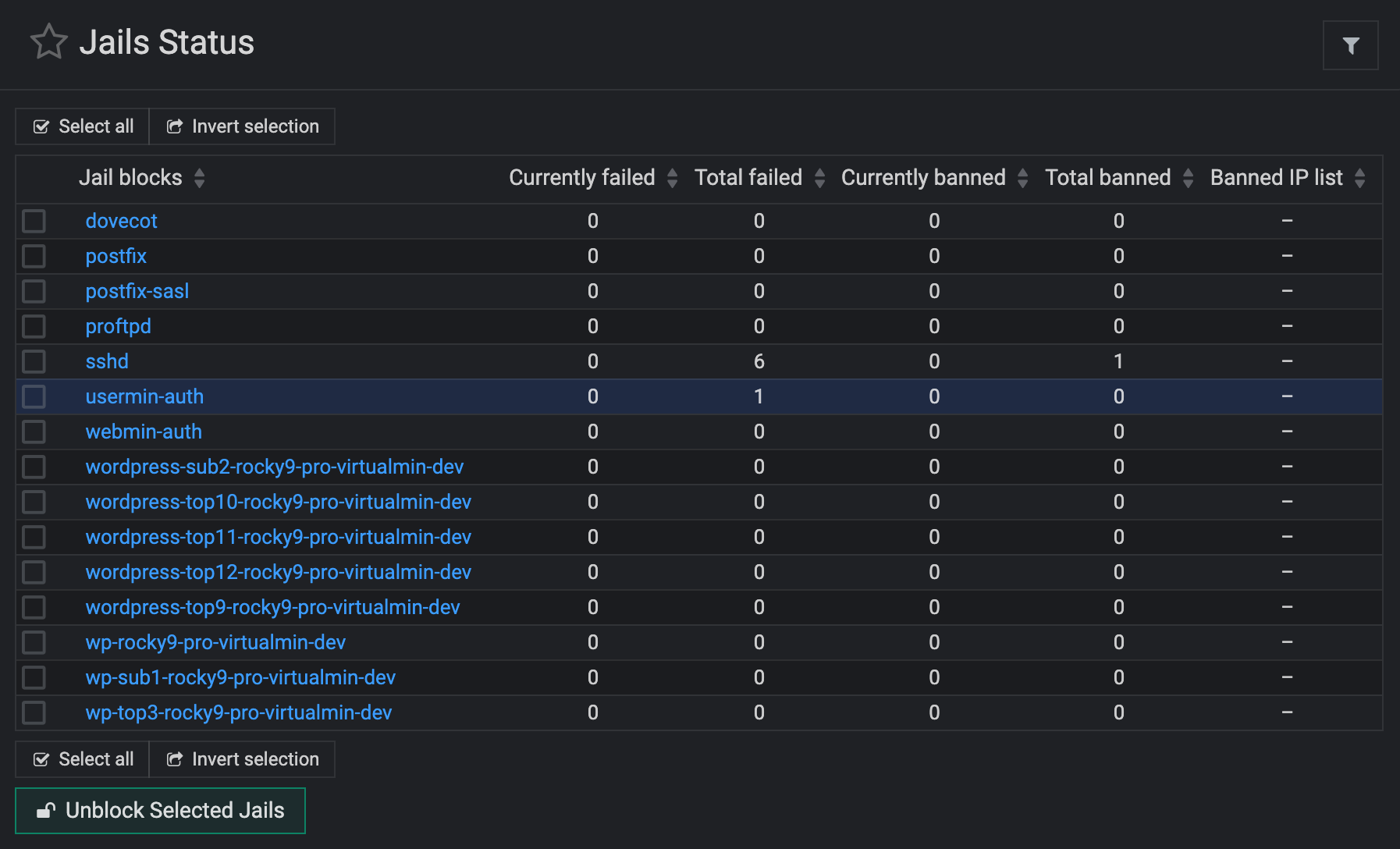
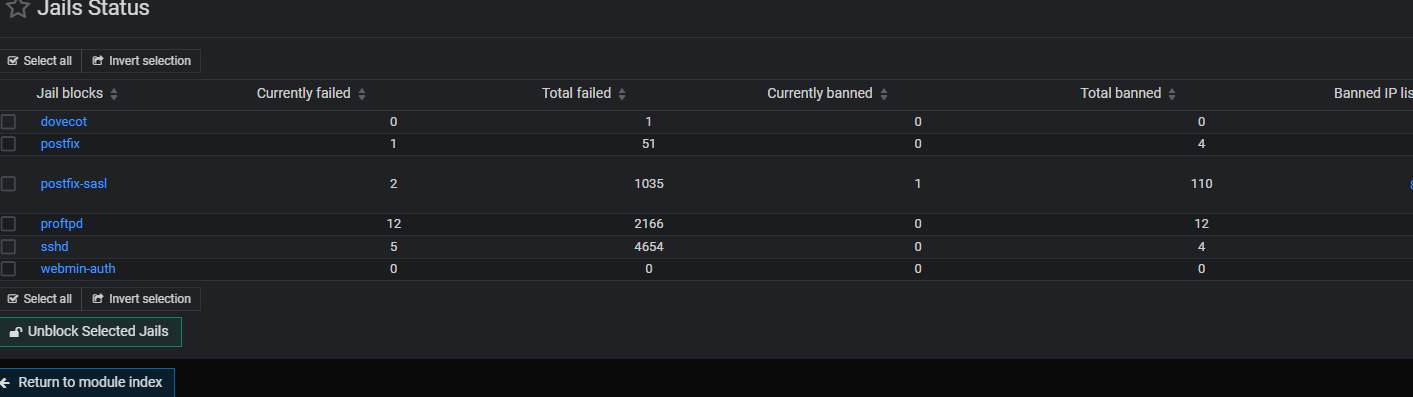
I noticed that there is no fail2ban jail for Usermin/Webmail/Port 20000 and the jail for Webmin-Auth does not capture or ban failed Usermin logins.
Can someone provide some clarity here or info how to protect Usermin with fail2ban?
Thank you
I noticed that there is no fail2ban jail for Usermin/Webmail/Port 20000 and the jail for Webmin-Auth does not capture or ban failed Usermin logins.
Can someone provide some clarity here or info how to protect Usermin with fail2ban?
Thank you
I think you’d just copy the Webmin filter and jail and change it to look for usermin, instead of webmin.
If I understand what I’m seeing in the fail2ban configs, it’s just watching the auth log, which shows PAM auth attempts, labeled webmin. Since Usermin also authenticates to PAM when available, I assume that’s also how the log entries appear.
If you don’t care about the name, the easy way is to add a comma and port to the webmin-auth. I just did that cuz, well, easy. 
I think that would only add a firewall rule to block Usermin access for the IP that tried to login to Webmin and failed, rather than watching the Usermin accesses, as well. To watch for Usermin accesses you need fail2ban to look for usermin auth failures in addition to webmin.
I am not an expert on fail2ban, though, but that’s how I’m reading the config file.
Should the rule for usermon be adde
Maybe. But, we don’t actually add the rule for Webmin. That’s a default filter/jail included in fail2ban. I guess there is a way for packages to provide their own rules (in the filter.d and jail.d dirs), so we could add one.
OK. Probably correct there. Less tired now so taking a closer look at the config files. Grepping for webmin.
The Debian system has local designations so I guess I’d have to put them there to avoid clobbering.
it would seem to make more sense as Usermin is an *min module - though not always used
I have added support for the Usermin jail in Fail2ban for all new installations.
For current installs do we just add copy Webmin filter and have it look for usermin?
Don’t want to break anything as I’m known for doing 
Yeah, you should just copy /etc/fail2ban/filter.d/webmin-auth.conf to /etc/fail2ban/filter.d/usermin-auth.conf, and make sure the file contents is:
# Fail2Ban filter for usermin
# manually created

[INCLUDES]

before = common.conf

[Definition]

_daemon = usermin

failregex = ^%(__prefix_line)sNon-existent login as .+ from <HOST>\s*$
            ^%(__prefix_line)sInvalid login as .+ from <HOST>\s*$

ignoreregex =
Also edit /etc/fail2ban/jail.local and add at the end of the file:
[usermin-auth]
enabled = true
journalmatch = _SYSTEMD_UNIT=usermin.service
Restart Fail2ban using the sudo systemctl restart fail2ban command.
Then go to “Webmin ⇾ Usermin Configuration: Authentication” and make sure the “Log failures to syslog” option is enabled.
That is all.
@Ilia
I did as you described and all seems to work well
How can we view failed attempts in the Jail Status?
something tells me it takes more configuration for this but thought I would ask 
Debain 11
/etc/fail2ban/jail.local
[usermin-auth]
enabled = true
port    = 20000
journalmatch - _SYSTEMD_UNIT=usermin.service@ID10T
yes seems to work
Learn new stuff everyday
I tried some failed logins and it shows in Jail Status 
Thanks everyone
This topic was automatically closed 8 days after the last reply. New replies are no longer allowed.