No, don’t do it. You will likely end up in the same place as before, taking the same steps.
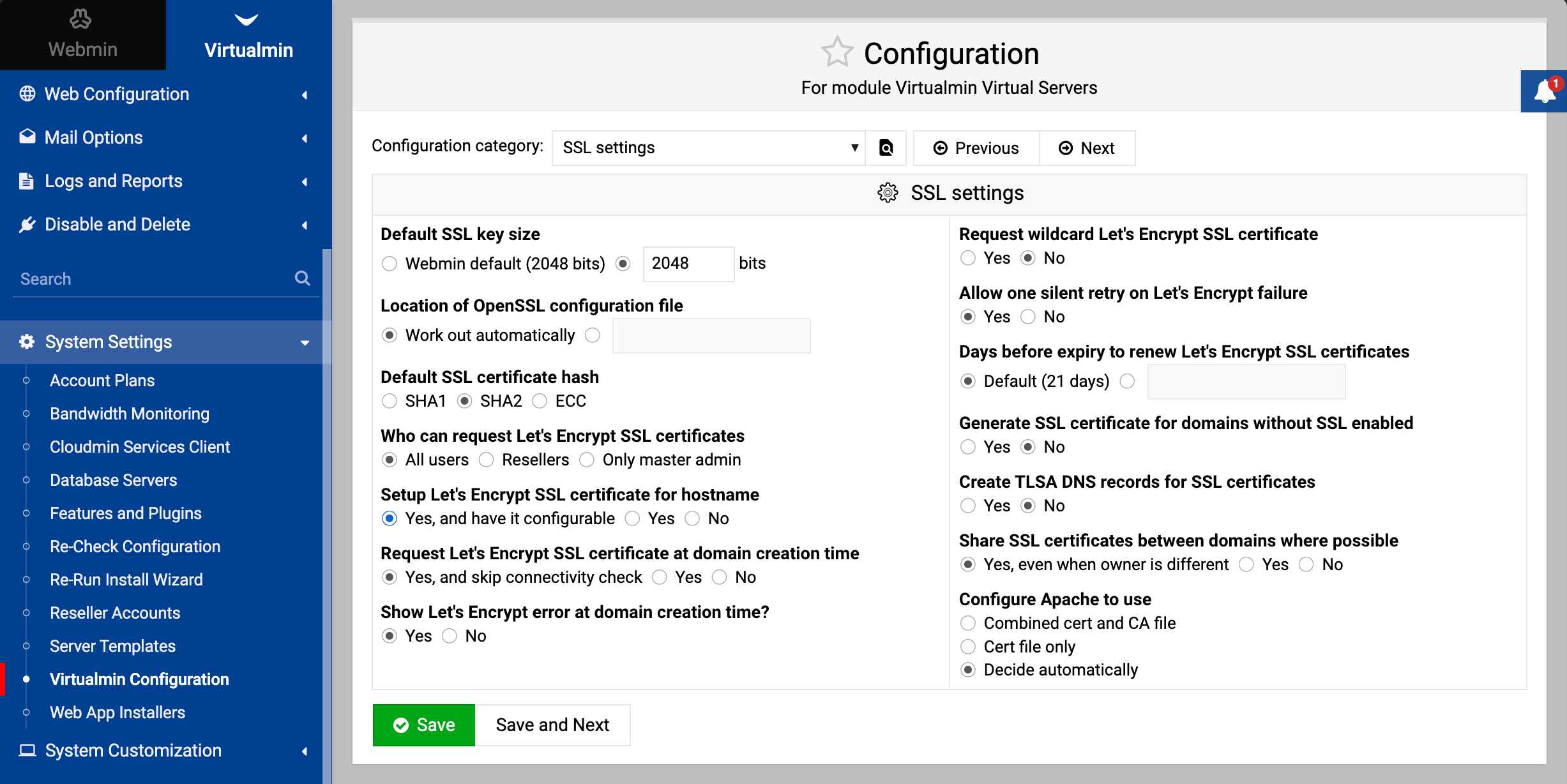
If you try to create a virtual domain in Virtualmin and get the error as in the initial message, it means that the default domain was set up correctly and is running. You can make it visible by going to System Settings ⇾ Virtualmin Configuration: SSL Settings page and set it to be configurable using the Setup Let’s Encrypt SSL certificate for hostname option, e.g.: