Create Alias domain

SYSTEM INFORMATION
OS type and version Ubuntu Linux 24.04.5
Webmin version 2.670
Virtualmin version 8.3.0.pro-1
Webserver version Apache version 2.4.58

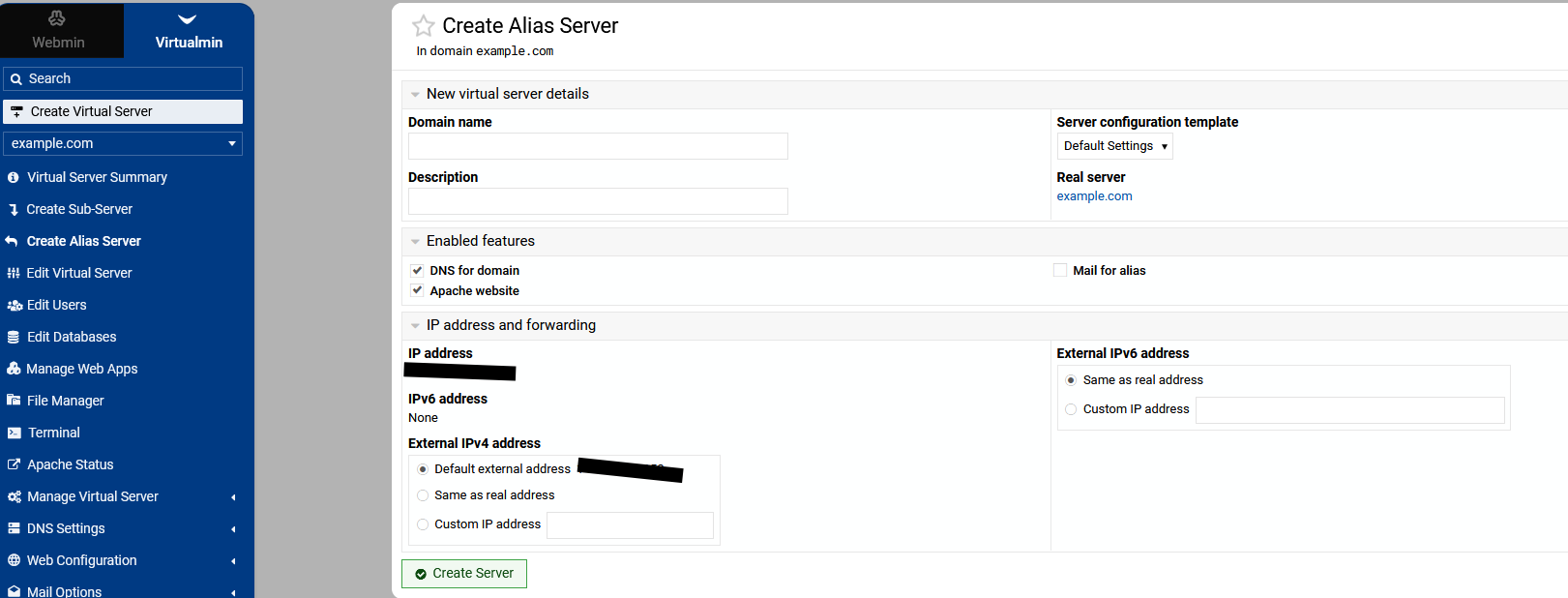
trying to Create Alias Server by adding a domain name.

done this many times before on this server and other servers.
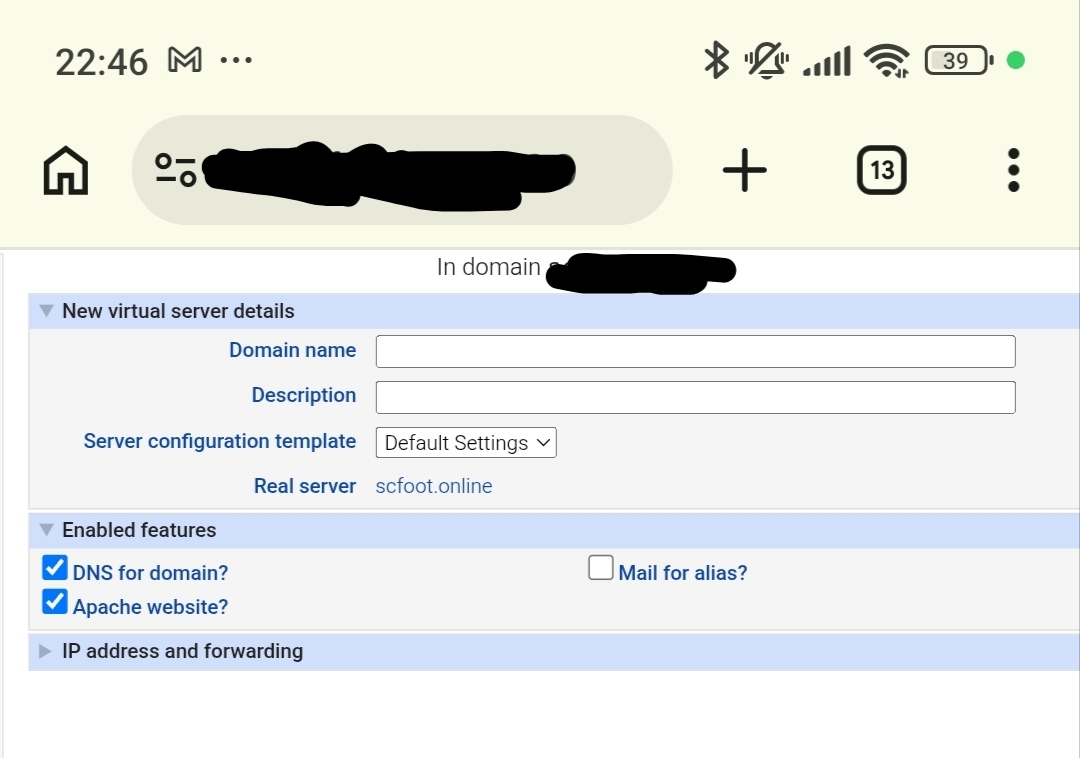
but the Create Server button is missing under the “IP address and forwarding” item at bottom

so I cannot add the domain.

any ideas

thanks Brian

in fact the Create Button is missing from the Create Domain link as well.

I just upgraded from 50 to 100 domains (in case that was an issue)

I already have 4 alias domains setup for the main domain., it worked previously a few weeks ago

I still see it


Is this a root login?

Yea it’s weird.
Here’s what I see. No button to save.
Works on on other servers I have but they are php7

Brian

(attachments)

Your on mobile, have you used desktop?

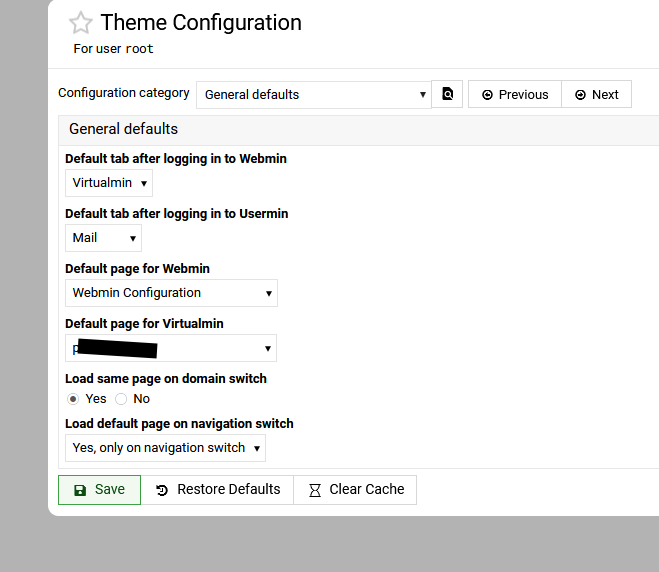
It look like its getting cutoff or terminating early, maybe clear theme cache.

I tested on a mobile and it works fine too.

Have clicked on IP address and forwarding to dropdown options.

PHP should not matter, webmin is independent of that.

I tested a few times on laptop and got your message on mobile so tested it.

I’ll check again
Thanks

Sorry, I did also test on mobile

You could run “recheck config”, reboot server and clear cache, never seen this issue before.

Yea did that, will do again in morning

Brian

Is it specific to the theme? I mean, if you switch to Authentic, does the save button show up?

And, if it is not specific to the theme, can you check the miniserv.error log for anything showing up during your load of that page?

ah, great suggestion Joe !
and it highlights the issue - and solves it.

[07/Oct/2026:01:15:48 +0100] [1.14.xxx.xxx] /virtual-server/domain_form.cgi?to=17881974131661465&nofeat=mail : Failed to work out externally visible IPv6 address

I checked the network and IPv6 is enabled at this point.
disabled IPv6 and then Create Alias Domain now shows the Create Server button.

working now. what a weird condition

thanks all for your help and suggestions

So, that’s a bug we can fix. I mean, IPv6 shouldn’t be enabled if it’s not configured at the OS level, but we also shouldn’t have a broken UI if it’s not configured.

I’ll ping @Ilia and @Jamie about it.

thanks very much Joe,
you guys have a great system and the support is fantastic.

this is a weird issue, I normally try and switch off the IPv6 as it has caused an odd issue

Yes, this is something that has already been fixed for all new installs.

Agreed, and this is not something I see with all the latest code. I tried reproducing it in various configurations, and the create button was always there for me.