At long last, Cloudmin 10 Beta 1 is available for testing!
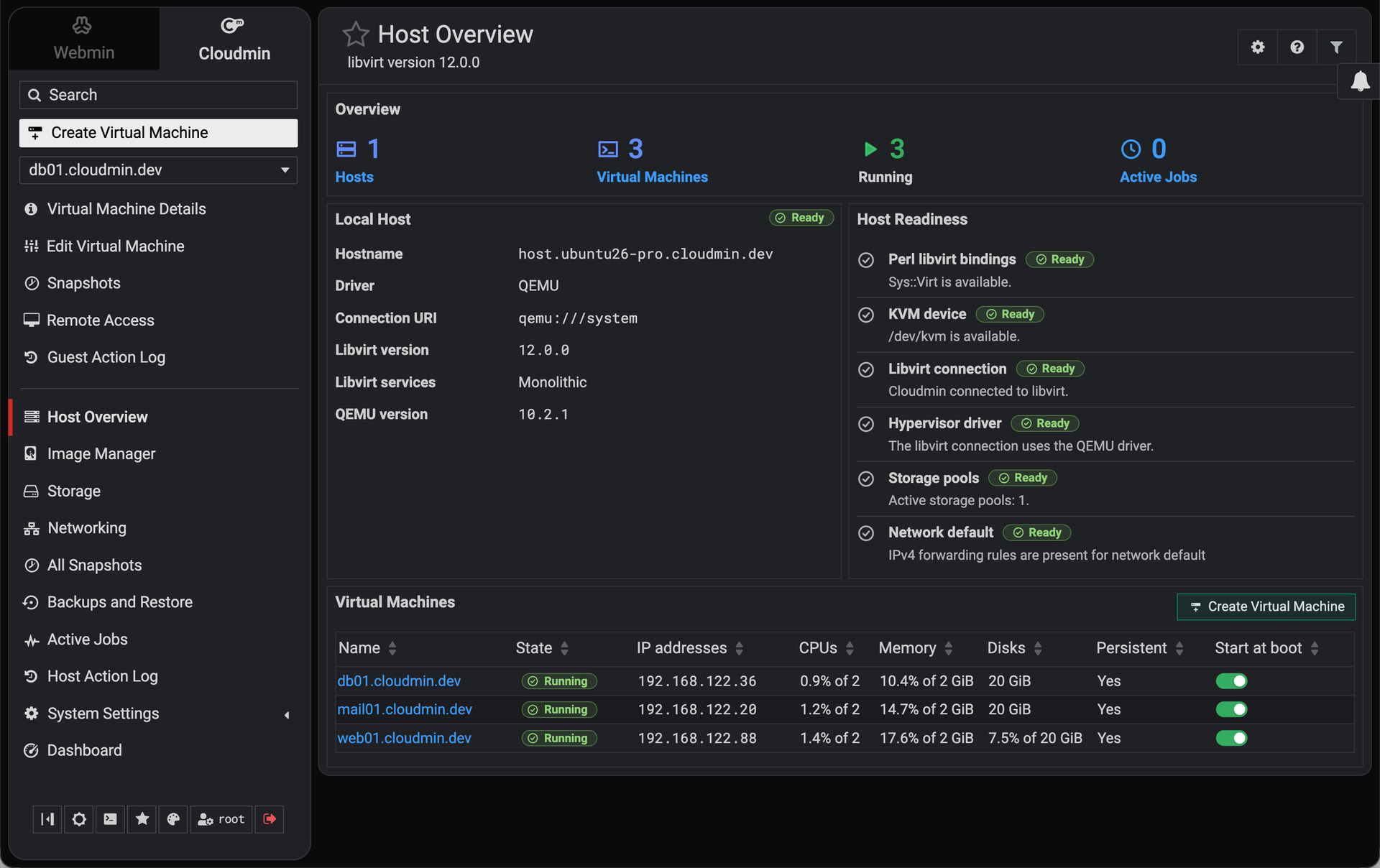
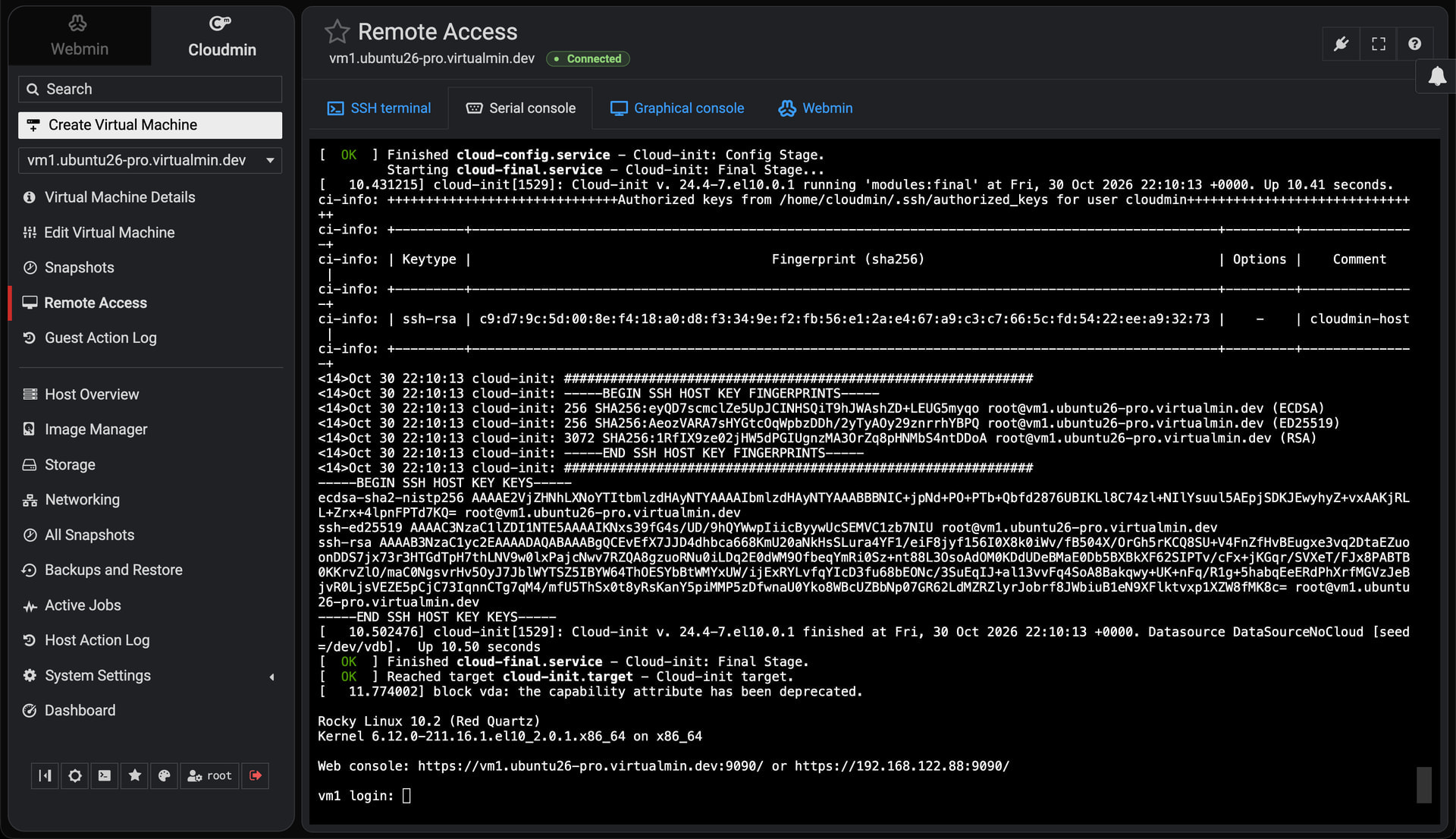
As I mentioned before, Cloudmin 10 is a major rewrite built around libvirt and QEMU/KVM, with a redesigned interface and a new website: cloudmin.com. You’ll find documentation, installation instructions, and the roadmap there.
This beta focuses on managing virtual machines on individual hosts. Cloudmin GPL is free and supports an unlimited number of virtual machines on one host.
Some highlights:
- Image Manager: download popular Linux cloud images, import your own images, and create virtual machines with cloud-init. Installer ISOs are also supported experimentally.
- Templates and resource plans: reuse machine settings, configure accounts and networking, install guest packages, and deploy Virtualmin GPL or Pro inside new guests.
- Snapshots, cloning, and backups: create and restore disk snapshots, clone machines, and schedule backups with retention to local storage, SSH, or S3-compatible destinations.
- Browser access: graphical and serial consoles, SSH terminals, and access to guest Webmin through the host, including guests behind NAT.
- Networking and storage: NAT, routed and isolated networks, guided bridge creation, file-based storage, NFS, LVM, and thin pools.
- Live monitoring and background jobs: see resource usage and task progress, with recovery for interrupted operations.
- Permissions and automation: delegate access to individual machines and use the CLI or JSON API.
Cloudmin Pro adds custom guest setup scripts, image capture from existing guests, and additional cloud backup destinations.
The automated installer prepares the host, configures networking and storage, and boots an isolated KVM appliance to check that virtualization works before reporting success.
The beta targets AlmaLinux 10, Rocky Linux 10, Debian 13, and Ubuntu 26.04 LTS, on x86-64 and ARM64. Use a fresh test system with hardware virtualization enabled. Nested installations need working nested KVM.
Install Cloudmin GPL:
curl -fsSL -o cloudmin-install.sh 'https://download.cloudmin.dev/cloudmin-install.sh' && sudo sh cloudmin-install.sh --bundle KVM
Install Cloudmin Pro, with your Cloudmin license:
Replace 1234567 and XXXXXX with your license serial number and key:
curl -fsSL -o cloudmin-install.sh 'https://download.cloudmin.dev/cloudmin-install.sh' && sudo env SERIAL='1234567' KEY='XXXXXX' sh cloudmin-install.sh --bundle KVM
After installation, open https://your-hostname:10000.
This is a beta for testing. It is not an in-place upgrade from Cloudmin 9. A migration tool for existing Cloudmin 9 KVM guests is planned.
Next on the roadmap are scheduled snapshots, importing existing libvirt guests, VLAN controls, and further installation and storage testing. Longer-term plans include Cloudmin Connect for managing multiple hosts, followed by live migration and high availability. Xen support through libvirt is also planned after the KVM release is stable. These features are not included in this beta.
See the installation guide and feature status and roadmap for details.
You can also report bugs and request features on the Cloudmin GitHub issue tracker.
Many actions run in the background, so you can keep navigating and queue more tasks without waiting. Track their progress and results in Active Jobs.
Also, we now use libvirt events and WebSockets to show state changes within about a second, without repeatedly polling the hypervisor for status.
Please give it a try and share your results here! Include your host OS, architecture, whether it’s physical or nested, and any relevant errors or logs. Remove license keys and other private information before posting.
Thanks for your patience. I’m excited to finally get this into your hands!